

Setting Up Two-Factor Authentication (2FA) with textbee SMS Gateway
A practical guide to implementing SMS-based two-factor authentication using textbee.dev. Step-by-step instructions with code examples.
To set up SMS two-factor authentication with textbee: generate a short numeric code on your server, store it with an expiry, send it to the user's phone with one POST /gateway/send-sms call through your own Android device, and verify the code the user types back. No Twilio account, no per-message fee, and the code arrives from your own number. This guide walks through each step with code.
Two-factor authentication (2FA) adds a security layer to your applications by requiring users to verify their identity through a second method, typically via SMS.
Why SMS-Based 2FA?
SMS-based 2FA is one of the most widely adopted authentication methods because:
- Widespread adoption: Nearly all users have a phone capable of receiving SMS
- No additional apps required: Unlike authenticator apps, users don't need to install anything
- Simple user experience: Users are familiar with receiving verification codes via text
- Cost-effective with textbee: No expensive SMS API fees
How 2FA Works
The 2FA flow typically follows these steps:
- User enters their username and password
- System generates a random verification code
- Code is sent to the user's registered phone number via SMS
- User enters the code to complete authentication
- System validates the code and grants access
Implementation Guide
Step 1: Generate Verification Code
First, create a function to generate a random numeric code:
function generateVerificationCode(length = 6) {
  const min = Math.pow(10, length - 1);
  const max = Math.pow(10, length) - 1;
  return Math.floor(Math.random() * (max - min + 1) + min).toString();
}
Step 2: Store Code Temporarily
You'll need to store the verification code temporarily (with an expiration time) to validate it later. You can use Redis or your database:
Step 3: Send Verification Code via SMS
Use textbee to send the verification code:
const axios = require('axios');

async function sendVerificationCode(phoneNumber, code) {
  const API_KEY = process.env.TEXTBEE_API_KEY;

  const message = `Your verification code is: ${code}. This code expires in 10 minutes.`;

  try {
    await axios.post(
      'https://api.textbee.dev/api/v1/gateway/send-sms',
      {
        recipients: [phoneNumber],
        message: message
      },
      {
        headers: {
          'x-api-key': API_KEY,
          'Content-Type': 'application/json'
        }
      }
    );
  } catch (error) {
    console.error('Failed to send verification code:', error);
    throw new Error('Unable to send verification code');
  }
}
Step 4: Complete Authentication Flow
Here's a complete authentication endpoint example:
async function initiate2FA(userId, phoneNumber) {
  // Generate code
  const code = generateVerificationCode(6);

  // Store code
  storeVerificationCode(userId, code);

  // Send SMS
  await sendVerificationCode(phoneNumber, code);

  return { success: true, message: 'Verification code sent' };
}

async function verify2FACode(userId, inputCode) {
  // implement your own storage logic here
  const stored = verificationCodes.get(userId);

  if (!stored) {
    throw new Error('Verification code not found or expired');
  }

  // Check if code has expired
  if (Date.now() > stored.expiresAt) {
    verificationCodes.delete(userId);
    throw new Error('Verification code has expired');
  }

  // Check if code is correct
  if (stored.code !== inputCode) {
    throw new Error('Invalid verification code');
  }

  // If code is valid - complete authentication

  return { success: true, authenticated: true };
}
Step 5: Express.js Example
Here's how it would look in an Express.js route:
const express = require('express');
const router = express.Router();

// Initiate 2FA
router.post('/auth/2fa/initiate', async (req, res) => {
  try {
    const { userId, phoneNumber } = req.body;
    await initiate2FA(userId, phoneNumber);
    res.json({ success: true, message: 'Verification code sent to your phone' });
  } catch (error) {
    res.status(500).json({ error: error.message });
  }
});

// Verify 2FA code
router.post('/auth/2fa/verify', async (req, res) => {
  try {
    const { userId, code } = req.body;
    const result = await verify2FACode(userId, code);

    if (result.authenticated) {
      // Create session, generate JWT, etc.
      res.json({ success: true, token: generateJWT(userId) });
    }
  } catch (error) {
    res.status(400).json({ error: error.message });
  }
});
Security Best Practices
-
Code expiration: Set a reasonable expiration time (5-10 minutes) for verification codes
-
Rate limiting: Limit the number of verification attempts to prevent brute force attacks
-
Code complexity: Use 6-digit codes for a good balance of security and usability
-
One-time use: Ensure codes can only be used once
-
Secure storage: In production, use secure storage (Redis, database) instead of in-memory storage
-
Logging: Log authentication attempts for security monitoring
Python Example
Here's a Python implementation using Flask:
from flask import Flask, request, jsonify
import secrets
import time
from datetime import datetime, timedelta

app = Flask(__name__)
verification_codes = {}

def generate_code():
    return str(secrets.randbelow(900000) + 100000)  # 6-digit code

def send_verification_sms(phone, code):
    # Use textbee API here
    pass

@app.route('/auth/2fa/initiate', methods=['POST'])
def initiate_2fa():
    user_id = request.json.get('user_id')
    phone = request.json.get('phone')

    code = generate_code()
    expires_at = datetime.now() + timedelta(minutes=10)

    verification_codes[user_id] = {
        'code': code,
        'expires_at': expires_at.timestamp()
    }

    send_verification_sms(phone, code)
    return jsonify({'success': True})

@app.route('/auth/2fa/verify', methods=['POST'])
def verify_2fa():
    user_id = request.json.get('user_id')
    code = request.json.get('code')

    stored = verification_codes.get(user_id)
    if not stored or datetime.now().timestamp() > stored['expires_at']:
        return jsonify({'error': 'Invalid or expired code'}), 400

    if stored['code'] != code:
        return jsonify({'error': 'Invalid code'}), 400

    del verification_codes[user_id]
    return jsonify({'success': True, 'authenticated': True})
Testing Your Implementation
When testing 2FA, consider:
- Valid codes: Test that correct codes are accepted
- Expired codes: Verify that expired codes are rejected
- Invalid codes: Ensure wrong codes are rejected
- Rate limiting: Test that rate limits are enforced
- SMS delivery: Confirm SMS messages are sent correctly
Next Steps
After implementing 2FA, you can enhance it further by:
- Adding backup codes for users who lose access to their phone
- Implementing SMS delivery status tracking
- Adding support for voice call verification as a backup
- Creating an admin dashboard to monitor 2FA usage
For more SMS integration examples, check out our use cases page or explore the textbee documentation.
Get more textbee in Google Search
Add textbee.dev as a preferred source. Our posts show up more often in your Google results.
You may also like
SMS OTP vs Email OTP vs TOTP in 2026: Which 2FA Should You Build?
Compare SMS OTP, email OTP, TOTP (authenticator apps), and hardware keys for 2FA in 2026: security, UX, cost, and implementation. Includes a textbee OTP code example.
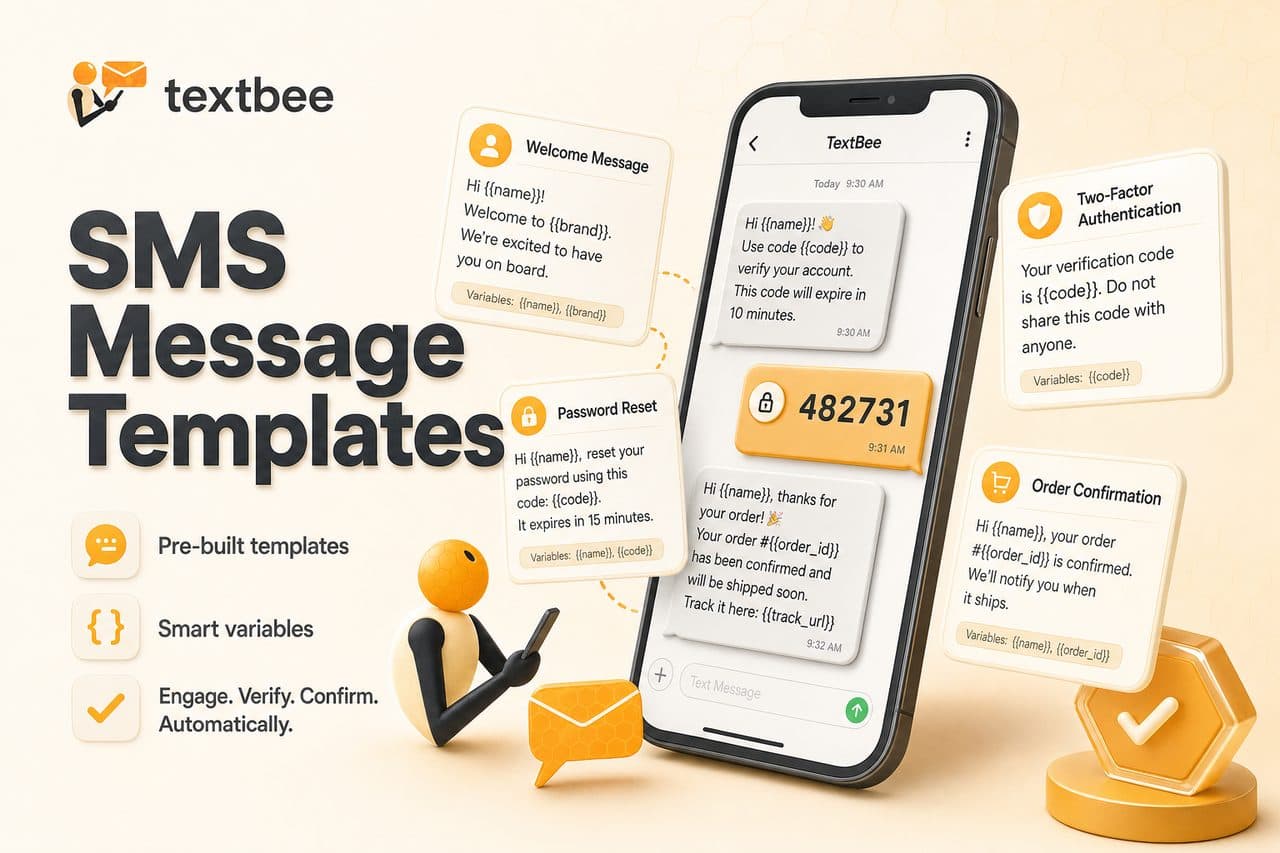
SMS Message Templates: 2FA, Order Updates, and Reminders
Ready-to-use SMS templates for 2FA, order confirmation, shipping, appointment reminders, and alerts. Copy, customize, and use with textbee.dev.
Build an AI SMS Autoresponder with n8n and OpenAI
Wire inbound SMS from your Android phone into n8n, pass it to an LLM, and text the reply back. Node settings, guardrails, and a Code node snippet.