

How to Send Text Messages Programmatically with textbee: SMS API Guide
Send text messages from your own code with the textbee SMS API: step-by-step setup and send examples in multiple programming languages, from your own Android phone.
Sending SMS messages programmatically is essential for modern applications. Whether you need to send notifications, verification codes, or alerts, textbee.dev provides a simple and cost-effective solution using your Android device as an SMS gateway.
Why Use textbee for SMS?
textbee.dev turns your Android phone into a powerful SMS gateway without requiring expensive SMS API services or telecom contracts. You can send SMS messages directly from your applications using a straightforward REST API.
Key benefits:
- Cost-effective: No per-message fees from third-party providers
- Easy integration: Simple REST API works with any programming language
- Private and secure: Your messages stay on your devices
- Open source: Full transparency with code available on GitHub
Getting Started
Step 1: Install the textbee App
First, download and install the textbee Android app on your device. You can download it from our download page.
Step 2: Get Your API Credentials
Once you've set up your device in the textbee app, you'll receive:
- Device ID: Unique identifier for your Android device
- API Key: Authentication key for API requests
Step 3: Send Your First SMS
Now let's look at how to send SMS messages using textbee's API.
Code Examples
JavaScript/Node.js
const axios = require('axios');

const API_KEY = 'YOUR_API_KEY';

async function sendSMS(recipient, message) {
  try {
    const response = await axios.post(
      'https://api.textbee.dev/api/v1/gateway/send-sms',
      {
        recipients: [recipient],
        message: message
      },
      {
        headers: {
          'x-api-key': API_KEY,
          'Content-Type': 'application/json'
        }
      }
    );

    console.log('SMS sent successfully:', response.data);
    return response.data;
  } catch (error) {
    console.error('Error sending SMS:', error.response?.data || error.message);
    throw error;
  }
}

// Usage
sendSMS('+1234567890', 'Hello from textbee!');
Python
import requests

API_KEY = "YOUR_API_KEY"

def send_sms(recipient, message):
    url = "https://api.textbee.dev/api/v1/gateway/send-sms"
    headers = {
        "x-api-key": API_KEY,
        "Content-Type": "application/json"
    }
    payload = {
        "recipients": [recipient],
        "message": message
    }

    response = requests.post(url, json=payload, headers=headers)
    response.raise_for_status()
    return response.json()

# Usage
send_sms("+1234567890", "Hello from textbee!")
For a full walkthrough, see the Python SMS gateway guide.
cURL
curl -X POST "https://api.textbee.dev/api/v1/gateway/send-sms" \
  -H "x-api-key: YOUR_API_KEY" \
  -H "Content-Type: application/json" \
  -d '{
    "recipients": ["+1234567890"],
    "message": "Hello from textbee!"
  }'
Sending to Multiple Recipients
You can send the same message to multiple recipients in a single API call:
await axios.post(
  'https://api.textbee.dev/api/v1/gateway/send-sms',
  {
    recipients: ['+1234567890', '+0987654321', '+1122334455'],
    message: 'Bulk notification: Important update for all users!'
  },
  {
    headers: {
      'x-api-key': API_KEY,
      'Content-Type': 'application/json'
    }
  }
);
Best Practices
-
Store credentials securely: Never commit API keys to version control. Use environment variables or secure configuration management.
-
Validate phone numbers: Ensure phone numbers are in the correct format (E.164 format recommended: +1234567890).
-
Handle rate limits: Implement rate limiting to avoid overwhelming your device.
-
Monitor delivery: Check your textbee.dev dashboard to monitor the delivery status of your messages.
-
Use templates for common messages: Consider creating reusable message templates for frequently sent content.
Next Steps
Now that you know how to send SMS programmatically with textbee, you can:
- Set up two-factor authentication (2FA) in your applications
- Send order confirmations and shipping notifications
- Implement alert systems for your services
- Create automated notification workflows
Check out our use cases page for more inspiration, or explore our quickstart guide for additional integration examples.
Get more textbee in Google Search
Add textbee.dev as a preferred source. Our posts show up more often in your Google results.
You may also like
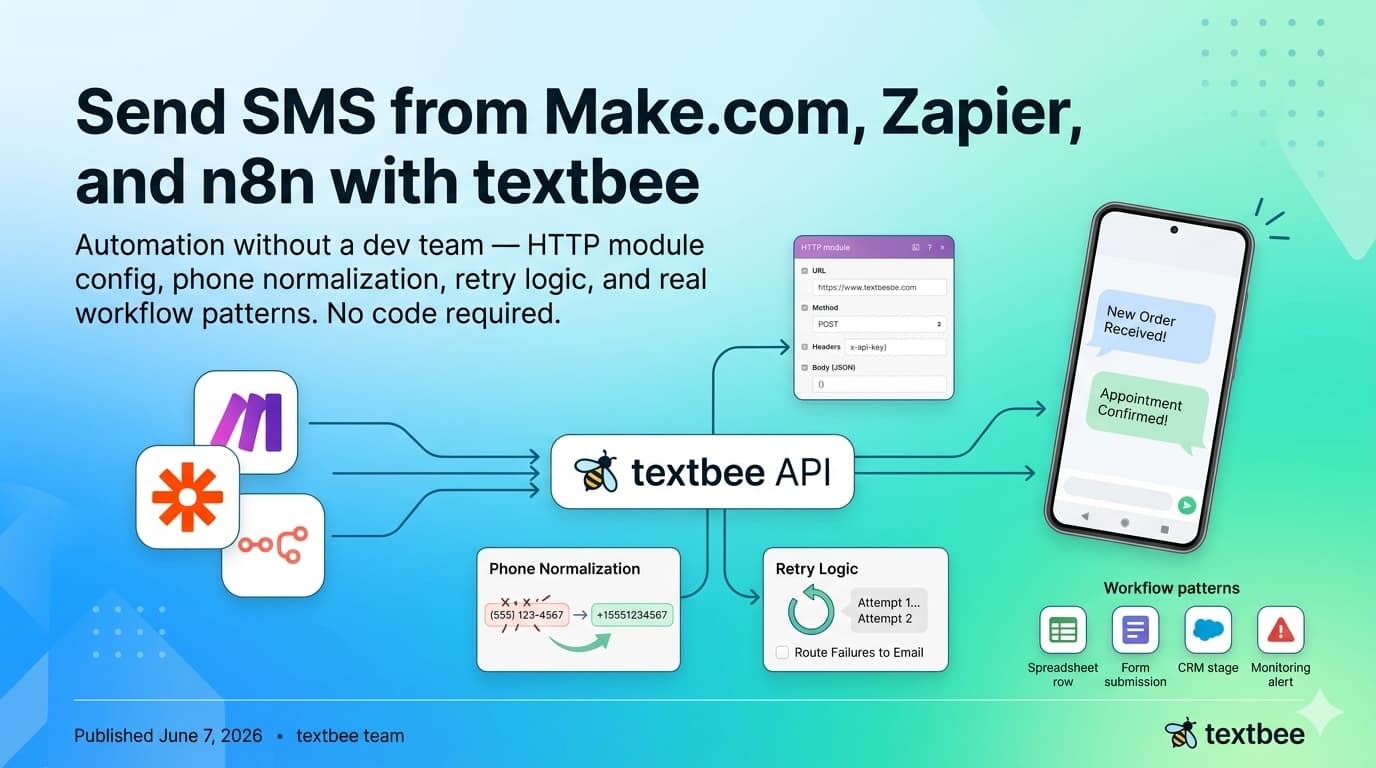
Send SMS from Make.com, Zapier, and n8n with textbee
Automate SMS without a dev team: HTTP module config, phone normalization, retry logic, and workflow patterns for Make.com, Zapier, and n8n. No code needed.
Send SMS in Django and Flask: textbee Integration Guide
Send SMS from Django and Flask applications using textbee and your Android phone as the gateway. Service class, Celery async tasks, Django signals, Flask blueprints: zero per-message fees.

Send SMS from Laravel: Gateway, Notifications, and Queued Jobs
Send SMS in Laravel using textbee and your Android phone. Covers the Http facade, a service class, a custom notification channel, and queued jobs.