
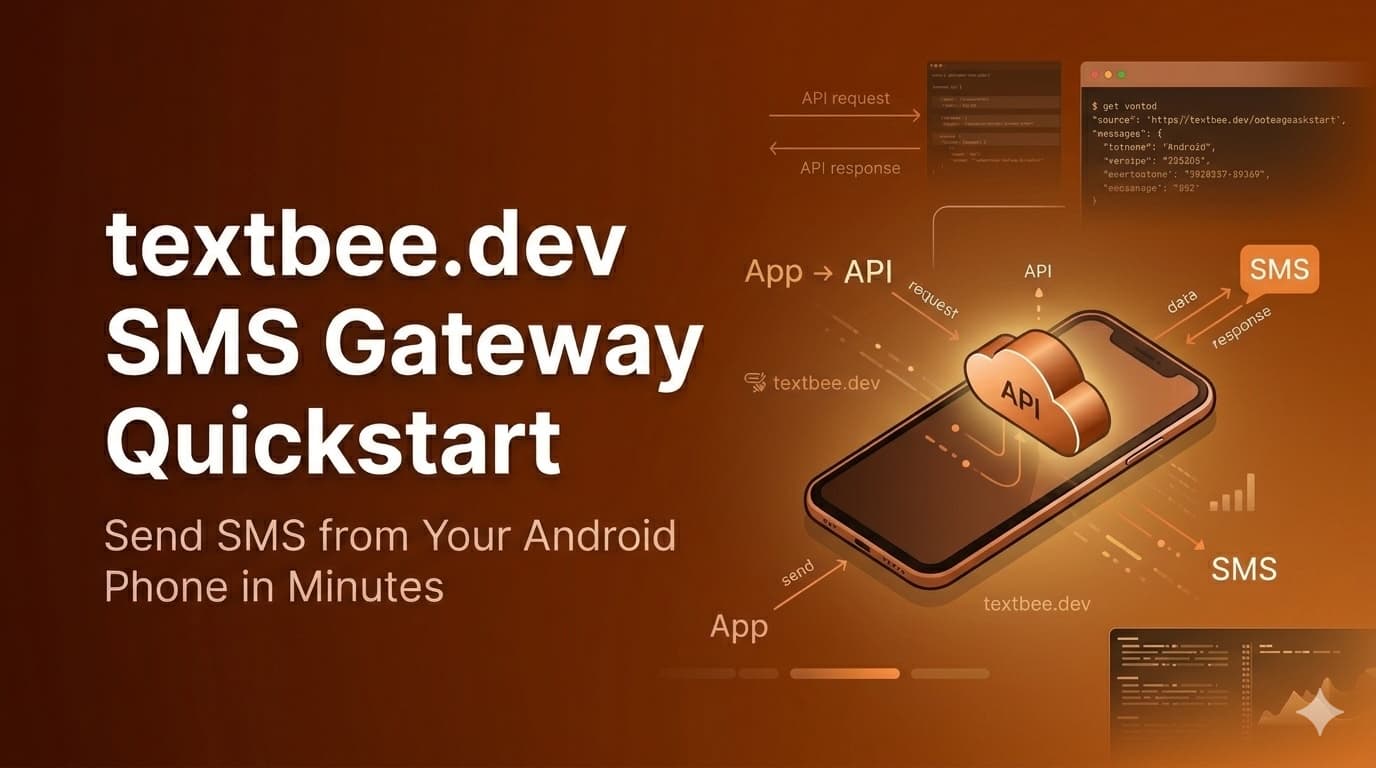
textbee.dev SMS Gateway Quickstart
Get started with textbee.dev SMS Gateway in minutes. Learn to send and receive SMS using your Android phone as a gateway for your own applications.
Transform your Android phone into a powerful SMS gateway in just 5 minutes. Send and receive text messages programmatically through your applications with textbee.dev.
The Simplest Way to Add SMS Integration to Your Applications
textbee.dev turns any Android phone into a reliable SMS gateway, allowing you to send and receive text messages programmatically. Whether you're building a notification system, implementing two-factor authentication, or creating marketing campaigns, textbee.dev provides a cost-effective solution without the need for complexity.
Follow this step-by-step guide to set up textbee.dev and start sending your first SMS messages in minutes. Our straightforward process requires minimal technical knowledge and works with any application or service that can make HTTP requests.
Step 1: Account Setup
Begin by creating your textbee.dev account and installing the Android app. This setup process takes less than 2 minutes and only requires basic permissions to send and receive SMS messages.
1. Create account
Register at textbee.dev with your email and password or sign in with Google
2. Install app
Download the app from textbee.dev/download
3. Grant permissions
Allow SMS access in the app to enable message sending and receiving. If your device runs a recent Android version, our Android SMS permission guide covers every prompt you'll see.
Step 2: Connect Your Device
Link your Android phone to your textbee.dev account to establish the SMS gateway connection. This secure connection allows your applications to send messages through your phone.
QR Code Method (Recommended)
- Go to textbee.dev Dashboard
- Click "Register Device"
- Scan QR with app
Manual Method
- Generate API key from dashboard
- Open textbee.dev app
- Enter the API key
Step 3: Send Your First SMS
Start sending SMS messages through textbee.dev using either our intuitive dashboard or direct API integration. Both methods provide reliable message delivery with delivery status tracking.
Dashboard Method
- Go to "Send SMS" section
- Enter recipient(s)
- Type your message
- Click "Send"
API Method
The fastest way to test from a terminal:
curl -X POST "https://api.textbee.dev/api/v1/gateway/send-sms" \
  -H "x-api-key: YOUR_API_KEY" \
  -H "Content-Type: application/json" \
  -d '{"recipients": ["+1234567890"], "message": "Hello from textbee!"}'
The same call from JavaScript:
fetch("https://api.textbee.dev/api/v1/gateway/send-sms", {
  method: 'POST',
  headers: {
    'Content-Type': 'application/json',
    'x-api-key': API_KEY,
  },
  body: JSON.stringify({
    recipients: ['+1234567890'],
    message: 'Hello!'
  })
})
Prefer a full walkthrough in your stack? We have dedicated guides for Node.js, Python, PHP, Go, Java, and Laravel.
With textbee.dev, your messages are sent directly through your Android device, using your existing mobile plan. This keeps costs low while maintaining high deliverability rates across all carriers.
Step 4: Receive SMS Messages
Enable two-way communication by configuring textbee.dev to forward incoming SMS messages to your application. This is essential for interactive workflows, verification codes, and customer engagement. If you're building login codes on top of this, see how to set up 2FA with textbee.
Enable in App
- Open the textbee.dev App
- Go to Settings
- Toggle "Receive SMS" on
Recommended: Webhooks (Real-time)
For real-time SMS receiving, we recommend using webhooks. This approach delivers incoming messages immediately to your application without the need to poll the API.
Setup Webhook
- Go to textbee.dev/dashboard and click "Create Webhook"
- Enter your delivery URL (e.g.,
https://your-server.com/webhook) - Select events you want to receive (e.g., "Message Received")
- Save your webhook secret for signature verification
When an SMS is received, textbee.dev will send a POST request to your webhook URL with the message data. Your endpoint should return a 2XX status code within 10 seconds.
Webhook Example
// Express.js webhook endpoint
app.post('/webhook', express.json(), async (req, res) => {
  const payload = req.body;

  // Verify signature (recommended for production)
  // const signature = req.headers['x-signature'];
  // verifyWebhookSignature(payload, signature, WEBHOOK_SECRET);

  // Process incoming SMS
  if (payload.webhookEvent === 'MESSAGE_RECEIVED') {
    console.log('Received SMS:', payload.message, 'from', payload.sender);
    // Handle the message (save to database, respond, etc.)
  }

  res.status(200).send('OK');
});
Webhook Payload:
{
  "smsId": "smsId",
  "sender": "+123456789",
  "message": "Hello!",
  "receivedAt": "2025-10-05T13:00:35.208Z",
  "deviceId": "deviceId",
  "webhookEvent": "MESSAGE_RECEIVED"
}
Note: Always verify the
X-Signatureheader in production using HMAC_SHA256 for security. See our use cases guide for complete signature verification examples.
Alternative: Fetching via API (Polling)
If webhooks aren't suitable for your setup, you can periodically fetch received messages:
const response = await fetch(
  "https://api.textbee.dev/api/v1/gateway/messages?direction=received",
  { headers: { 'x-api-key': API_KEY } }
);
const messages = await response.json();
// Process messages
Step 5: Advanced Features
Once you've mastered the basics, explore textbee.dev's advanced capabilities to enhance your SMS integration. These features help scale your messaging operations and automate complex workflows.
- Bulk SMS: Send to multiple recipients with a single API call for efficient message broadcasting
- Webhooks: Configure event-driven notifications for real-time updates on message status
- Multiple Devices: Connect several phones to increase throughput and add redundancy (paid plans support up to 15 active devices)
- No-code automation: Trigger sends from Make, Zapier, or n8n, including a dedicated n8n integration guide
Why Choose textbee.dev SMS Gateway?
Cost-Effective SMS Solution
textbee.dev eliminates the need for expensive SMS API services or telecom contracts. By using your existing phone and mobile plan, you can send SMS messages at standard rates without additional per-message fees from third-party providers. See the cost comparison vs traditional SMS APIs for real numbers.
Easy Integration
Our RESTful API makes integration simple for developers using any programming language. textbee.dev works seamlessly with web applications, mobile apps, and backend services through standard HTTP requests.
Perfect For
- Two-factor authentication (2FA) - Secure user accounts with SMS verification codes
- Appointment reminders - Reduce no-shows with automated SMS notifications
- Order updates - Keep customers informed about their purchases
- Marketing campaigns - Engage customers with promotional messages
- Alerts and notifications - Send time-sensitive information instantly
Frequently asked questions
Is textbee really free?
Yes. The free tier includes 1 linked device, up to 50 messages per day and 300 per month, with full API and webhook access. No credit card is required to sign up. Paid plans raise the limits; see pricing.
Does textbee work with iPhone?
The gateway app runs on Android (8+), because Android allows apps to send and receive SMS programmatically. Your recipients can be on any phone, including iPhones. If you only have an iPhone, a cheap spare Android device works well as a dedicated gateway.
Do I need my own server?
Not for sending. You can send from the dashboard or call the REST API from any environment, including no-code tools. You only need an HTTPS endpoint if you want inbound messages pushed to your application via webhooks.
How many messages can I send?
The free tier covers 300 messages/month. The Pro plan ($14.99/month) covers 5,000 and the Scale plan 25,000 across multiple devices. Independent of plans, consumer SIMs are subject to carrier fair-use policies, so pace bulk sends. Learn more in what is an Android SMS gateway.
Where to go next
Integrate with your stack: Node.js, Python, PHP, Go, Java, Laravel, or Raspberry Pi and Linux servers.
Decide and compare: textbee vs Twilio, 9 Twilio alternatives, and the real cost of traditional SMS APIs.
Before you send at volume: SMS compliance checklist (TCPA, opt-in), Android SMS permission guide, and what an Android SMS gateway is.
Ready to explore more? Check out our use cases page.
Get more textbee in Google Search
Add textbee.dev as a preferred source. Our posts show up more often in your Google results.
You may also like

What Is an Android SMS Gateway? How It Works, Pros, Cons & When to Use One (2026)
An Android SMS gateway turns a phone you already own into a programmable SMS sender. Learn how it works, when it beats Twilio, real costs, and setup steps.
Android 15+ SEND_SMS Permission: How to Enable SMS Permissions on Android 15 & 16
SMS permission greyed out, not allowed, or missing on Android 15 or 16? Enable SEND_SMS and RECEIVE_SMS for sideloaded and restricted apps in under 2 minutes.
Migrate from Twilio to an Android SMS Gateway: Step by Step (2026)
How to migrate SMS from Twilio to an Android phone running textbee: map every Twilio concept to its replacement, swap the send call, rewrite the status and inbound webhooks, run both side by side, then cut over. Node.js and Python code, before and after.