
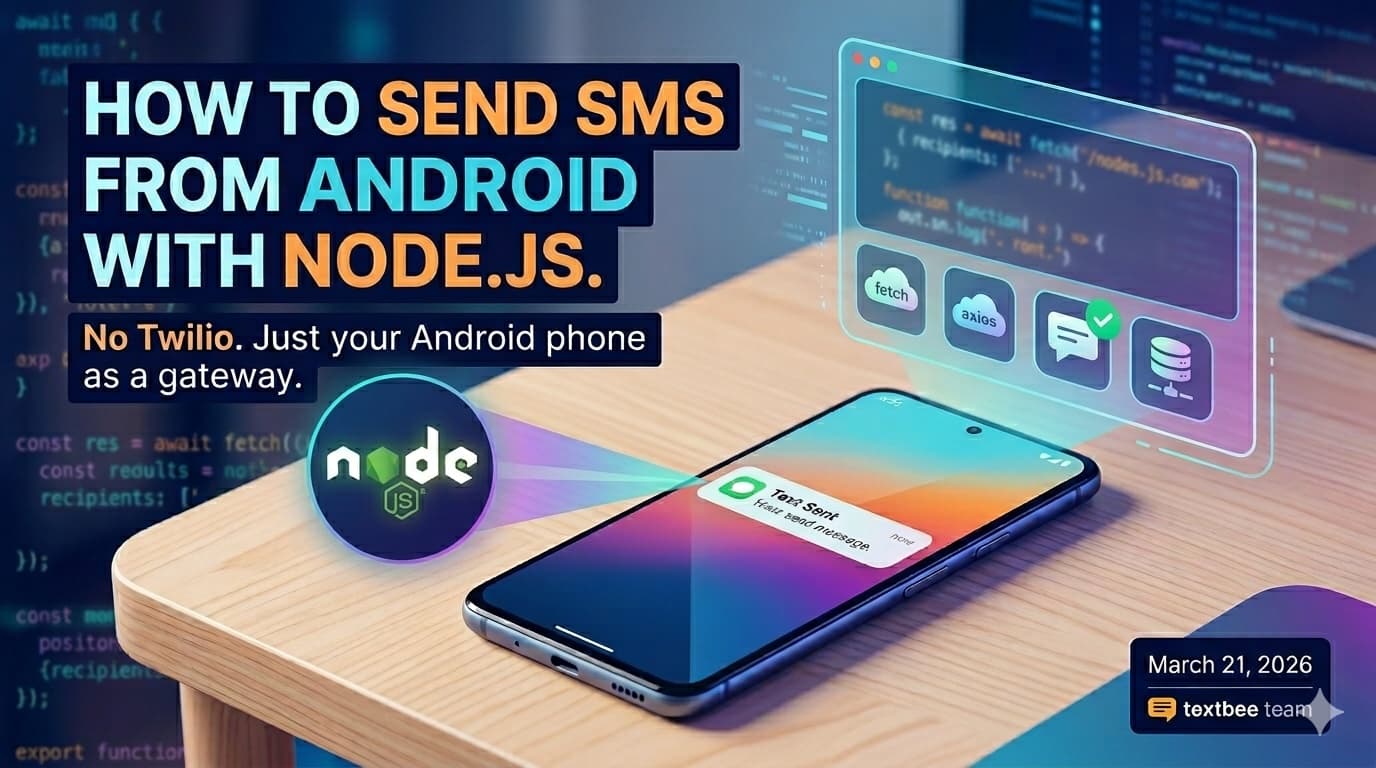
Send SMS from Node.js: No Twilio, Just Your Android Phone
Send real SMS messages from Node.js using your Android phone as the gateway. One async function, your own phone number, zero per-message fees.
You don't need a Twilio account or a virtual number to send SMS from code. If you have an Android phone with a working SIM, textbee turns it into an SMS gateway that your Node.js code can call over a simple REST API. The message goes out from your actual phone number.
Before you start
- textbee app on your Android device, linked to your account: download and quickstart
- Device ID and API key from the dashboard
- Node.js 18+ (examples use the built-in
fetch, butaxiosworks the same way) - On Android 15 or 16? You might need to manually enable SMS permissions
The code
const API_KEY = process.env.TEXTBEE_API_KEY;

async function sendSms(to, body) {
  const res = await fetch(
    'https://api.textbee.dev/api/v1/gateway/send-sms',
    {
      method: 'POST',
      headers: {
        'x-api-key': API_KEY,
        'Content-Type': 'application/json',
      },
      body: JSON.stringify({ recipients: [to], message: body }),
    }
  );

  if (!res.ok) {
    const err = await res.json().catch(() => ({}));
    throw new Error(err.error || `HTTP ${res.status}`);
  }

  return res.json();
}

sendSms('+15551234567', 'Hello from Node.js')
  .then((data) => console.log(data))
  .catch((err) => {
    console.error(err);
    process.exitCode = 1;
  });
No extra dependencies, just Node 18's native fetch. If you prefer axios, swap the fetch block for axios.post() with the same URL, headers, and body; the programmatic SMS guide has that version.
Export your credentials before running:
export TEXTBEE_DEVICE_ID="your-device-id"
export TEXTBEE_API_KEY="your-api-key"
node send.js
What the API returns
On success, the API confirms the message was accepted and queued for your device to send. The JSON is wrapped in data, for example:
{
  "data": {
    "success": true,
    "message": "SMS added to queue for processing",
    "smsBatchId": "…",
    "recipientCount": 1
  }
}
That does not mean the SMS has already been delivered to the recipient; the phone processes it shortly after. Track sent, delivered, failed, and other states in your textbee dashboard. With webhooks set up, you can also get notifications when status changes.
If the request fails (bad API key, device disabled, validation error), you get a non-2xx status and an error payload with "success": false, which is why the example checks res.ok before parsing success.
Things worth knowing
Phone numbers: Local formats without a country code are fine for same-country sends (for example, a national number without +). For portability and clarity, we recommend E.164 (+ country code and number) when you can.
Bulk sends: The recipients field accepts an array. One request can reach multiple numbers from the same device.
Opt-in matters: Messages come from your personal number. Unsolicited texts burn trust and can violate regulations. Read the compliance checklist if you're sending anything beyond personal one-offs.
Because you're using your own SIM and carrier plan, there are no per-message API fees. See what's included on the pricing page.
Keep going
- Programmatic SMS guide: Python, cURL, and more examples
- Full API docs
- Plans and pricing
Get more textbee in Google Search
Add textbee.dev as a preferred source. Our posts show up more often in your Google results.
You may also like

How to Receive SMS and Process Webhooks with textbee
Set up inbound SMS webhooks with textbee. Payload structure, signature verification, Node.js and Python handler examples, STOP keyword handling, OTP reply capture, and local testing with ngrok.

Bulk SMS for Developers: Send Personalized Mass SMS Free with textbee
Send bulk SMS with textbee: the recipients array, CSV lists, personalized templates, per-recipient delivery status, and honest throughput limits.
Send SMS from Java: No Twilio, Just Your Android Phone
Send real SMS from Java using textbee and your Android phone as the gateway. Native HttpClient, OkHttp, and Spring Boot examples, zero per-message fees.