
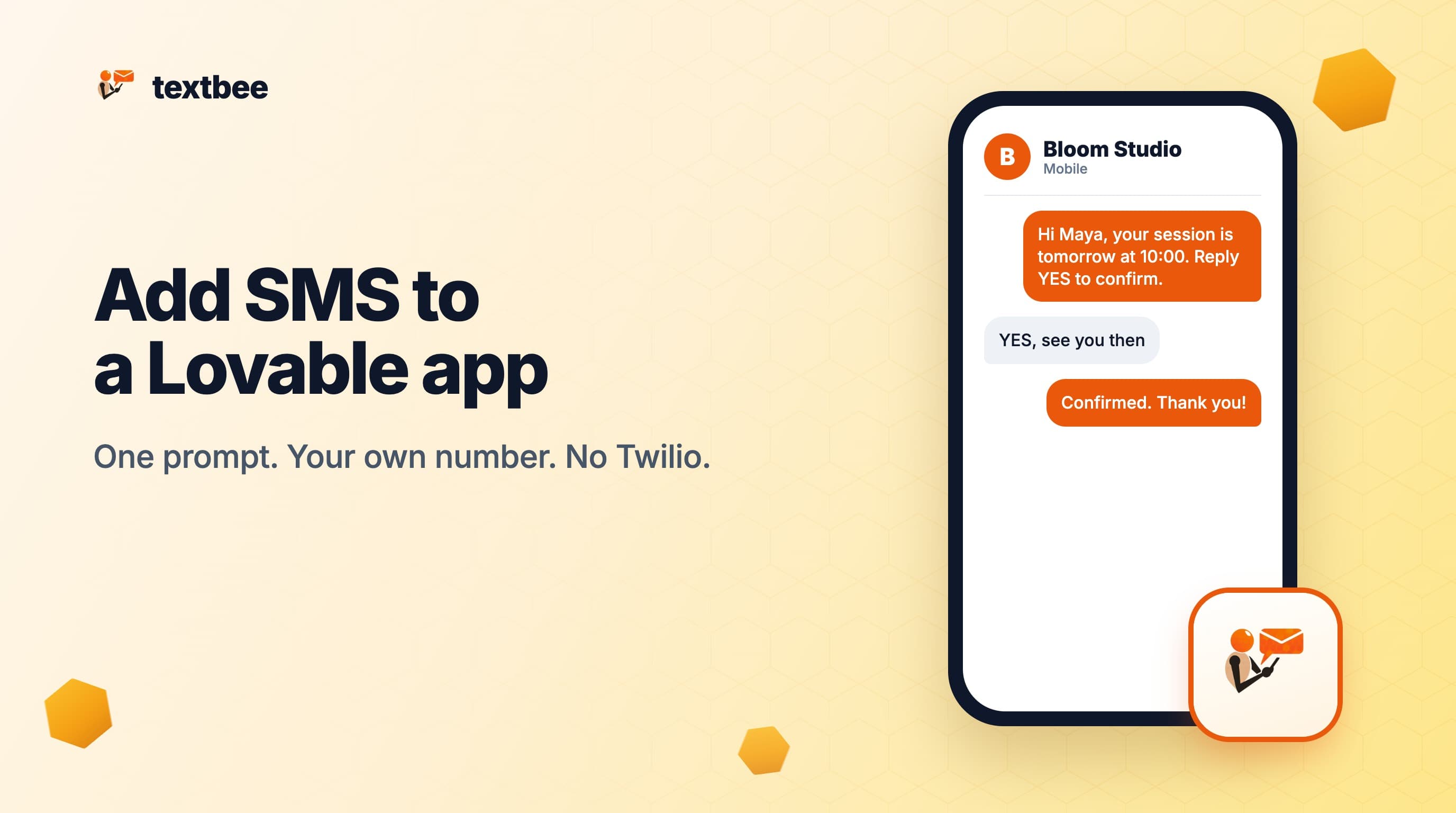
How to Add SMS to a Lovable App (Without Twilio)
Add SMS to a Lovable app: save one secret, paste one prompt, and send reminders, order texts and login codes from your own Android phone. No Twilio account.
You built an app in Lovable. Now it needs to text people: booking reminders, order updates, login codes, and replies that land back in the app. Lovable lists Twilio as a connector, but a Twilio trial does not let you send your own messages to real customers. This post shows the other route. textbee sends SMS from your own Android phone with one HTTP call, and Lovable writes that call for you from one prompt.
The full reference, with every field and failure case, is the Lovable integration guide. For the same prompt in Bolt, v0, Replit, Base44 and Cursor, see Build with AI.
TL;DR
- One secret, one prompt. Save
TEXTBEE_API_KEYas a Lovable secret, paste the prompt below into the project chat, and Lovable writes a server function that callsPOST /gateway/send-sms. - Any number from day one. textbee sends from the SIM in your phone. There is no verified-numbers list, no template list and no sender registration.
- Replies work too. Lovable creates a public endpoint, you register it as a textbee webhook, and each reply arrives as JSON with an
X-Signatureheader. - Flat price. textbee Free is $0 for 300 messages a month, 50 a day. Pro is $14.99 a month for 5,000 messages. Secrets work on every Lovable plan, including Free.
- Limits. One phone sends roughly 10 to 15 messages a minute, text only, and the phone must stay online.
Why not use the Twilio connector?
A Twilio trial is built for a demo, not for your users. Twilio's trial docs list these rules (checked October 2026):
- The trial gives 100 SMS and expires after 30 days (twilio.com/docs/usage/trials).
- "Custom message bodies are not supported." The message body must be a template ID such as
sms_appointment_reminders(try out SMS). - You can text verified numbers only, up to 5 per account.
After you upgrade, Twilio still blocks unverified numbers until you have an approved primary compliance profile (error 21608). Many countries also add a sender registration step for automated texts.
textbee works differently. The Android app on your phone sends each message over your SIM plan. Recipients see your mobile number. There is nothing to register, so the reminder flow you prompt today texts real customers today.
What do you need?
- A Lovable project. Any plan works.
- A textbee account with the Android app installed on a phone with a SIM. Setting up textbee covers pairing.
- An API key from the dashboard. Create one key for this project only, so you can revoke it alone (API keys).
- A second phone number to test with, such as your own.
The setup takes about ten minutes.
How do you save the API key in Lovable?
Lovable stores keys as project secrets. Secrets are write-only: you cannot read a value back after you save it. Source: docs.lovable.dev/features/secrets, checked October 2026.
You have two ways to add it:
| Path | Steps |
|---|---|
| Project settings | Open More, then Settings, then Secrets. Click Add secret. Name: TEXTBEE_API_KEY. Value: your key. |
| Secure chat input | When Lovable writes code that needs a key, it asks for it through a secure input in the project chat. Paste the key there and click Submit. |
Two name rules matter. Lovable rejects names that start with VITE_, because those values end up in the browser bundle. The prefixes SUPABASE_ and LOVABLE_ are reserved. Do not paste the key as a normal chat message.
What prompt do you paste?
Copy this prompt into the project chat. Change the "What I want" line to your feature. The facts block keeps Lovable on the real endpoints and fields.
Add SMS to the app I am building in Lovable. Use textbee, an SMS gateway that sends and receives SMS through my own Android phone.

Facts about the textbee API. Use only these. Do not invent endpoints or fields.
- Send an SMS: POST https://api.textbee.dev/api/v1/gateway/send-sms with the header x-api-key: <TEXTBEE_API_KEY> and a JSON body like {"recipients": ["+12015550123"], "message": "Hello"}. recipients must be a JSON array of E.164 numbers, even for one number. Optional fields: deviceId, simSubscriptionId, scheduledAt (ISO 8601, in the future). The response is {"data": {"success": true, "smsBatchId": "..."}}.
- Check delivery or read replies: GET https://api.textbee.dev/api/v1/gateway/messages with the same header. Filters: direction=received, smsBatchId=<id from the send>, from and to as ISO timestamps. Each row has a status such as sent, delivered, failed or received.
- Receive an SMS: textbee posts JSON to a webhook URL I register in the dashboard. A MESSAGE_RECEIVED delivery has these top-level fields: smsId, message, deviceId, webhookSubscriptionId, webhookEvent, idempotencyKey, sender, receivedAt. The header X-Signature holds an HMAC-SHA256 hex digest of the raw body, keyed with the signing secret I set on the webhook. Retries reuse the same idempotencyKey.
- Limits: One Android phone sends roughly 10 to 15 messages a minute. Text only, no MMS. Messages over 160 characters are split into segments.

Rules:
- Store the API key as a secret named TEXTBEE_API_KEY. Call textbee only from server-side code, never from code that runs in the browser.
- Do not ask me to paste the real key into this chat. Tell me where to add the secret instead.
- For incoming texts, create a public server endpoint, check the X-Signature header against a secret named TEXTBEE_WEBHOOK_SECRET, and ignore a repeated idempotencyKey.

What I want: Text the customer a reminder 24 hours before each booking, and save their replies next to the booking.

Lovable specifics you should know:
- New Lovable projects run on TanStack Start: put the textbee call in a server function. Older React and Vite projects use an edge function in the built-in backend.
- Secrets are added in More > Settings > Secrets or through the secure input in chat. Names starting with VITE_, SUPABASE_ or LOVABLE_ cannot be used.
- Incoming webhooks need a public endpoint in the app. They do not go through Lovable connectors.
- Lovable Cloud phone sign-in only offers its own list of cloud SMS providers, such as Twilio and Vonage, with no custom hook. For login codes through textbee, store a short-lived code in a table and send it with the server function.

Build it, tell me where to add each secret in Lovable, and add a way to send one test message to my own number.
Other "What I want" lines that work: "Text me when a new order is paid", "Text the customer when their order ships", or "Send a six-digit login code by SMS".
What does the generated code look like?
Where the code goes depends on the project age. Lovable's docs say: "In newer apps on TanStack Start ... Lovable writes a server function. In older React + Vite apps, it writes an Edge Function in the built-in backend." TanStack Start is the default for new projects since May 13, 2026. Source: docs.lovable.dev/integrations/any-api, checked October 2026.
Both run on the server, and the core is one fetch call. In a TanStack Start project:
export async function sendSms(to: string, message: string) {
  const res = await fetch('https://api.textbee.dev/api/v1/gateway/send-sms', {
    method: 'POST',
    headers: {
      'x-api-key': process.env.TEXTBEE_API_KEY ?? '',
      'Content-Type': 'application/json',
    },
    body: JSON.stringify({ recipients: [to], message }),
  })
  if (!res.ok) throw new Error(`textbee returned ${res.status}`)
  return res.json()
}
In an edge function, the same call reads the key with Deno.env.get('TEXTBEE_API_KEY') instead of process.env.
Check one thing. If the key name appears in a file under src/components, or in anything the browser loads, reply in the chat: "Move the textbee call into a server function and read TEXTBEE_API_KEY from the environment."
How do you send a test message?
The prompt asks Lovable for a test button. Click it in the preview with your own number, for example +12015550123. The text leaves your phone within a minute. The textbee dashboard shows it as sent, then delivered.
To check delivery from code, call GET https://api.textbee.dev/api/v1/gateway/messages?smsBatchId=<id> with the same x-api-key header. Use the smsBatchId from the send response. Delivery status explains each state.
How do you receive replies?
Replies need a public URL that textbee can post to. Lovable's docs say: "When you ask Lovable to handle incoming messages, it creates a public endpoint in your project." Incoming webhooks do not go through connectors. Source: docs.lovable.dev/integrations/twilio, checked October 2026.
- Ask Lovable: "Create a public endpoint that receives textbee webhooks, checks the X-Signature header with TEXTBEE_WEBHOOK_SECRET, and saves sender, message and receivedAt to a messages table."
- When Lovable asks for
TEXTBEE_WEBHOOK_SECRET, click Generate, then Copy. textbee needs a secret of at least 20 characters. - Copy the endpoint URL. A TanStack route looks like
https://project--<id>-dev.lovable.app/api/public/...in the preview. The published app drops-dev. An edge function looks likehttps://<ref>.supabase.co/functions/v1/<name>. Use the published URL. - In the textbee dashboard, open Webhooks and click Add Webhook. Enter the URL, select
MESSAGE_RECEIVEDand paste the same signing secret. - Text the textbee phone from another number. The reply appears in your table.
The signature check is an HMAC-SHA256 of the raw body, compared in constant time:
import { createHmac, timingSafeEqual } from 'node:crypto'

export function isValidSignature(rawBody: string, signature: string, secret: string) {
  const expected = createHmac('sha256', secret).update(rawBody).digest('hex')
  const a = Buffer.from(expected)
  const b = Buffer.from(signature ?? '')
  return a.length === b.length && timingSafeEqual(a, b)
}
Return 401 when the check fails. textbee retries failed deliveries with the same idempotencyKey, so skip a key you already saved. See Webhooks and Verify the signature.
Can textbee send Lovable login codes?
Not through the built-in sign-in. Lovable Cloud phone sign-in lives under More, Users, Settings, Phone. It offers only its own list of SMS providers, such as Twilio and Vonage, and the docs mention no custom hook. Source: docs.lovable.dev/features/phone-auth, checked October 2026.
Two routes work:
| Route | How it works |
|---|---|
| App-owned codes | Ask Lovable for a codes table, a server function that sends a six-digit code with textbee, and a second function that checks the code, its expiry and the attempt count, then signs the user in. |
| Your own Supabase project | Connect an external Supabase project. Its Send SMS Hook posts sms.otp and user.phone to your function, which calls textbee and returns 200. The hook has a 5 second time budget (Supabase docs). |
For code patterns, read Setting up 2FA with textbee.
Can you use the textbee MCP server in Lovable?
Yes, in the build chat. Open Connectors, click +, choose MCP server, and set the Server URL to https://mcp.textbee.dev/mcp. Pick Bearer token or API key as the auth option and paste a textbee key. Custom MCP servers are available on all Lovable plans. Source: docs.lovable.dev/integrations/custom-mcp, checked October 2026.
The build chat can then send you a test text or read a reply while you build. MCP connections are never part of the published app. Your app still calls the REST API from a server function. The MCP docs list the three tools.
What does it cost?
| Item | Price and limits | Source (checked October 2026) |
|---|---|---|
| textbee Free | $0, no card. 300 messages a month, 50 a day, 1 device | textbee pricing |
| textbee Pro | $14.99 a month for 5,000 messages, 5 devices | textbee pricing |
| Lovable | Secrets, custom connectors and custom MCP on all plans. Free gives 5 build credits a day, up to 30 a month. Editing code by hand needs Pro | Lovable plans |
| Twilio trial | 100 SMS, 30 days, templates only, up to 5 verified numbers | Twilio trials |
textbee charges no per-message fee. Each text goes out over your SIM plan.
What are the limits?
- Speed. One Android phone sends roughly 10 to 15 messages a minute. Pro allows 5 phones, and
deviceIdpicks the phone for each send. - Text only. No MMS. Messages over 160 characters split into segments.
- The phone must stay online. If Android pauses the textbee app, messages wait as
pending. Plug the phone in and follow Keep the phone online. - Your SIM plan applies. Your carrier's rules and fair-use limits apply to every text.
Frequently asked questions
Is there a textbee connector in Lovable?
No. textbee uses a plain secret and a server function. A workspace admin can create a custom connector under Connectors, +, Custom connector, with API key in a custom header and x-api-key as the header name. For one project, a secret is simpler.
Why does Lovable reject VITE_TEXTBEE_API_KEY?
Names that start with VITE_ go into browser code, so Lovable refuses them as secrets. Use TEXTBEE_API_KEY and read it only in server code.
My webhook works in the preview and stops after I publish. Why?
The preview URL contains -dev and belongs to the editor session. Register the published URL in the textbee dashboard. Update the webhook again when you move to a custom domain.
My edge function webhook returns 401 before my code runs. Why?
Supabase edge functions require a JWT by default, and textbee does not send one. Ask Lovable to turn off JWT verification for the webhook function only. Your X-Signature check protects it instead (Supabase function configuration).
Do the texts come from Lovable or from my phone?
From your phone. Lovable runs the code that asks textbee to send. Recipients see your mobile number.
Can I schedule reminders?
Yes. Add scheduledAt with an ISO 8601 time in the future to the send body, or ask Lovable for a scheduled function that finds tomorrow's bookings. Ask it to mark each booking as reminded, so a rerun never texts twice. See scheduled messages.
Next steps
- Lovable integration guide: every step, field and failure case
- Build with AI: the same prompt for Bolt, v0, Replit, Base44 and Cursor
- Webhooks: events, retries and the signature check
- Send SMS from Claude with MCP: the textbee MCP server in Claude
Get more textbee in Google Search
Add textbee.dev as a preferred source. Our posts show up more often in your Google results.
You may also like
How to Send SMS from Claude with MCP (Claude Desktop, Claude Code, and claude.ai)
A hands-on guide to sending and reading SMS from Claude Desktop, Claude Code, and claude.ai with the textbee MCP server. Setup, example prompts, delivery checks, reading replies, and guardrails.
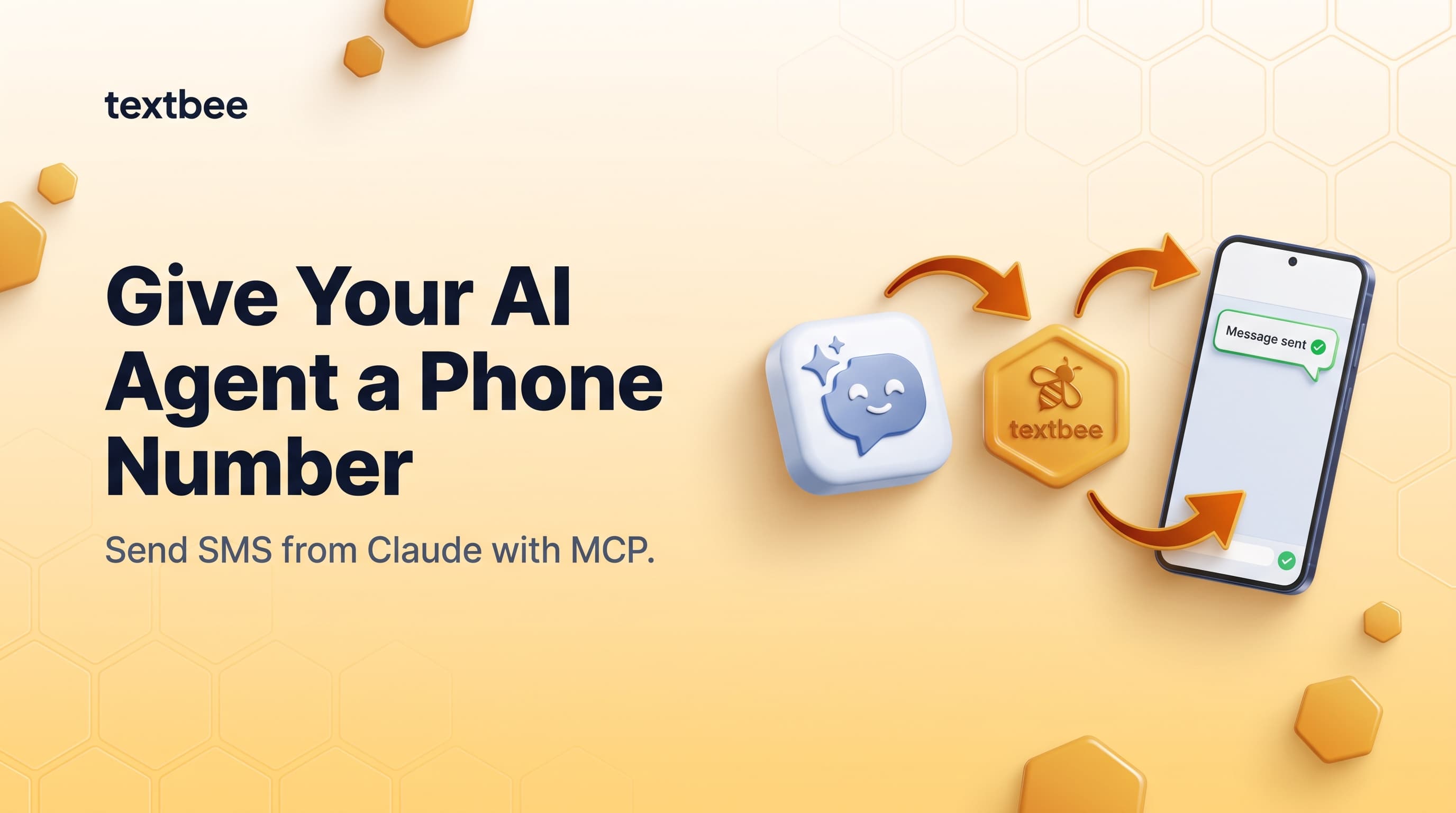
Give Your AI Agent a Phone Number: Send SMS from Claude with MCP
The textbee MCP server lets Claude, Cursor, and any MCP-enabled agent send and read SMS through your own Android phone. Setup in two minutes, open source, no per-message markup.
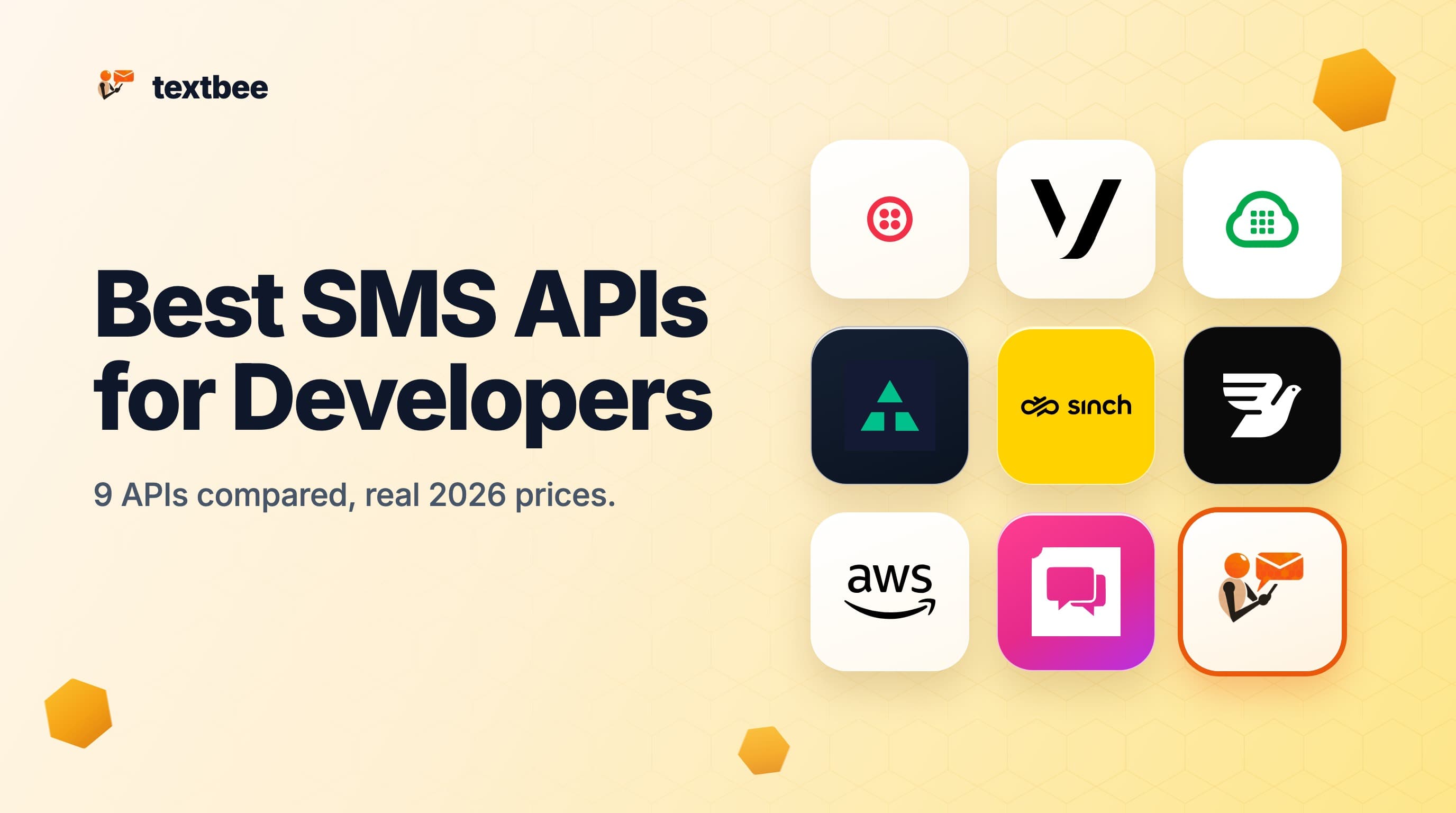
9 Best SMS APIs for Developers in 2026 (Compared, With Real Prices)
The best SMS APIs for developers in 2026: Twilio, Telnyx, Plivo, Vonage, Sinch, Bird, AWS, ClickSend, and textbee compared on price, auth, webhooks, SDKs, and free tiers.