
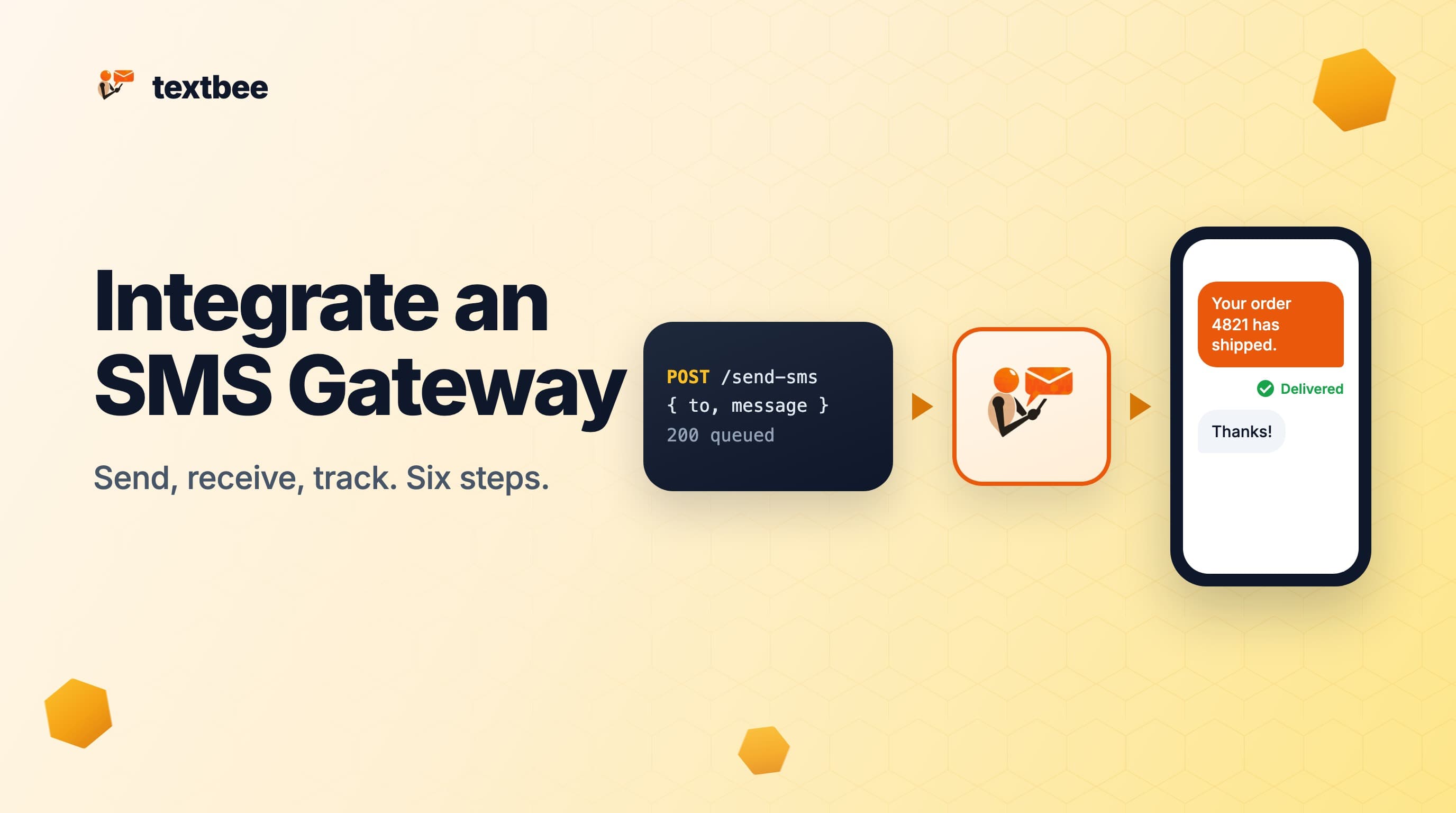
How to Integrate an SMS Gateway into Your App (Step by Step, 2026)
SMS gateway integration in six steps: pick a gateway, get an API key, send from your backend, receive replies by webhook, track delivery status, and go to production. Code in curl, Node.js and Python.
TL;DR
Integrating an SMS gateway means six things: choose a gateway, get credentials, send a message from your backend, receive replies and delivery events through a webhook, store the status, and harden the setup before production. Every gateway follows this shape, so the steps below are generic. The code uses textbee as the worked example because it needs no number rental, no carrier registration and no card, so you can finish the whole tutorial in an afternoon on the free tier.
What an SMS gateway integration looks like
An SMS gateway is the service that takes an HTTP request from your app and turns it into a text message on a phone network, then does the reverse for replies. From your code's point of view, every gateway is the same four surfaces:
| Surface | What it is | Where it lives in your app |
|---|---|---|
| Send endpoint | An HTTPS call with recipients and a message | Backend, never the browser |
| Webhook | The gateway calls your URL when a reply arrives or a status changes | A public route on your backend |
| Message history | An endpoint to list or poll messages | Backend jobs, admin screens |
| Credentials | An API key or token | Environment variables |
The difference between gateways is what sits behind the send endpoint. A cloud provider (Twilio, Vonage, Plivo, Sinch and similar) rents you a virtual number and bills per message plus carrier fees. A phone-based gateway like textbee runs an app on an Android phone with a SIM and sends from that number, so the message costs whatever your phone plan charges and there is no number to rent or register. Both expose the four surfaces above.
Step 1: Choose the gateway
Pick on four questions, in this order:
- Which countries do you send to? Cloud providers publish per-country rates and rules. A phone-based gateway works wherever the phone's SIM works.
- What volume? Under a few thousand messages a month, a flat plan or a free tier beats per-message billing. Above tens of thousands a month, or with strict delivery SLAs, a cloud provider's carrier routes are built for it.
- Do you need your own number? With a cloud provider the number is rented. With a phone-based gateway the sender is your SIM, so recipients see a number they can call back.
- Do you need two-way? Confirm the gateway can receive and can push inbound messages to a webhook, not only poll.
For the rest of this guide the answer is textbee: any country where you have a SIM, free for 300 messages a month, your own number, two-way with webhooks. The best SMS APIs for developers post compares the cloud options if your volume or SLA rules a phone out.
Step 2: Get credentials and a sender
Every gateway starts with two things: an API key, and a sender (a rented number, a registered sender ID, or a linked phone).
For textbee:
- Create an account at textbee.dev. No card.
- Install the Android app on a phone with a SIM and link it by scanning the QR code in the dashboard. That phone is your sender.
- In the dashboard, create an API key.
Put the key in an environment variable. Never ship it to a browser or a mobile client; anyone who can read it can send from your number.
export TEXTBEE_API_KEY="your_key_here"Step 3: Send your first message from the backend
The send call is one POST. Recipients are an array in E.164 format (a plus sign, country code, number, no spaces).
curl -X POST https://api.textbee.dev/api/v1/gateway/send-sms \
  -H "x-api-key: $TEXTBEE_API_KEY" \
  -H "Content-Type: application/json" \
  -d '{"recipients": ["+15550100123"], "message": "Your order 4821 has shipped."}'
The response returns a batch id you keep for status lookups:
{
  "data": {
    "success": true,
    "message": "SMS added to queue for processing",
    "smsBatchId": "abc123",
    "recipientCount": 1
  }
}
The same call in Node.js with the official SDK:
import { Textbee } from '@textbee/sdk'

const textbee = new Textbee({ apiKey: process.env.TEXTBEE_API_KEY })

const { smsBatchId } = await textbee.sendSms({
  recipients: ['+15550100123'],
  message: 'Your order 4821 has shipped.',
})
And in Python with requests:
import os
import requests

resp = requests.post(
    "https://api.textbee.dev/api/v1/gateway/send-sms",
    headers={"x-api-key": os.environ["TEXTBEE_API_KEY"]},
    json={"recipients": ["+15550100123"], "message": "Your order 4821 has shipped."},
    timeout=10,
)
resp.raise_for_status()
batch_id = resp.json()["data"]["smsBatchId"]
Three habits that save you later, whatever the gateway:
- Wrap the send in one function (
sendSms(to, body)) that every part of your app calls. Swapping gateways then touches one file. - Store the batch or message id the gateway returns next to the record that caused the send (the order, the login attempt, the appointment). You will need it to reconcile status.
- Accept that send is asynchronous. A 2xx means "queued", not "delivered". Delivery arrives later through step 4 or step 5.
Step 4: Receive replies and delivery events with a webhook
A webhook is a public URL on your backend that the gateway POSTs to. For textbee, create one in the dashboard (Webhooks, add a URL, pick the events) and copy the signing secret. There are four events:
| Event | When |
|---|---|
MESSAGE_RECEIVED | A text arrived on the phone |
MESSAGE_SENT | The phone handed a message to the network |
MESSAGE_DELIVERED | The network confirmed delivery |
MESSAGE_FAILED | The phone could not send it |
An Express handler that verifies the signature, deduplicates on the idempotency key, and answers fast:
import crypto from 'node:crypto'
import express from 'express'

const app = express()
const seen = new Set()

app.post('/webhooks/sms', express.raw({ type: 'application/json' }), (req, res) => {
  const expected = crypto
    .createHmac('sha256', process.env.TEXTBEE_WEBHOOK_SECRET)
    .update(req.body)
    .digest('hex')
  if (req.get('x-signature') !== expected) return res.sendStatus(401)

  const event = JSON.parse(req.body)
  if (seen.has(event.idempotencyKey)) return res.sendStatus(200)
  seen.add(event.idempotencyKey)

  if (event.webhookEvent === 'MESSAGE_RECEIVED') {
    // event.sender, event.message, event.receivedAt
  } else {
    // MESSAGE_SENT, MESSAGE_DELIVERED, MESSAGE_FAILED: update the row by event.smsId
  }
  res.sendStatus(200)
})
Replace the in-memory Set with your database in production. Two rules apply to every gateway's webhooks:
- Return 200 quickly and do the work after. Gateways retry on timeouts, so slow handlers get duplicate events.
- Verify the signature on the raw body, before any JSON parsing. Re-serialized JSON can change key order and break the HMAC.
During development, expose your local server with ngrok or a similar tunnel and paste the tunnel URL into the webhook settings. The inbound SMS webhook guide walks through that and has a Flask version of the handler.
Step 5: Track delivery status
Webhooks tell you about status changes as they happen. You also want a way to ask, for reconciliation jobs, admin pages and the case where a webhook was missed. That is the message history endpoint.
curl "https://api.textbee.dev/api/v1/gateway/messages?smsBatchId=abc123" \
  -H "x-api-key: $TEXTBEE_API_KEY"
Each message carries a status: pending, dispatched, sent, delivered, failed, unknown for outbound, or received for inbound. Map them to three states in your own table: in flight (pending, dispatched, unknown), done (sent, delivered), and needs attention (failed). Do not treat sent as delivered; the first is the phone handing off to the network, the second is the network confirming.
For polling (an inbox screen, a job that syncs replies), follow the cursor instead of page numbers so a message that arrives mid-read is never skipped or repeated:
for await (const message of textbee.iterateMessages({ direction: 'received' })) {
  // process message, then persist the last seen id
}
Step 6: Go to production
A checklist that applies to any SMS gateway integration, with the textbee-specific notes:
- Idempotency on your side. If your app retries a failed HTTP call, it can send the same text twice. Generate a key per intended message and refuse to send it twice.
- Rate and quota handling. The gateway returns
429when you exceed a limit (on textbee: 50 a day and 300 a month on the free tier, higher on paid plans). Queue and back off instead of retrying in a tight loop. - Throughput. A phone sends roughly 10 to 15 messages a minute, one at a time. A batch of 500 takes most of an hour. Use it for transactional traffic and small campaigns; add devices on a paid plan to spread load.
- Consent and content. Transactional messages (codes, receipts, reminders) are fine. Marketing needs opt-in under local rules, and carriers filter spam-like patterns on consumer SIMs. Include your business name in the first message.
- Monitoring. Alert when
failedrises, when the phone goes offline (textbee shows device status in the dashboard), and when webhook deliveries fail (the dashboard keeps a delivery log). - Secrets and environments. One API key per environment, stored in a secrets manager, rotated when someone leaves.
- Fallback. If SMS is on the critical path (login codes), keep a second channel: email OTP, a TOTP app, or a second linked device.
Common mistakes
- Sending from the frontend. The API key ends up in the browser. Route every send through your backend.
- Treating the send response as delivery. Queued is not delivered. Wire the webhook or poll the status.
- Ignoring number format.
5550100123fails;+15550100123works. Normalize to E.164 at the input boundary. - Skipping signature checks. An unverified webhook is a public endpoint that anyone can post fake replies to.
- Blasting a consumer SIM. Thousands of identical messages in an hour get filtered. Pace them, vary the copy, and use the flat plan's extra devices.
Frequently asked questions
How long does an SMS gateway integration take?
Sending takes minutes once you have credentials. A production-grade integration with webhooks, status tracking and retries is a day or two of work for one developer with any gateway, and the code above covers most of it.
Do I need a virtual number to integrate an SMS gateway?
With cloud providers, yes: you rent a number or register a sender ID, and in the US you also register the number for A2P traffic. With a phone-based gateway you use the SIM already in the phone, so there is nothing to rent or register.
Can I integrate an SMS gateway without a backend?
Not safely. The API key must stay server-side. If you have no backend, use a no-code tool that stores the key for you; the n8n, Zapier and Make guide shows the same send and receive steps without code.
How do I receive SMS in my app?
Enable receiving on the linked phone, create a webhook for MESSAGE_RECEIVED, and handle the POST as in step 4. If you would rather pull than be pushed, poll GET /gateway/messages?direction=received with the cursor.
What does it cost to send SMS through the gateway?
On textbee, the platform side is $0 for up to 300 messages a month, then a flat $14.99 for up to 5,000. The messages themselves cost whatever your SIM plan charges for a text. Cloud providers bill per message plus number rental and carrier fees; the best SMS APIs comparison has current numbers.
Next steps
- Quickstart: account to first message in five minutes
- Receive SMS with a webhook: the full inbound guide with Node.js and Flask handlers
- SMS API by language: executed send, receive, poll and error samples in Python, JavaScript, PHP, Java, Go, Ruby and curl
Get more textbee in Google Search
Add textbee.dev as a preferred source. Our posts show up more often in your Google results.
You may also like
textbee.dev SMS Gateway Quickstart
Get started with textbee.dev SMS Gateway in minutes. Learn to send and receive SMS using your Android phone as a gateway for your own applications.
How to Receive SMS and Process Webhooks with textbee
Set up inbound SMS webhooks with textbee. Payload structure, signature verification, Node.js and Python handler examples, STOP keyword handling, OTP reply capture, and local testing with ngrok.

What Is an Android SMS Gateway? How It Works, Pros, Cons & When to Use One (2026)
An Android SMS gateway turns a phone you already own into a programmable SMS sender. Learn how it works, when it beats Twilio, real costs, and setup steps.