
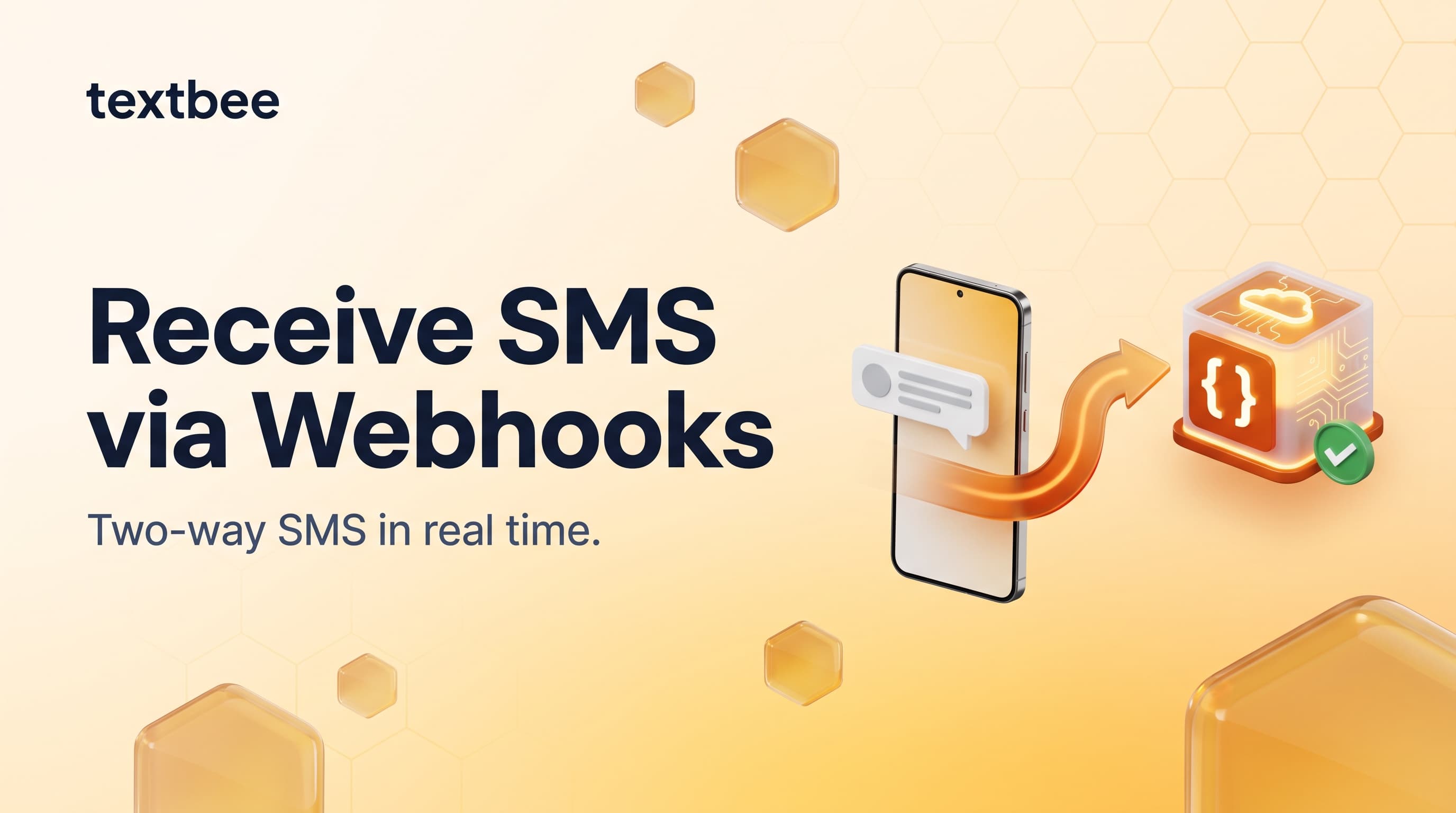
How to Receive SMS and Process Webhooks with textbee
Set up inbound SMS webhooks with textbee. Payload structure, signature verification, Node.js and Python handler examples, STOP keyword handling, OTP reply capture, and local testing with ngrok.
TL;DR
- textbee delivers inbound SMS (messages sent to your Android device) to any HTTPS endpoint you configure, in real time, as JSON.
- Create a webhook in the textbee dashboard, choose the events you care about (like
MESSAGE_RECEIVED), and save the signing secret. - Every delivery is signed with an X-Signature header (HMAC-SHA256) and carries an idempotencyKey, so you can verify authenticity and skip duplicates.
- One webhook handles every use case: STOP/opt-out processing, OTP reply capture, chatbot triggers, and human handoff routing.
- Test locally with ngrok before deploying. You get a public HTTPS URL that tunnels to your dev machine.
Sending SMS is half the story. When customers reply (confirming appointments, requesting more info, sending STOP, or answering your OTP prompt) those replies land on your Android device. textbee captures every inbound message and POSTs it to your configured webhook URL in real time.
This turns a one-way notification system into a two-way conversation platform, without any additional cost beyond the textbee plan you're already on.
How inbound SMS works
Customer sends SMS to your Android number
        ↓
Android device receives the message
        ↓
textbee app captures it from Android's SMS receiver
        ↓
textbee server queues a webhook notification
        ↓
POST to your delivery URL (HTTPS, signed with X-Signature)
        ↓
Your server verifies, acknowledges, and processes
For reliable inbound capture, make sure the textbee app has SMS permissions granted and is excluded from battery optimization on the gateway device. Our Android permission guide walks through the settings that matter.
Step 1: Create a webhook
In the textbee dashboard:
- Click Create Webhook
- Enter your HTTPS delivery URL (e.g.
https://your-server.com/webhooks/sms-inbound) - Select the events you want, e.g. Message Received (
MESSAGE_RECEIVED). Outbound status events likeMESSAGE_SENT,MESSAGE_DELIVERED, andMESSAGE_FAILEDare also available. - Save your signing secret for signature verification
textbee will POST matching events to this URL as they happen. The URL must:
- Be publicly accessible over HTTPS (not
localhost) - Return a
2xxstatus code promptly (aim for under 10 seconds), or textbee will retry
The webhook payload
When an inbound SMS arrives, textbee POSTs a JSON body like this:
{
  "smsId": "665f1c2ab9d1e2a3c4d5e6f7",
  "message": "YES",
  "deviceId": "device-abc123",
  "webhookSubscriptionId": "664a9b8cd0e1f2a3b4c5d6e7",
  "webhookEvent": "MESSAGE_RECEIVED",
  "idempotencyKey": "8f7e6d5c-4b3a-2c1d-0e9f-8a7b6c5d4e3f",
  "sender": "+15551234567",
  "receivedAt": "2026-08-07T14:23:11.208Z"
}| Field | Description |
|---|---|
smsId | Unique ID of the stored message |
message | Raw message body text |
deviceId | ID of the receiving device, useful if you have multiple devices |
webhookSubscriptionId | ID of the webhook subscription that triggered this delivery |
webhookEvent | Event type; inbound messages are MESSAGE_RECEIVED |
idempotencyKey | Unique per notification; use it to deduplicate retries |
sender | Sender's phone number |
receivedAt | ISO 8601 timestamp when the message was received |
Each request also carries an X-Signature header: a hex HMAC-SHA256 of the JSON payload, computed with your webhook's signing secret. Verify it before trusting the payload.
Node.js webhook handler (Express)
A minimal handler that verifies the signature, acknowledges fast, and handles common reply keywords:
import express from 'express';
import crypto from 'crypto';

const app = express();
app.use(express.json());

function isValidSignature(req) {
  const expected = crypto
    .createHmac('sha256', process.env.TEXTBEE_WEBHOOK_SECRET)
    .update(JSON.stringify(req.body))
    .digest('hex');
  const received = req.headers['x-signature'] || '';
  return (
    received.length === expected.length &&
    crypto.timingSafeEqual(Buffer.from(received), Buffer.from(expected))
  );
}

const processedKeys = new Set(); // use a database or cache in production

app.post('/webhooks/sms-inbound', async (req, res) => {
  if (!isValidSignature(req)) {
    return res.sendStatus(401);
  }

  // Acknowledge immediately. textbee retries if you take too long.
  res.sendStatus(200);

  const { sender, message, idempotencyKey, webhookEvent } = req.body;

  if (webhookEvent !== 'MESSAGE_RECEIVED') return;
  if (processedKeys.has(idempotencyKey)) return; // duplicate retry, skip
  processedKeys.add(idempotencyKey);

  const text = message.trim().toUpperCase();
  console.log(`Inbound SMS from ${sender}: "${message}"`);

  if (text === 'STOP') {
    await handleOptOut(sender);
  } else if (text === 'START' || text === 'UNSTOP') {
    await handleOptIn(sender);
  } else if (text === 'HELP') {
    await sendReply(sender, 'Reply STOP to unsubscribe. Questions? [email protected]');
  } else if (/^\d{6}$/.test(text)) {
    // Looks like an OTP reply
    await handleOtpReply(sender, text);
  } else {
    // Route to human inbox or CRM
    await routeToHuman(sender, message);
  }
});

async function handleOptOut(phone) {
  // Mark as opted-out in your database
  console.log(`Opt-out: ${phone}`);
  // await db.contacts.update({ phone }, { optedOut: true });
}

async function handleOptIn(phone) {
  console.log(`Opt-in: ${phone}`);
  // await db.contacts.update({ phone }, { optedOut: false });
}

async function handleOtpReply(phone, code) {
  console.log(`OTP reply from ${phone}: ${code}`);
  // Look up pending OTP for this phone, verify the code
}

async function routeToHuman(phone, message) {
  // Post to Slack, create a support ticket, etc.
  console.log(`Human handoff: ${phone} says "${message}"`);
}

async function sendReply(to, message) {
  const res = await fetch(
    'https://api.textbee.dev/api/v1/gateway/send-sms',
    {
      method: 'POST',
      headers: {
        'x-api-key': process.env.TEXTBEE_API_KEY,
        'Content-Type': 'application/json',
      },
      body: JSON.stringify({ recipients: [to], message }),
    }
  );
  return res.json();
}

app.listen(3000, () => console.log('Webhook server on :3000'));
Key pattern: verify the signature, respond with 200 immediately, then process asynchronously. If your processing takes too long, textbee retries the webhook, and without the idempotencyKey check you'd process the same message twice. Acknowledge first, work after.
Python webhook handler (Flask)
import hashlib
import hmac
import json
import os
import re
from threading import Thread

import requests
from flask import Flask, jsonify, request

app = Flask(__name__)

API_KEY = os.environ["TEXTBEE_API_KEY"]
WEBHOOK_SECRET = os.environ["TEXTBEE_WEBHOOK_SECRET"]

processed_keys = set()  # use a database or cache in production


def is_valid_signature(payload: dict, signature: str) -> bool:
    expected = hmac.new(
        WEBHOOK_SECRET.encode(),
        json.dumps(payload, separators=(",", ":")).encode(),
        hashlib.sha256,
    ).hexdigest()
    return hmac.compare_digest(signature or "", expected)


@app.route("/webhooks/sms-inbound", methods=["POST"])
def sms_inbound():
    data = request.get_json()
    if not is_valid_signature(data, request.headers.get("X-Signature", "")):
        return jsonify({"error": "invalid signature"}), 401

    # Process in a background thread, respond immediately
    Thread(target=process_inbound, args=(data,)).start()
    return jsonify({"ok": True}), 200


def process_inbound(data):
    if data.get("webhookEvent") != "MESSAGE_RECEIVED":
        return
    key = data.get("idempotencyKey")
    if key in processed_keys:
        return  # duplicate retry, skip
    processed_keys.add(key)

    sender = data.get("sender", "")
    message = data.get("message", "").strip().upper()

    print(f"Inbound SMS from {sender}: {data.get('message')}")

    if message == "STOP":
        handle_opt_out(sender)
    elif message in ("START", "UNSTOP"):
        handle_opt_in(sender)
    elif message == "HELP":
        send_reply(sender, "Reply STOP to unsubscribe. Questions? [email protected]")
    elif re.match(r"^\d{6}$", message):
        handle_otp_reply(sender, message)
    else:
        route_to_human(sender, data.get("message", ""))


def send_reply(to: str, message: str) -> dict:
    response = requests.post(
        "https://api.textbee.dev/api/v1/gateway/send-sms",
        headers={"x-api-key": API_KEY, "Content-Type": "application/json"},
        json={"recipients": [to], "message": message},
        timeout=10,
    )
    response.raise_for_status()
    return response.json()


def handle_opt_out(phone): print(f"Opt-out: {phone}")
def handle_opt_in(phone): print(f"Opt-in: {phone}")
def handle_otp_reply(phone, code): print(f"OTP {code} from {phone}")
def route_to_human(phone, message): print(f"Human: {phone}: {message}")


if __name__ == "__main__":
    app.run(port=3000)
Common inbound SMS use cases
STOP / opt-out handling
The STOP keyword is legally significant in SMS marketing. Recipients have the right to opt out and you must honor it immediately. Your webhook handler should:
- Match
STOP,STOPALL,UNSUBSCRIBE,CANCEL,END,QUIT(case-insensitive) - Mark the phone number as opted-out in your database before the next send
- Optionally send a confirmation: "You've been unsubscribed. Reply START to re-subscribe."
- Never send to opted-out contacts again, even if they appear in a new list import
Our SMS compliance checklist covers opt-out obligations in detail.
OTP / verification code reply
If you prompt users to reply with a code (rather than entering it in a form), the inbound webhook captures the reply:
- User requests login, you send a 6-digit code via textbee
- User replies with the code as an SMS
- Webhook fires with the reply body
- Match the phone number to the pending OTP in your database, verify the code
This pattern is useful for feature phones, elderly users, or use cases where opening a website is inconvenient.
Appointment confirmation
Your reminder says "Reply YES to confirm, NO to cancel." The inbound webhook:
- Matches
YES: marks the appointment as confirmed in your booking system - Matches
NOorCANCEL: marks it cancelled, optionally opens the slot - Any other reply: routes to a human to handle manually
Chatbot / keyword routing
A simple SMS chatbot for a business:
HOURS: "We're open Mon-Fri 9am-6pm, Sat 10am-4pm."ADDRESS: "123 Main St, Springfield. Parking in rear."BOOK: "Book online: yoursite.com/book or call (555) 123-4567."- Anything else: forward to a staff Slack channel for human reply
Human handoff
Not everything needs automation. Route unrecognized messages to a Slack channel, email, or a support ticket system. Your webhook fires the routing; a human responds by texting back directly from the phone.
Testing locally with ngrok
Your webhook endpoint must be publicly reachable over HTTPS. During development, ngrok provides a public URL that tunnels to your local server:
# Install ngrok (https://ngrok.com)
ngrok http 3000
ngrok prints a URL like https://a1b2c3d4.ngrok.io. Use that as your textbee webhook URL during development. Every inbound SMS will tunnel to your local machine in real time.
# Run your webhook server
node server.js   # or: flask run --port 3000

# In another terminal
ngrok http 3000

# Update the textbee webhook with the ngrok URL, e.g.:
# https://a1b2c3d4.ngrok.io/webhooks/sms-inbound

# Send a test SMS to your Android device number
# Watch the ngrok terminal for the incoming request
ngrok's web interface at http://localhost:4040 shows every request and response, letting you inspect the full payload and replay failed requests without sending another SMS.
Handling webhook failures and retries
If your endpoint returns a non-2xx status or times out, textbee retries the delivery: server errors (5xx) and network failures are retried with increasing delays for up to 10 attempts, while client errors (4xx) are abandoned after 3 attempts. To handle this cleanly:
- Respond 200 immediately, then process asynchronously (as shown in the examples above).
- Deduplicate with
idempotencyKey: every notification carries a unique key that stays the same across retries. Store processed keys and skip repeats. - Log all inbound payloads before processing. If something goes wrong, you have a record to replay from.
Frequently asked questions
Can I reply to an inbound SMS using the API?
Yes. Use the standard send API with recipients: [sender_phone_number] and your reply message. The reply goes out from the same Android device number the customer texted. See send SMS from Node.js or send SMS from Python for the send API.
How do I verify a webhook actually came from textbee?
Compute an HMAC-SHA256 of the raw JSON payload using the signing secret shown when you created the webhook, and compare it (with a constant-time comparison) to the X-Signature header. Both handler examples above include a working implementation. Reject anything that doesn't match.
How do I handle STOP keywords reliably?
Match a broad set of opt-out keywords case-insensitively: STOP, STOPALL, UNSUBSCRIBE, CANCEL, END, QUIT. CTIA guidelines recommend auto-responding with a confirmation message. Honor opt-outs before your next send runs, and check your opt-out list in every send job.
What's the webhook delivery guarantee?
textbee retries failed deliveries with backoff (up to 10 attempts for server and network errors), but treat it as at-least-once delivery, not a guaranteed-delivery message queue. For high-stakes inbound processing (e.g. financial transactions triggered by SMS), deduplicate with idempotencyKey and keep a secondary path: received messages are also visible in the textbee dashboard.
Can I filter by keyword before the webhook fires?
You can filter by event type when creating the webhook (e.g. only MESSAGE_RECEIVED), but not by message content. Keyword routing happens in your handler code. If you want to avoid processing noise, filter on the sender number or message body in your handler before doing anything meaningful.
Can I have multiple webhook endpoints?
Yes. You can create multiple webhook subscriptions, each with its own delivery URL, event selection, and signing secret. textbee fans out each event to every matching subscription. Alternatively, use a single endpoint as a router and fan out to other services from your handler.
Does this work with multiple devices?
Yes. Inbound messages from any of your linked devices trigger the webhook, and the deviceId field in the payload tells you which device received the message, so you can route by device in your handler.
Get started with two-way SMS
- Create a textbee account, free tier, no credit card
- Download the Android app
- Follow the quickstart to confirm outbound sending works first
- Create a webhook in the dashboard and save the signing secret
- Test with ngrok and your local handler before deploying
Related reading:
- Automation patterns: Make, Zapier, n8n for triggering automations from inbound SMS
- SMS alerts from Raspberry Pi and Linux servers for infrastructure monitoring on the same gateway
- What is an Android SMS gateway? for the bigger picture
Get more textbee in Google Search
Add textbee.dev as a preferred source. Our posts show up more often in your Google results.
You may also like
Build an AI SMS Autoresponder with n8n and OpenAI
Wire inbound SMS from your Android phone into n8n, pass it to an LLM, and text the reply back. Node settings, guardrails, and a Code node snippet.
Migrate from Twilio to an Android SMS Gateway: Step by Step (2026)
How to migrate SMS from Twilio to an Android phone running textbee: map every Twilio concept to its replacement, swap the send call, rewrite the status and inbound webhooks, run both side by side, then cut over. Node.js and Python code, before and after.
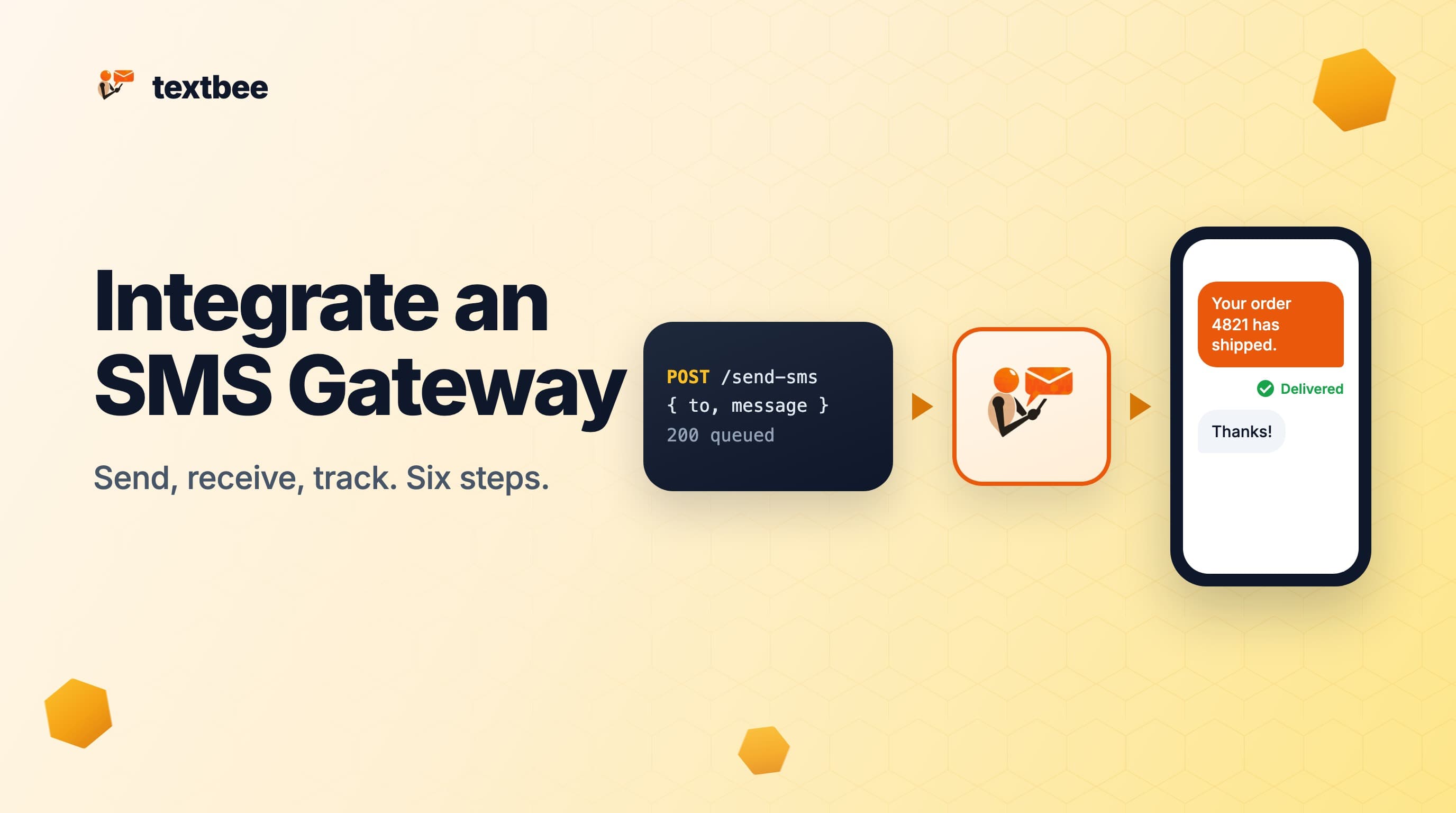
How to Integrate an SMS Gateway into Your App (Step by Step, 2026)
SMS gateway integration in six steps: pick a gateway, get an API key, send from your backend, receive replies by webhook, track delivery status, and go to production. Code in curl, Node.js and Python.