
Send SMS from Laravel: Gateway, Notifications, and Queued Jobs
Send SMS in Laravel using textbee and your Android phone. Covers the Http facade, a service class, a custom notification channel, and queued jobs.
TL;DR
- textbee's REST API works perfectly with Laravel's
Http::facade: no SDK or package required. - The cleanest pattern: an
SmsServiceclass injected via Laravel's service container. - For Laravel Notifications: build a custom channel so you can use
$notifiable->notify(new OrderShipped())like any built-in channel. - For high-traffic apps: dispatch a queued job so SMS sends never block the request lifecycle.
- Store credentials in
.envand access viaconfig(): never hardcode API keys.
If you're building a Laravel application and want to send SMS notifications, textbee gives you a practical alternative to Twilio: your own Android phone becomes the gateway, your messages send from your real number, and you pay a flat subscription instead of per-message fees.
Before you start
- textbee app installed on your Android device: download and quickstart
- Device ID and API key from the dashboard at textbee.dev
- Laravel 9+ (examples use Laravel 10/11 syntax; Laravel 9 is identical)
- PHP 8.1+ (for readonly properties in the service class)
Step 1: Add credentials to .env
TEXTBEE_DEVICE_ID=your-device-id-here
TEXTBEE_API_KEY=your-api-key-here
Then publish them through a config file. Create config/textbee.php:
<?php

return [
    'device_id' => env('TEXTBEE_DEVICE_ID'),
    'api_key'   => env('TEXTBEE_API_KEY'),
];
Step 2: The service class
Create app/Services/SmsService.php:
<?php

namespace App\Services;

use Illuminate\Support\Facades\Http;
use Illuminate\Http\Client\RequestException;

class SmsService
{
    private string $baseUrl = 'https://api.textbee.dev/api/v1/gateway/send-sms';

    public function send(string|array $recipients, string $message): array
    {
        $deviceId = config('textbee.device_id');
        $apiKey   = config('textbee.api_key');

        $response = Http::withHeader('x-api-key', $apiKey)
            ->timeout(10)
            ->post($this->baseUrl, [
                'deviceId'   => $deviceId,
                'recipients' => (array) $recipients,
                'message'    => $message,
            ]);

        $response->throw(); // throws RequestException on 4xx/5xx

        return $response->json('data');
    }
}
Register it in AppServiceProvider (or let Laravel auto-discover it since it has no interface dependency):
// In App\Providers\AppServiceProvider::register()
$this->app->singleton(SmsService::class);
Use it anywhere in the application:
use App\Services\SmsService;

class AppointmentController extends Controller
{
    public function confirm(Appointment $appointment, SmsService $sms)
    {
        $sms->send(
            $appointment->client_phone,
            "Hi {$appointment->client_name}, your appointment is confirmed for {$appointment->formatted_time}."
        );

        return response()->json(['status' => 'confirmed']);
    }
}
Step 3: Sending to multiple recipients
The (array) $recipients cast in the service class means you can pass a string for a single recipient or an array for bulk:
// Single
$sms->send('+15551234567', 'Your order has shipped!');

// Multiple (same message to all)
$sms->send(['+15551234567', '+15559876543'], 'Store closes at 6pm today.');
Step 4: Custom Laravel Notification channel
Laravel's Notification system lets you send notifications through multiple channels (mail, database, broadcast) using a unified API. Adding textbee as a channel means you can write:
$user->notify(new AppointmentReminder($appointment));Create the channel (app/Notifications/Channels/TextbeeChannel.php):
<?php

namespace App\Notifications\Channels;

use App\Services\SmsService;
use Illuminate\Notifications\Notification;

class TextbeeChannel
{
    public function __construct(private SmsService $sms) {}

    public function send(mixed $notifiable, Notification $notification): void
    {
        $phone = $notifiable->routeNotificationFor('textbee')
            ?? $notifiable->phone;

        if (! $phone) {
            return;
        }

        $message = $notification->toTextbee($notifiable);
        $this->sms->send($phone, $message);
    }
}
Create a notification (app/Notifications/AppointmentReminder.php):
<?php

namespace App\Notifications;

use App\Notifications\Channels\TextbeeChannel;
use Illuminate\Notifications\Notification;

class AppointmentReminder extends Notification
{
    public function __construct(private mixed $appointment) {}

    public function via(mixed $notifiable): array
    {
        return [TextbeeChannel::class];
    }

    public function toTextbee(mixed $notifiable): string
    {
        return "Hi {$notifiable->name}, reminder: your appointment is tomorrow at {$this->appointment->time}. Reply YES to confirm.";
    }
}
Add the routing method to your User model (or any notifiable):
public function routeNotificationForTextbee(): string
{
    return $this->phone_number; // E.164 format
}
Now you can notify users exactly like you would via email:
$user->notify(new AppointmentReminder($appointment));
// or for scheduled/queued delivery:
Notification::send($users, new AppointmentReminder($appointment));
Step 5: Queued sending (don't block the request)
SMS sends are network I/O: they can take 1-3 seconds. Never run them synchronously inside a request handler if you can avoid it. Use a queued job:
Create the job (php artisan make:job SendSms):
<?php

namespace App\Jobs;

use App\Services\SmsService;
use Illuminate\Bus\Queueable;
use Illuminate\Contracts\Queue\ShouldQueue;
use Illuminate\Foundation\Bus\Dispatchable;
use Illuminate\Queue\InteractsWithQueue;
use Illuminate\Queue\SerializesModels;

class SendSms implements ShouldQueue
{
    use Dispatchable, InteractsWithQueue, Queueable, SerializesModels;

    public int $tries = 3;
    public int $backoff = 30; // seconds between retries

    public function __construct(
        private string $phone,
        private string $message,
    ) {}

    public function handle(SmsService $sms): void
    {
        $sms->send($this->phone, $this->message);
    }
}
Dispatch from a controller or service:
SendSms::dispatch($user->phone, "Your order {$order->number} has shipped!")->onQueue('notifications');Or dispatch with a delay:
// Send 24 hours before appointment
SendSms::dispatch($client->phone, $reminderText)
    ->delay(now()->diffInSeconds($appointment->starts_at->subDay()));
Make sure you have a queue worker running:
php artisan queue:work --queue=notificationsFor production, configure Supervisor to keep the worker alive across restarts.
Error handling
The $response->throw() call in SmsService raises a RequestException on HTTP errors. Catch it where it matters:
use Illuminate\Http\Client\RequestException;

try {
    $sms->send($phone, $message);
} catch (RequestException $e) {
    Log::warning('SMS send failed', [
        'phone'  => $phone,
        'status' => $e->response->status(),
        'body'   => $e->response->body(),
    ]);
    // fail silently, alert, or retry depending on use case
}
For queued jobs, Laravel's built-in $tries and $backoff handle retries automatically. Failed jobs land in the failed_jobs table for inspection.
What the API returns
On success:
{
  "data": {
    "success": true,
    "message": "SMS added to queue for processing",
    "smsBatchId": "batch-abc123",
    "recipientCount": 1
  }
}
The smsBatchId is your reference for tracking delivery status in the textbee dashboard. success: true means the message was accepted and queued on your Android device: delivery to the recipient's handset happens asynchronously over the cellular network.
Testing SMS sends in Laravel
In tests, use Http::fake() to mock the textbee API:
use Illuminate\Support\Facades\Http;

public function test_sends_sms_on_confirmation(): void
{
    Http::fake([
        'api.textbee.dev/*' => Http::response([
            'data' => ['success' => true, 'smsBatchId' => 'test-batch', 'recipientCount' => 1],
        ], 200),
    ]);

    $response = $this->postJson('/api/appointments/1/confirm');

    $response->assertOk();
    Http::assertSent(fn ($request) =>
        str_contains($request->url(), 'send-sms') &&
        $request['message'] === 'Your appointment is confirmed.'
    );
}
Frequently asked questions
Does textbee have a native Laravel package?
Not yet. The Http:: facade and the service class pattern above cover all use cases cleanly. If you'd like an official textbee/laravel package, open a GitHub issue to signal demand.
Can I use Laravel Notifications with textbee?
Yes. Step 4 above shows exactly how to build a custom Notification channel. Once the channel is registered, textbee works identically to built-in channels like mail and database. Your Notification class just needs a toTextbee() method that returns the message string.
How do I send SMS in a Celery task? (Laravel equivalent: queued job)
Use the SendSms job from Step 5. It implements ShouldQueue, so dispatching it puts it in Laravel's queue, not the request thread. Pair with Laravel Horizon or a Supervisor-managed queue worker for production reliability.
Can I send SMS from a Laravel console command?
Yes. Inject SmsService in the command constructor or use the facade-style:
class SendWeeklyDigest extends Command
{
    public function handle(SmsService $sms): void
    {
        User::whereNotNull('phone')->each(function ($user) use ($sms) {
            $sms->send($user->phone, "Weekly summary: ...");
            sleep(2); // rate limiting between sends
        });
    }
}
Run it as a scheduled command in routes/console.php (Laravel 11+) or app/Console/Kernel.php (Laravel 10).
What's the right way to store the API key in production?
In .env as TEXTBEE_API_KEY, and access via config('textbee.api_key'): never via env() directly in application code (breaks config caching). Use Laravel Forge secrets, Vapor environment variables, or a secrets manager (AWS SSM, Doppler) to inject the value into the deployment environment.
Keep going
- Full API reference: send, receive, webhooks, device management
- Receive SMS with webhooks: handle inbound SMS in a Laravel route
- Send SMS from PHP (no framework): raw cURL and Guzzle
- Bulk SMS developer guide: sending to lists, rate limiting, opt-out filtering
- Pricing: free tier available
Download textbee and send your first Laravel SMS in under 10 minutes.
Get more textbee in Google Search
Add textbee.dev as a preferred source. Our posts show up more often in your Google results.
You may also like
Send Text Messages from PHP: SMS Gateway and API Tutorial with Your Android Phone
Send real text messages from PHP using textbee and your Android phone as the SMS gateway. Native cURL, Guzzle, and Laravel Http examples: zero per-message fees.
WooCommerce SMS Notifications Without an SMS Plugin: One Code Snippet and Your Own Phone
Send order confirmed, shipped and on-hold texts from WooCommerce with one PHP snippet in the Code Snippets plugin and your own Android phone. Copy-paste code, replies included.
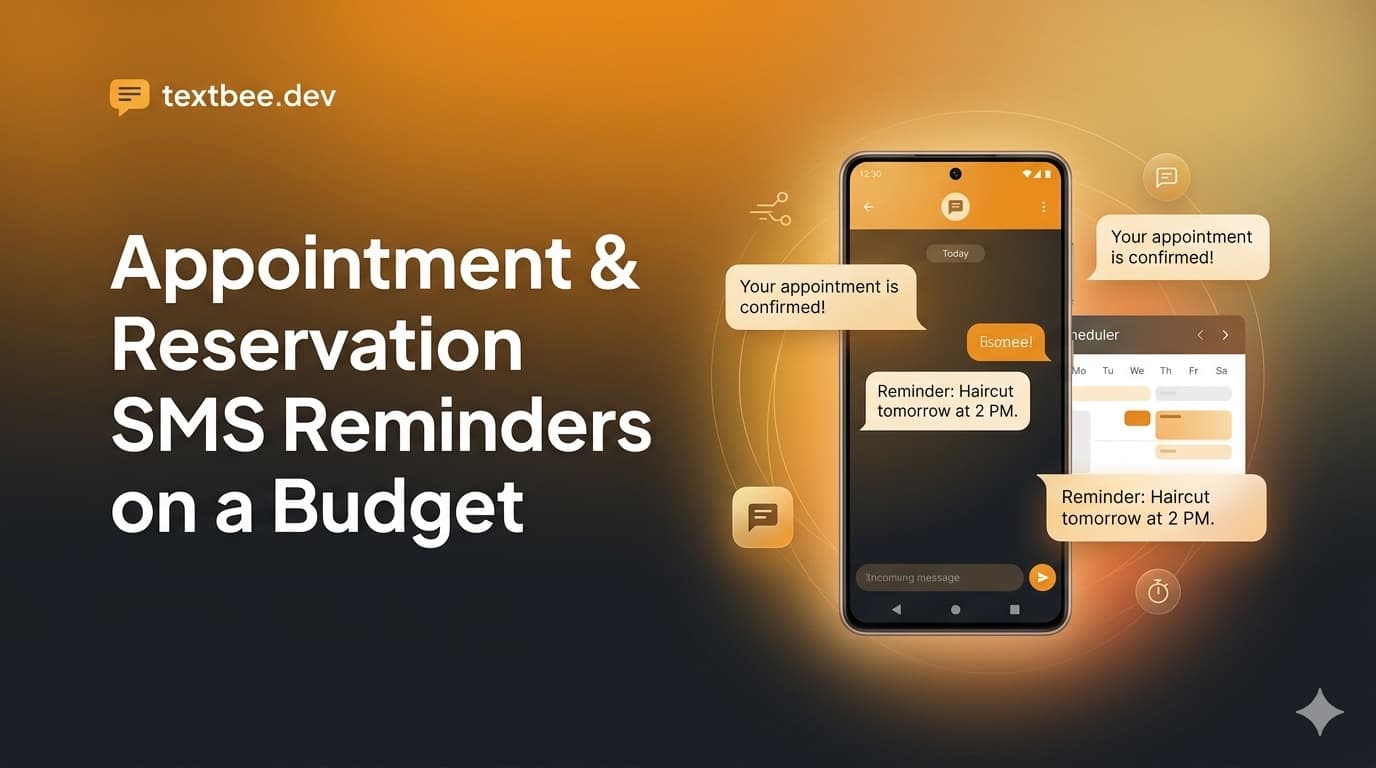
SMS Appointment Reminders for Small Businesses: Send from Your Own Number (2026 Guide)
Send appointment reminders, booking confirmations and reschedule notices by SMS from your own business number, with no 10DLC registration and a flat $14.99 plan. Timing, templates, US costs and TCPA basics for clinics, salons, HVAC and dental.