
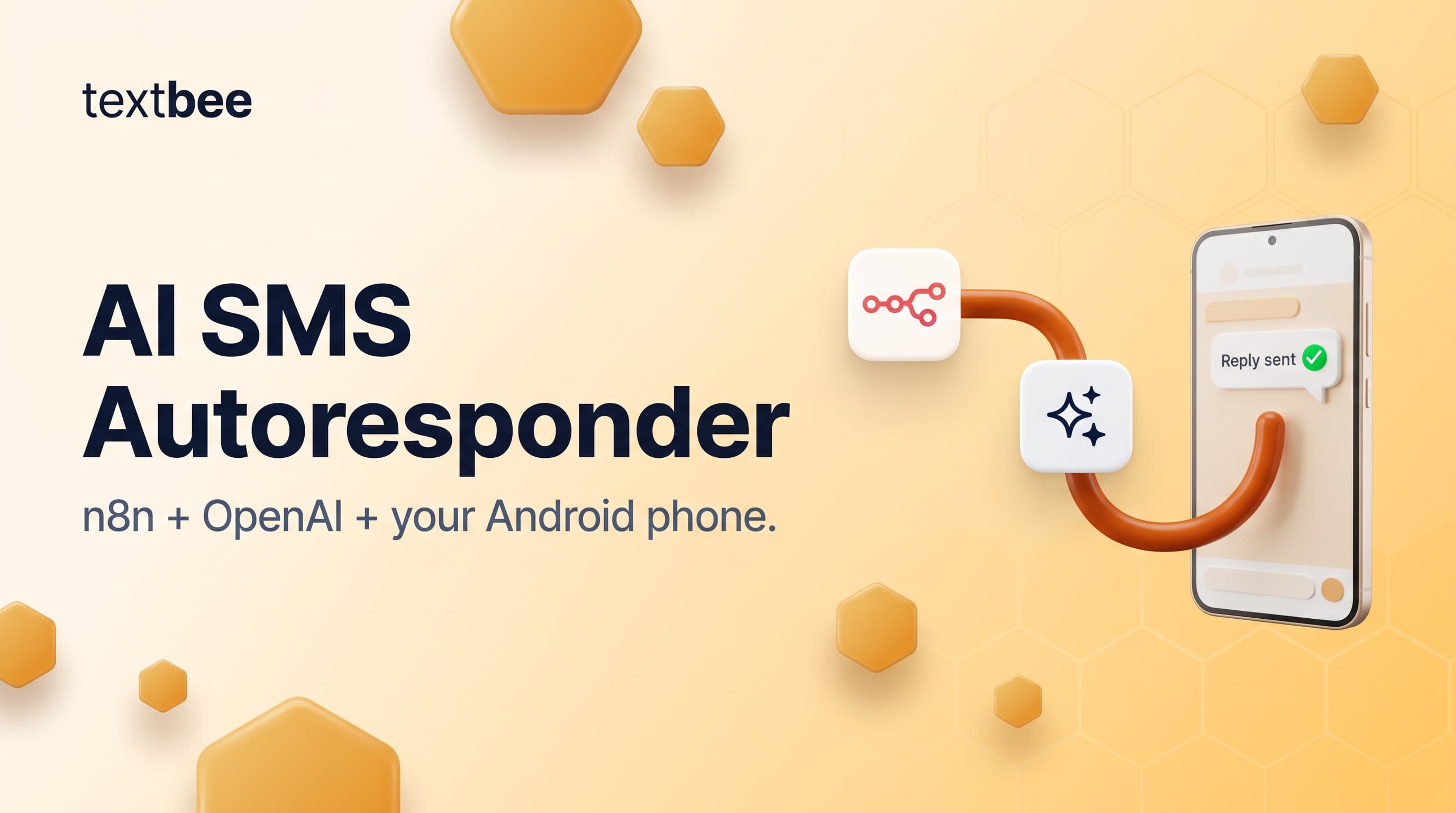
Build an AI SMS Autoresponder with n8n and OpenAI
Wire inbound SMS from your Android phone into n8n, pass it to an LLM, and text the reply back. Node settings, guardrails, and a Code node snippet.
TL;DR
- You build a three node loop in n8n: a Webhook node receives the inbound SMS from textbee, an OpenAI node drafts a reply, and an HTTP Request node POSTs that reply to the textbee send endpoint. It all runs on your own phone number.
- textbee has no built in auto-reply engine. It delivers the inbound message and sends the outbound one. n8n is the logic in between.
- Put guardrails before the model, not after: drop messages from your own number, answer STOP/START/HELP with fixed text, cap length, rate-limit each sender.
- Model cost is negligible: gpt-5-nano is $0.05 per 1M input tokens and $0.40 per 1M output tokens (checked September 2026, OpenAI pricing). SMS cost is whatever your phone plan already charges.
- Throughput is bounded by the SIM in the phone, so this fits support inboxes and front desks, not blast campaigns.
What are you building?
A customer texts the number in your Android phone. textbee captures the message and POSTs it to an n8n Webhook URL. n8n decides whether to answer, asks a model for the reply, and sends it back through the textbee send endpoint. The round trip takes a few seconds and runs on your own number.
Customer texts your Android number
        ↓
textbee POSTs MESSAGE_RECEIVED to your n8n Webhook URL
        ↓
Code node: guardrails (keywords, rate limit, length)
        ↓
If node: canned reply, model reply, or drop
        ↓
OpenAI node: draft the answer
        ↓
HTTP Request node: POST /gateway/send-sms
        ↓
Your phone replies from your own number
The inbound half is documented in Webhooks and walked through in receive SMS with webhooks. The outbound half is the HTTP Request node from the n8n guide.
Prerequisites
- A textbee account with an Android device registered and Receive SMS on.
- An API key from the dashboard.
- n8n, cloud or self-hosted. Self-hosted needs a public HTTPS URL.
- An OpenAI API key, or any chat-completions endpoint you would rather call directly.
Step 1: register the n8n webhook URL in textbee
Build the n8n side first: textbee rejects URLs it cannot reach.
- Add a Webhook node to a new workflow. Set HTTP Method to
POSTand Respond toImmediately. Copy the Production URL. - Save and activate the workflow. The URL only answers while the workflow is active.
- In the textbee dashboard, open Webhooks > Add Webhook.
- Paste the production URL. It must be public HTTPS: loopback and private ranges (
localhost, RFC1918) are rejected. - Subscribe to MESSAGE_RECEIVED only. Outbound status events are not needed.
- Set a signing secret of 20 characters or more.
textbee signs every delivery with that secret and sends the hex HMAC-SHA256 in the X-Signature header. Failed deliveries retry up to 10 times, and a subscription that keeps failing gets paused, so answer fast and answer 200.
Step 2: inspect the inbound payload
Text the gateway number and open the n8n execution. MESSAGE_RECEIVED arrives as a flat JSON body:
{
  "smsId": "665f1c2ab9d1e2a3c4d5e6f7",
  "message": "do you have any availability friday?",
  "deviceId": "device-abc123",
  "webhookSubscriptionId": "664a9b8cd0e1f2a3b4c5d6e7",
  "webhookEvent": "MESSAGE_RECEIVED",
  "idempotencyKey": "8f7e6d5c-4b3a-2c1d-0e9f-8a7b6c5d4e3f",
  "sender": "+15550142",
  "receivedAt": "2026-09-21T14:23:11.208Z"
}
The Webhook node wraps this, so expressions read {{ $json.body.sender }} and {{ $json.body.message }}. Two fields matter later: sender (who to reply to) and idempotencyKey (unique per delivery, so a retry does not produce a second reply).
Step 3: guardrails before the LLM
Never hand a raw inbound message to a model and send back whatever comes out. Four checks belong in front: sender identity, opt-out keywords, length, per-sender rate. One Code node in Run Once for All Items mode does all four and tags the item with an action to branch on:
const store = $getWorkflowStaticData('global');
store.senders = store.senders || {};

const body = $input.first().json.body || {};
const sender = String(body.sender || '').trim();
const text = String(body.message || '').trim();
const now = Date.now();

const OWN_NUMBER = '+15550100';   // the SIM in your gateway phone
const WINDOW_MS = 60 * 1000;
const MAX_PER_WINDOW = 3;
const MAX_CHARS = 320;

const OPT_OUT = ['STOP', 'STOPALL', 'UNSUBSCRIBE', 'CANCEL', 'END', 'QUIT'];
const OPT_IN = ['START', 'UNSTOP'];

const out = (action, message) => [{ json: { action, sender, message } }];

if (!sender || !text) return out('drop', '');   // empty or MMS with no text
if (sender === OWN_NUMBER) return out('drop', '');   // loop breaker

const keyword = text.toUpperCase();
if (OPT_OUT.includes(keyword)) {
  return out('canned', 'You are unsubscribed. Reply START to opt back in.');
}
if (OPT_IN.includes(keyword)) {
  return out('canned', 'You are opted back in. Reply STOP to unsubscribe.');
}
if (keyword === 'HELP') {
  return out('canned', 'Support: [email protected]. Reply STOP to unsubscribe.');
}

const seen = (store.senders[sender] || []).filter((t) => now - t < WINDOW_MS);
if (seen.length >= MAX_PER_WINDOW) {
  store.senders[sender] = seen;
  return out('drop', '');
}
seen.push(now);
store.senders[sender] = seen;

return out('ask_model', text.slice(0, MAX_CHARS));
Two things about $getWorkflowStaticData('global'): it is per workflow, not per node, and it does not persist when you press Test workflow. Rate limiting only works once the workflow is active and driven by the real webhook. For counters that survive a restart, use Postgres or Redis instead.
Then an If node on {{ $json.action }}:
| Branch | Condition | Goes to |
|---|---|---|
| true | action equals ask_model | OpenAI node |
| false | action equals canned | HTTP Request node |
Leave drop unconnected. A dropped message costs no tokens and no SMS.
Step 4: call the model
Add an OpenAI node. Set Resource to Text and the operation to Generate a Chat Completion (older n8n builds label it Message a Model). For a non-OpenAI model, swap in an HTTP Request node pointed at any chat-completions endpoint. Nothing else changes.
| Field | Value |
|---|---|
| Credential | Your OpenAI API credential |
| Resource | Text |
| Operation | Generate a Chat Completion |
| Model | gpt-5-nano or gpt-4o-mini |
| Message 1 role | System |
| Message 2 role | User, content {{ $json.message }} |
| Simplify Output | On |
| Options > Maximum Number of Tokens | 80 |
| Options > Output Randomness (Temperature) | 0.3 |
The system prompt is the whole product. Keep it short and bounded:
You answer customer texts for Juniper Dental, a two chair clinic.
- Reply in under 160 characters. One SMS segment, plain text.
- No links and no emoji unless the customer asks for a link.
- Hours are Mon to Fri, 8am to 5pm. You cannot book, change,
  or cancel appointments.
- For pricing, medical advice, or a complaint, reply exactly:
  "Let me get a person on this. Someone will text you back shortly."
- If you do not know, say so. Never invent availability or prices.
The 160 character rule is not cosmetic. Plain GSM-7 text fits 160 characters in one segment; past that the carrier splits the message, and any non-ASCII character (curly quotes, emoji) drops the limit to 70. Add a .slice(0, 160) in a Code node for a hard ceiling. The escalation line is your handoff: route any reply matching that exact string to a Slack or email node so a human sees it.
Step 5: send the reply
One HTTP Request node serves both.
| Field | Value |
|---|---|
| Method | POST |
| URL | https://api.textbee.dev/api/v1/gateway/send-sms |
| Authentication | Generic Credential Type > Header Auth |
| Credential name / value | x-api-key / your API key |
| Send Body | On, JSON |
| Body | see below |
{
  "recipients": ["{{ $('Guardrails').item.json.sender }}"],
  "message": "{{ $json.message.content }}"
}
On the canned branch the text is already in {{ $json.message }}, so use that expression instead. Add "deviceId": "YOUR_DEVICE_ID" to pin a specific phone. Keep the API key in a Header Auth credential, not in the node, so it stays out of exported workflow JSON.
Step 6: test it with a real text
- Activate the workflow, then text the gateway number a normal question from a second phone.
- Watch the n8n execution list. The Webhook node fires in a second or two, then the send node returns a success response with an
smsBatchId. - Text
STOP. You get the canned reply, and the OpenAI node shows zero executions. - Text the same question four times in a minute. The fourth drops.
If nothing arrives, check the webhook delivery attempts in the dashboard. A subscription paused after repeated failures is the usual cause.
Handling conversation memory
The workflow above is stateless: every text is a fresh conversation. That keeps token cost flat and suits FAQ answering. For follow-ups ("what about Thursday?") keep the last few turns in the static data store, capped hard:
const store = $getWorkflowStaticData('global');
store.threads = store.threads || {};
const thread = store.threads[sender] || [];
thread.push({ role: 'user', content: text });
store.threads[sender] = thread.slice(-6);   // last 3 exchanges
Feed store.threads[sender] into the OpenAI node as extra messages, and keep the cap. An uncapped thread grows until the call costs more than the conversation is worth, and a customer who texted six months ago should not still be in context.
To audit or query the history, write each turn to a Postgres or Google Sheets node keyed by sender and read the last N rows back at the start. That survives an n8n restart, which static data does not.
Cost and limits
Model cost per reply is close to nothing. At gpt-5-nano rates of $0.05 per 1M input tokens and $0.40 per 1M output tokens (checked September 2026, OpenAI pricing), a 400 token prompt with a 60 token answer costs about $0.00004: a thousand replies is roughly four cents. gpt-4o-mini at $0.15 and $0.60 per 1M tokens is about three times that.
The real limits are physical, because textbee sends through the phone and its SIM.
- Each reply is a normal SMS on your plan. Unlimited texting means free replies. Per-message billing means that rate is your cost per reply.
- Sustained throughput is bounded by the carrier: hundreds to low thousands of messages per day per device. Fine for a support line, wrong for a marketing blast.
- One phone is one point of failure. Keep it charged, online, and excluded from battery optimization.
If you would rather not expose a public webhook, poll instead: GET https://api.textbee.dev/api/v1/gateway/messages with direction=received and a cursor, on a Schedule trigger. You trade a few seconds of latency for one less public endpoint. The cursor parameters are in the receiving SMS docs.
Compliance note
An autoresponder is still your business texting a consumer, and the rules apply to the machine as they apply to you. STOP handling is mandatory, which is why it sits in the Code node rather than in the prompt: a model can be talked out of honoring an opt-out, a string comparison cannot.
Three things to get right. Honor STOP, STOPALL, UNSUBSCRIBE, CANCEL, END, and QUIT case-insensitively and immediately. Answer HELP with a real support contact. Never let the model send to a number that did not text you. Full obligations are in the SMS compliance checklist.
Frequently asked questions
Can I use Claude or another model instead of OpenAI?
Yes. The OpenAI node is the only provider specific piece. Replace it with an HTTP Request node pointed at any chat-completions API, or with n8n's node for your provider, and map the reply into the send node's message field. To let a model drive textbee directly instead of through n8n, the textbee MCP server gives an agent send and read tools, covered in give your AI agent a phone number.
Does this work with self-hosted n8n?
Yes, with one requirement: textbee has to reach the Webhook node's production URL over public HTTPS. Private and loopback addresses are rejected at registration, so put the instance behind a reverse proxy with a real certificate or a tunnel. Everything else behaves the same on cloud and self-hosted.
How do I stop reply loops?
Two guards. The sender === OWN_NUMBER check drops anything your own gateway number sends, which kills the classic case of two autoresponders talking to each other. The per-sender rate limit caps how many replies one number can trigger in a window. Also subscribe only to MESSAGE_RECEIVED, never MESSAGE_SENT, or every reply you send retriggers the workflow.
Can the agent send to numbers other than the sender?
Technically yes, because the send endpoint takes any recipient list. Do not do it from this workflow. Build the recipients array from $('Guardrails').item.json.sender and nothing else, so a prompt injection in an inbound text cannot pick the target. Campaigns to other numbers belong in a separate workflow with its own opt-in list.
Get more textbee in Google Search
Add textbee.dev as a preferred source. Our posts show up more often in your Google results.
You may also like
How to Receive SMS and Process Webhooks with textbee
Set up inbound SMS webhooks with textbee. Payload structure, signature verification, Node.js and Python handler examples, STOP keyword handling, OTP reply capture, and local testing with ngrok.
n8n SMS Integration with textbee: Automate SMS Without Code
Send SMS from n8n workflows using textbee and your Android phone as the gateway. HTTP Request node config, workflow patterns, expressions, and a full open-source self-hosted stack guide.
Give Your AI Agent a Phone Number: Send SMS from Claude with MCP
The textbee MCP server lets Claude, Cursor, and any MCP-enabled agent send and read SMS through your own Android phone. Setup in two minutes, open source, no per-message markup.