
n8n SMS Integration with textbee: Automate SMS Without Code
Send SMS from n8n workflows using textbee and your Android phone as the gateway. HTTP Request node config, workflow patterns, expressions, and a full open-source self-hosted stack guide.
TL;DR
- n8n's HTTP Request node can call the textbee API: no native integration required.
- Configure it once, reuse it as a sub-workflow across all your automations.
- Workflow patterns: Webhook trigger → SMS, Cron → SMS, Database record → SMS, Error → SMS alert.
- Full open-source stack possible: self-hosted n8n + self-hosted textbee server + your own Android device.
- No per-message cost: textbee routes SMS through your phone's SIM, not a CPaaS billing meter.
n8n is an open-source workflow automation platform: think Zapier or Make.com, but self-hostable and developer-friendly. If you're already running n8n for your automations, adding SMS via textbee takes about five minutes and a single HTTP Request node.
Prerequisites
- textbee installed on your Android phone: download and quickstart
- Device ID and API key from the textbee dashboard at textbee.dev
- n8n running (cloud at n8n.io or self-hosted, both work identically for this)
The HTTP Request node (core config)
Every textbee SMS send in n8n uses the same HTTP Request node configuration. Set it up once, then reference it across workflows.
Node settings:
| Field | Value |
|---|---|
| Method | POST |
| URL | https://api.textbee.dev/api/v1/gateway/send-sms |
| Authentication | Generic Credential Type → Header Auth |
| Header credential name | x-api-key |
| Header credential value | YOUR_API_KEY |
| Content-Type | application/json |
Body (JSON):
{
  "recipients": ["{{ $json.phone }}"],
  "message": "{{ $json.message }}"
}
The {{ $json.phone }} and {{ $json.message }} are n8n expressions that pull values from the previous node's output.
Storing credentials securely
Don't paste your API key directly into the URL field. Instead:
- Go to Settings → Credentials → Add Credential
- Choose Header Auth
- Name it
Textbee API - Set Name to
x-api-keyand Value to your API key - In the HTTP Request node, select Predefined Credential Type → Header Auth → Textbee API
Your API key is now stored in n8n's encrypted credential store and injected at runtime, not exposed in the workflow JSON.
Workflow pattern 1: Webhook trigger → SMS
Send an SMS whenever an external service POSTs to n8n. Useful for form submissions, payment confirmations, or custom app events.
Nodes:
- Webhook trigger: generates a unique URL n8n listens on
- HTTP Request: calls textbee
Webhook body your app sends:
{
  "phone": "+15551234567",
  "message": "Your order #1042 has shipped!"
}
HTTP Request body (references Webhook output):
{
  "recipients": ["{{ $json.body.phone }}"],
  "message": "{{ $json.body.message }}"
}
Test it with curl:
curl -X POST https://your-n8n.com/webhook/YOUR_WEBHOOK_ID \
  -H "Content-Type: application/json" \
  -d '{"phone": "+15551234567", "message": "Test from n8n!"}'
Workflow pattern 2: Cron trigger → SMS (scheduled alerts)
Send a batch of SMS messages on a schedule: daily summaries, weekly digests, recurring reminders.
Nodes:
- Schedule trigger (cron:
0 9 * * 1-5for 9am weekdays) - Postgres / MySQL / Google Sheets node: fetch today's appointments or contacts
- Split In Batches node: iterate over each row
- HTTP Request: send one SMS per contact
Expression for dynamic messages:
{
  "recipients": ["{{ $json.phone_number }}"],
  "message": "Hi {{ $json.first_name }}, your appointment is today at {{ $json.appointment_time }}. Reply YES to confirm."
}
Rate limiting: Add a Wait node after the HTTP Request with a 1.5 second delay to avoid carrier throttling on large batches.
Workflow pattern 3: Database record → SMS
Trigger an SMS whenever a new record is inserted into your database. Works with Postgres, MySQL, Airtable, Notion, or any data source n8n supports.
Nodes:
- Postgres node in polling mode (
SELECT * FROM orders WHERE sms_sent = false ORDER BY created_at LIMIT 10) - HTTP Request: send SMS
- Postgres node:
UPDATE orders SET sms_sent = true WHERE id = {{ $json.id }}
This pattern is idempotent: the final UPDATE prevents double-sends even if the workflow runs multiple times.
Workflow pattern 4: Error → SMS alert
Send yourself an SMS when a critical n8n workflow fails: more reliable than email for on-call alerts.
- Create a dedicated error-alert workflow
- Add a Webhook trigger (this workflow's webhook URL)
- Configure the HTTP Request node to send to your phone
- In any other workflow's Settings tab → Error Workflow → select this error-alert workflow
n8n passes error context to the error workflow. You can include it in the SMS:
{
  "recipients": ["+15551234567"],
  "message": "n8n workflow failed: {{ $json.workflow.name }} ({{ $json.execution.error.message }})"
}
You'll get an SMS within seconds of any workflow failure.
Using n8n expressions for dynamic messages
n8n expressions use {{ }} syntax and can reference prior node outputs, built-in variables, and JavaScript functions:
Hi {{ $json.name }}, your {{ $json.plan }} subscription renews on {{ new Date($json.renewal_date).toLocaleDateString('en-US') }}.Useful built-ins:
$now: current timestamp$json.fieldName: current node's input data$node["Node Name"].json.fieldName: output from a named node$execution.id: current execution ID (useful for support/debugging references)
Reusable SMS sub-workflow
If you have multiple workflows that need to send SMS, extract the HTTP Request into a sub-workflow called by other workflows:
- Create a workflow named "Send SMS" with:
- Execute Workflow Trigger (entry point)
- HTTP Request to textbee
- In other workflows, use an Execute Workflow node pointing to "Send SMS", passing
phoneandmessageas inputs
This way, credential rotation and URL changes happen in one place.
Full open-source self-hosted stack
If you're already self-hosting n8n, you can run a completely self-hosted SMS stack:
Architecture:
Your apps / n8n workflows
        ↓
textbee API server (self-hosted, Docker)
        ↓
textbee Android app (your phone)
        ↓
SMS via carrier network
Self-host textbee server with Docker:
git clone https://github.com/textbee/textbee
cd textbee
cp .env.example .env
# Edit .env with your database config
docker compose up -d
Then point your n8n HTTP Request node at your local server (http://your-server:3000/api/v1/...) instead of api.textbee.dev. Your data never leaves your infrastructure.
See open-source self-hosted guide for the full setup.
Comparing n8n vs Make.com vs Zapier for textbee
| n8n | Make.com | Zapier | |
|---|---|---|---|
| Self-hostable | Yes | No | No |
| Open source | Yes (Fair-code) | No | No |
| Free tier | 5 workflows (cloud) or unlimited (self-hosted) | 1,000 ops/month | 100 tasks/month |
| HTTP Request node | Yes (built-in) | HTTP module | Webhooks by Zapier |
| textbee native node | No | No | No |
| Best for | Technical self-hosters | No-code users | SaaS integrations |
For the Make.com and Zapier setup guides, see the automation patterns post.
Frequently asked questions
Does n8n have a native textbee node?
Not yet. The HTTP Request node is the integration path. If you'd like a native community node, the n8n community node system allows third-party nodes to be published to npm: it's a potential contribution for the textbee open-source project.
Can I trigger n8n from an inbound SMS?
Yes, with a webhook intermediary. Configure textbee's inbound SMS webhook to POST to your n8n Webhook trigger URL. Every SMS received by your Android device fires the n8n workflow with the sender's number and message body, enabling two-way SMS automation fully within n8n.
How do I handle send failures in n8n?
Add an Error Trigger output on the HTTP Request node. Route failures to:
- A Slack/email notification for visibility
- A database write logging the failed send for retry
- An IF node checking the status code, with a retry path using a Wait node
n8n also supports workflow-level error handling via the error workflow pattern shown above.
Can I use n8n to send personalized SMS to a list?
Yes: use the Split In Batches node to iterate over a contact list from Google Sheets, Airtable, a database, or a JSON array. Each iteration calls the textbee HTTP Request with the individual's phone number and a personalized message expression. Add a Wait node between sends (1-2 seconds) for carrier rate limiting.
What's the rate limit for textbee?
textbee routes through your Android SIM: the constraint is the SIM's carrier rate limit, not an API rate limit. Practical sustained throughput is 30-40 messages per minute (one every 1.5-2 seconds). The Wait node in n8n handles this perfectly. See the bulk SMS guide for throughput details.
Get started
- Create a textbee account: free tier, no credit card required
- Download the Android app
- Follow the 5-minute quickstart
- API docs: full reference for the HTTP Request node config
- Pricing: flat subscription, no per-message fee
Get more textbee in Google Search
Add textbee.dev as a preferred source. Our posts show up more often in your Google results.
You may also like
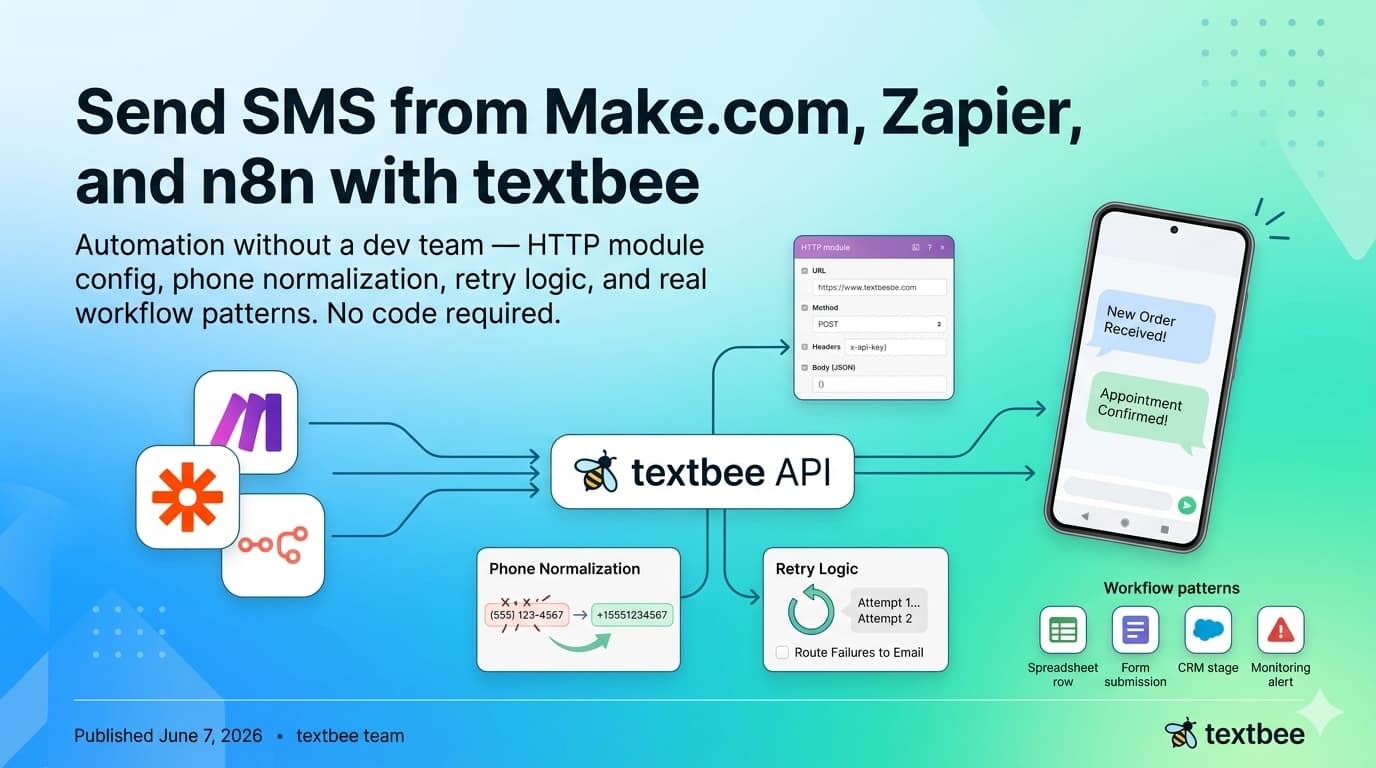
Send SMS from Make.com, Zapier, and n8n with textbee
Automate SMS without a dev team: HTTP module config, phone normalization, retry logic, and workflow patterns for Make.com, Zapier, and n8n. No code needed.
Send SMS from Shopify with Shopify Flow: Order and Shipping Texts From Your Own Phone
Text customers when a Shopify order is placed or shipped, from your own number, with one Shopify Flow workflow and the Send HTTP request action. Liquid body included.
Build an AI SMS Autoresponder with n8n and OpenAI
Wire inbound SMS from your Android phone into n8n, pass it to an LLM, and text the reply back. Node settings, guardrails, and a Code node snippet.