
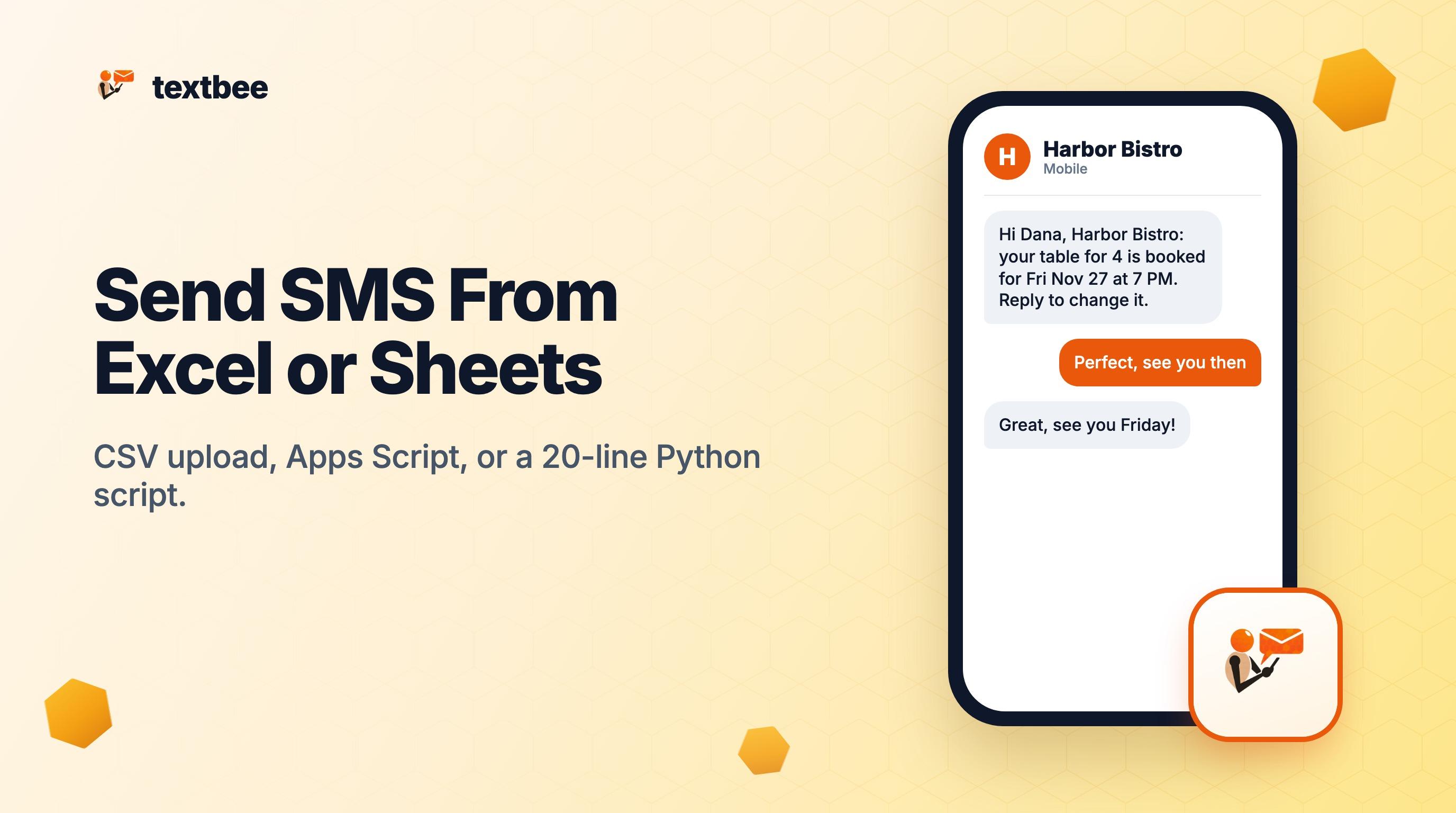
Send Bulk SMS From Excel, Google Sheets or a CSV Using Your Own Number
Three ways to text every row of a spreadsheet from your own phone number: upload a CSV to the textbee dashboard, run a short Apps Script in Google Sheets, or use a Python or Node.js script for Excel files. Formulas, code, timing and cost.
Excel and Google Sheets cannot send a text message on their own, but they can feed one. Save the sheet as a CSV and upload it to the textbee dashboard, add a short Apps Script to a Google Sheet that keeps changing, or run a 20-line Python script against an Excel file. All three send from the SIM in your own Android phone, so replies come back to a number your customers already know.
TL;DR
- Most people: export the sheet to CSV and upload it in the textbee dashboard under Messaging > Bulk Send. No code,
{{ name }}placeholders from your columns, a preview for every recipient, and invalid or duplicate numbers skipped. - A sheet that changes every day: paste the documented Apps Script into the Google Sheet. It adds a textbee menu, sends every unsent row, writes the batch id into a Sent column, and can run on a timer.
- Excel files or automation: a Python script with
openpyxlreads the.xlsxfile and callsPOST /gateway/send-smsonce per row. A Node.js variant with@textbee/sdkreads a CSV in 10 lines. - Cost: textbee is a flat plan with no per-message fee. Free is $0 for 300 messages a month (50 a day), Pro is $14.99 a month for 5,000, Scale is $29.99 a month for 25,000 (checked October 2026). The texts ride your phone's SIM plan.
- Ceiling: one phone sends about 10 to 15 texts a minute at the default 5-second Send Delay. Plan on hundreds to low thousands of texts a day per phone, and add phones for more.
Which route fits you?
| You have | Use | Code? |
|---|---|---|
| A customer list you send to now and then | Route 1: CSV upload in the dashboard | None |
| A Google Sheet that staff add rows to | Route 2: Apps Script in the sheet | Paste once |
| An Excel file, a nightly export, or a developer on hand | Route 3: Python or Node.js script | About 20 lines |
How do I prepare the spreadsheet?
Use clear column names
Put one header row at the top and one customer per row:
phone,name,order
+15550142,Ana,1001
+15550143,Ben,1002
+15550144,Cara,1003
phone holds the number. Every other column is a merge field for the message, such as name, order or date. Keep header names short, lowercase and without spaces. The Google Sheets script in Route 2 expects the headers Phone, Name, Message and Sent exactly as written.
Put every number in international format
E.164 is the international format. It works for every recipient: a plus sign, the country code, then the number, with no spaces or punctuation. +15550142 is correct. 555-0142, (555) 0142 and 1 555 0142 are not.
Spreadsheets fight you on the plus sign. Both Excel and Google Sheets read +15550142 as a number and drop the +. Two fixes:
- Before you paste: format the phone column as text. In Excel that is Home > Number Format > Text, or type an apostrophe in front of the number (
'+15550142). Excel then keeps it as text and hides the apostrophe (Microsoft Support: Keeping leading zeros and large numbers, checked October 2026). Google Sheets accepts the same apostrophe trick. - After the damage: add a helper column with a formula that strips everything except digits and puts the plus back.
Excel (works in every version, numbers in column A):
="+"&SUBSTITUTE(SUBSTITUTE(SUBSTITUTE(SUBSTITUTE(SUBSTITUTE(A2," ",""),"-",""),"(",""),")",""),"+","")Google Sheets:
="+"®EXREPLACE(TO_TEXT(A2),"[^0-9]","")The Sheets version needs TO_TEXT because REGEXREPLACE only works on text, not numbers (Google: REGEXREPLACE, Google: TO_TEXT, both checked October 2026). The Excel version uses nested SUBSTITUTE(text, old_text, new_text) calls (Microsoft Support: SUBSTITUTE, checked October 2026).
Both formulas assume the number already has its country code. If not, change "+" to "+1" (or your own code) and drop any leading trunk zero. Copy the helper column and paste it back over the original as values only (Paste Special in both apps) so the CSV holds the clean numbers and not the formulas. To check a few odd numbers by hand, use the phone number formatter.
Remove duplicates
- Excel: select the data, then Data > Remove Duplicates, and tick only the phone column. Excel keeps the first row and deletes the others (Microsoft Support: Find and remove duplicates, checked October 2026).
- Google Sheets: select the data, then Data > Data cleanup > Remove duplicates, tick the phone column, and mark that the data has a header row (Google: Split text, remove duplicates, or trim whitespace, checked October 2026).
Export to CSV
- Excel: File > Save As (or Save a Copy), pick a folder, then choose a CSV type such as CSV (Comma delimited) in the file type box. Excel saves only the active sheet (Microsoft Support: Save a workbook to text format, checked October 2026).
- Google Sheets: File > Download > Comma Separated Values (.csv) (Google: Import your contacts, checked October 2026).
Route 1: upload the CSV to the textbee dashboard
This is the route for most people. It needs the textbee app on an Android phone with a SIM, and a textbee account. The steps match the bulk SMS docs:
- Open the dashboard and go to Messaging > Bulk Send.
- Upload your CSV. It needs a header row and one row per recipient. The maximum file size is 1 MB, enough for tens of thousands of short rows.
- Choose the phone column and device. The dashboard guesses the phone column from your headers. Check it, then pick the phone under Send from and, if it has two SIMs, the SIM.
- Write your message. Insert any column with
{{ columnName }}. Each recipient gets the values from their own row. - Review and send. Step through the preview for each recipient. Nothing goes out until you confirm.
With the example CSV above, this template:
Hi {{ name }}, your order {{ order }} is ready for pickup. Reply here with any questions.sends "Hi Ana, your order 1001 is ready for pickup. Reply here with any questions." to the first row, and so on down the list. To try a template against sample rows before you upload anything, use the bulk SMS template preview.
The dashboard skips rows with an empty, invalid or duplicate number and tells you which ones. Each recipient counts as one message against your plan, and each plan also caps the number of recipients in one bulk send. The cap is on the billing page in your dashboard. A batch over it is rejected as a whole and nothing is sent, so split a very large list into two files.
After you send, every message appears in your message history in the dashboard with its own status: pending, sent, delivered or failed. Developers can pull the same list with GET /gateway/messages?smsBatchId=...&status=failed.
Route 2: send straight from Google Sheets
Use this when the sheet is alive: a front desk adds bookings or a form fills rows. The Google Sheets integration documents the setup. It is plain Apps Script, free with a Google account, with no add-on.
1. Prepare the sheet. Use a header row with Phone, Name, Message and Sent. Numbers need the country code, for example +15550142. Build the Message column with a formula so each row gets its own text:
="Hi "&B2&", your table for 4 is booked for "&C2&". Reply to change it."2. Store the API key. Open Extensions > Apps Script. In Project Settings, add a script property named TEXTBEE_API_KEY with your key from the textbee dashboard. Sharing the sheet then does not share the key.
3. Paste the script. Replace the contents of Code.gs with this and save:
const SEND_URL = 'https://api.textbee.dev/api/v1/gateway/send-sms'

function onOpen() {
  SpreadsheetApp.getUi().createMenu('textbee').addItem('Send to unsent rows', 'sendUnsentRows').addToUi()
}

function sendSms(recipient, message) {
  const apiKey = PropertiesService.getScriptProperties().getProperty('TEXTBEE_API_KEY')
  const response = UrlFetchApp.fetch(SEND_URL, {
    method: 'post',
    contentType: 'application/json',
    headers: { 'x-api-key': apiKey },
    payload: JSON.stringify({ recipients: [recipient], message: message }),
    muteHttpExceptions: true,
  })
  if (response.getResponseCode() !== 200) throw new Error(response.getContentText())
  return JSON.parse(response.getContentText()).data.smsBatchId || 'sent'
}

function sendUnsentRows() {
  const sheet = SpreadsheetApp.getActiveSheet()
  const rows = sheet.getDataRange().getValues()
  const header = rows[0]
  const phone = header.indexOf('Phone')
  const message = header.indexOf('Message')
  const sent = header.indexOf('Sent')
  for (let i = 1; i < rows.length; i++) {
    if (rows[i][sent] || !rows[i][phone]) continue
    const batchId = sendSms(String(rows[i][phone]), String(rows[i][message]))
    sheet.getRange(i + 1, sent + 1).setValue(batchId)
    Utilities.sleep(4000) // the phone sends roughly 15 texts a minute
  }
}
4. Run it. Reload the sheet and a textbee menu appears. Choose Send to unsent rows. Google asks for permission the first time. Each sent row gets its smsBatchId in the Sent column, so a second run skips it. To resend a row, clear its Sent cell.
5. Optional: put it on a timer. In the Apps Script editor, open Triggers and add a time-driven trigger on sendUnsentRows, for example every day at 9 am. Rows added during the day go out at the next run.
Know the two Google limits. A consumer Google account gets 20,000 URL Fetch calls a day, and one script run stops after 6 minutes (Google Apps Script quotas, checked October 2026). With the 4-second pause, one run covers roughly 80 rows before it stops. That is safe: every row it reached already has its batch id, so the next run, by hand or by trigger, continues where it stopped.
Route 3: a Python script for Excel files
If the list lives in an .xlsx file, or a system exports one every night, skip the CSV step and read the file directly. Install two packages with pip install openpyxl requests, set TEXTBEE_API_KEY in your environment, and save this next to customers.xlsx:
import os
import time

import openpyxl
import requests

API_URL = "https://api.textbee.dev/api/v1/gateway/send-sms"
API_KEY = os.environ["TEXTBEE_API_KEY"]
TEMPLATE = "Hi {name}, your order {order} is ready for pickup."

sheet = openpyxl.load_workbook("customers.xlsx", read_only=True).active
rows = sheet.iter_rows(values_only=True)
header = [str(cell).strip().lower() for cell in next(rows)]

for values in rows:
    row = dict(zip(header, values))
    phone = str(row["phone"] or "").strip()
    if not phone.startswith("+"):
        print("skipped, no international number:", row)
        continue
    response = requests.post(
        API_URL,
        headers={"x-api-key": API_KEY},
        json={"recipients": [phone], "message": TEMPLATE.format(**row)},
        timeout=30,
    )
    response.raise_for_status()
    print(phone, response.json()["data"]["smsBatchId"])
    time.sleep(1)
The script lowercases the headers, so a Name column fills {name}. It skips and prints rows whose number lost its plus sign. Keep the printed smsBatchId values: they are how you look up delivery status later.
The phone, not time.sleep, sets the real pace: textbee queues each message and the phone sends them one Send Delay apart. The pause only stops the script from firing hundreds of requests in a burst.
When every customer gets the same text, one call can carry many numbers. Put them in the recipients array and send in chunks that stay under your plan's per-batch cap:
import os

import openpyxl
import requests

API_URL = "https://api.textbee.dev/api/v1/gateway/send-sms"
API_KEY = os.environ["TEXTBEE_API_KEY"]
MESSAGE = "The office is closed on Friday. We reopen Monday at 9am."
CHUNK = 100

sheet = openpyxl.load_workbook("customers.xlsx", read_only=True).active
phones = [str(row[0]).strip() for row in sheet.iter_rows(min_row=2, values_only=True) if row[0]]
phones = [p for p in dict.fromkeys(phones) if p.startswith("+")]

for start in range(0, len(phones), CHUNK):
    response = requests.post(
        API_URL,
        headers={"x-api-key": API_KEY},
        json={"recipients": phones[start:start + CHUNK], "message": MESSAGE},
        timeout=30,
    )
    response.raise_for_status()
    print(response.json()["data"]["smsBatchId"])
dict.fromkeys drops duplicate numbers. Each chunk returns one batch id for all its recipients.
The Python SDK (pip install textbee) can replace requests in both scripts: call textbee.send_sms(recipients=..., message=...) instead of requests.post.
The same thing in Node.js
With the JavaScript SDK (npm install @textbee/sdk) and a CSV saved from either app, Node needs only the built-in node:fs. Save as send.mjs and run node send.mjs:
import { readFileSync } from 'node:fs'
import { Textbee } from '@textbee/sdk'

const textbee = new Textbee({ apiKey: process.env.TEXTBEE_API_KEY })
const [header, ...lines] = readFileSync('customers.csv', 'utf8').trim().split(/\r?\n/)
const columns = header.split(',')

for (const line of lines) {
  const row = Object.fromEntries(line.split(',').map((value, i) => [columns[i], value.trim()]))
  const message = `Hi ${row.name}, your order ${row.order} is ready for pickup.`
  const { smsBatchId } = await textbee.sendSms({ recipients: [row.phone], message })
  console.log(row.phone, smsBatchId)
}
The plain split(',') breaks on a cell that contains a comma, such as "Smith, Ana". Remove those commas first or use a CSV parser.
How fast and how much?
Time to send
The phone waits a fixed gap between texts. You set it in the textbee app under Settings > Send Delay. The default is 5 seconds, which works out to about 10 to 15 texts a minute once the sending time is added. A longer gap is kinder to the SIM, because carriers watch for phones that send fast bursts.
| Texts | One phone at the default delay | Two phones |
|---|---|---|
| 100 | About 7 to 10 minutes | About 3.5 to 5 minutes |
| 500 | About 33 to 50 minutes | About 17 to 25 minutes |
| 2,000 | About 2.2 to 3.3 hours | About 1.1 to 1.7 hours |
The API answers at once and the batch drains at the phone's pace. To use two phones, pass a deviceId per request (Route 3), or upload two CSV files and pick a different phone under Send from for each (Route 1).
Cost per 1,000 texts a month
| Option | What 1,000 texts a month cost | Source |
|---|---|---|
| EZ Texting Launch, monthly billing | $25 plan with 500 credits, plus 500 extra credits at $0.04 and the $5 monthly telecom fee: about $50. Up to 500 contacts. | eztexting.com/pricing, checked October 2026 |
| Twilio, a typical pay-as-you-go API | 1,000 x $0.0083, plus carrier fees of about $0.0035 to $0.0045 per text, plus a $1.15 number: about $13 to $14, before any sender registration fees | twilio.com SMS pricing, checked October 2026 |
| textbee Free | $0, but capped at 50 a day and 300 a month | textbee pricing, checked October 2026 |
| textbee Pro | $14.99 flat for up to 5,000 texts a month ($8.33 a month on yearly billing), no per-message fee | textbee pricing, checked October 2026 |
The textbee rows are the platform fee; the texts go out on your SIM plan. At 5,000 texts a month the pay-as-you-go total passes $60, while Pro stays at $14.99. The SMS cost calculator runs the numbers for your own volume.
Reading replies back into the sheet
Customers reply to your own number, and the replies reach textbee once Receive SMS is on in the app. A script can fetch them with GET https://api.textbee.dev/api/v1/gateway/messages?direction=received and match each sender to a row. To log every reply to a Google Sheet without polling, the Log received SMS to Google Sheets guide adds an Apps Script web app plus a small relay that checks the textbee webhook signature, because Apps Script cannot read webhook headers itself. A Make, Zapier or n8n flow that appends a row works too. The receiving SMS docs cover the webhook and polling options.
A note on consent
Text only people who gave you their number and agreed to hear from you, and keep a record of when they did. Stop texting anyone who asks, and remove them from the sheet so the next upload does not include them again.
Frequently asked questions
Can Excel send text messages by itself?
No. Excel and Google Sheets have no built-in way to send SMS. They hold the list, and a sending service does the rest: an uploaded CSV, a script in the sheet, or a script that reads the file. With textbee, the texts go out from your own Android phone.
Do I need a developer?
Not for Route 1: a CSV upload needs no code. Route 2 is one paste of a documented script. Only Route 3 expects someone who can run Python or Node.js.
How do I personalise each text?
In the dashboard, put {{ columnName }} in the message and each recipient gets the value from their own row, such as {{ name }} or {{ order }}. In Google Sheets, build a Message column with a formula such as ="Hi "&B2&", your order "&D2&" is ready." In Python, use str.format with the column names.
What happens to invalid numbers?
The dashboard skips rows with an empty, invalid or duplicate number and lists them for you. The Python script skips numbers without a leading plus and prints them. A number that looks valid but is wrong shows up as a failed message in your message history, with an error code.
How many texts can one phone send a day?
Plan on hundreds to low thousands. At the default 5-second Send Delay, one phone sends about 10 to 15 a minute, so 2,000 texts take roughly 2.2 to 3.3 hours. Your plan sets the allowance (50 a day on Free, 5,000 a month on Pro), and your carrier's fair-use terms set the practical limit. For more volume, add a second phone.
Next steps
- Send SMS from Google Sheets: the full Apps Script setup, quotas and patterns.
- Send SMS from your computer: the dashboard, the phone and how they connect.
- Bulk SMS for developers: recipients arrays, delivery tracking and throughput.
- Send SMS from Make, Zapier and n8n: the no-code route for other apps.
Get more textbee in Google Search
Add textbee.dev as a preferred source. Our posts show up more often in your Google results.
You may also like

Bulk SMS for Developers: Send Personalized Mass SMS Free with textbee
Send bulk SMS with textbee: the recipients array, CSV lists, personalized templates, per-recipient delivery status, and honest throughput limits.
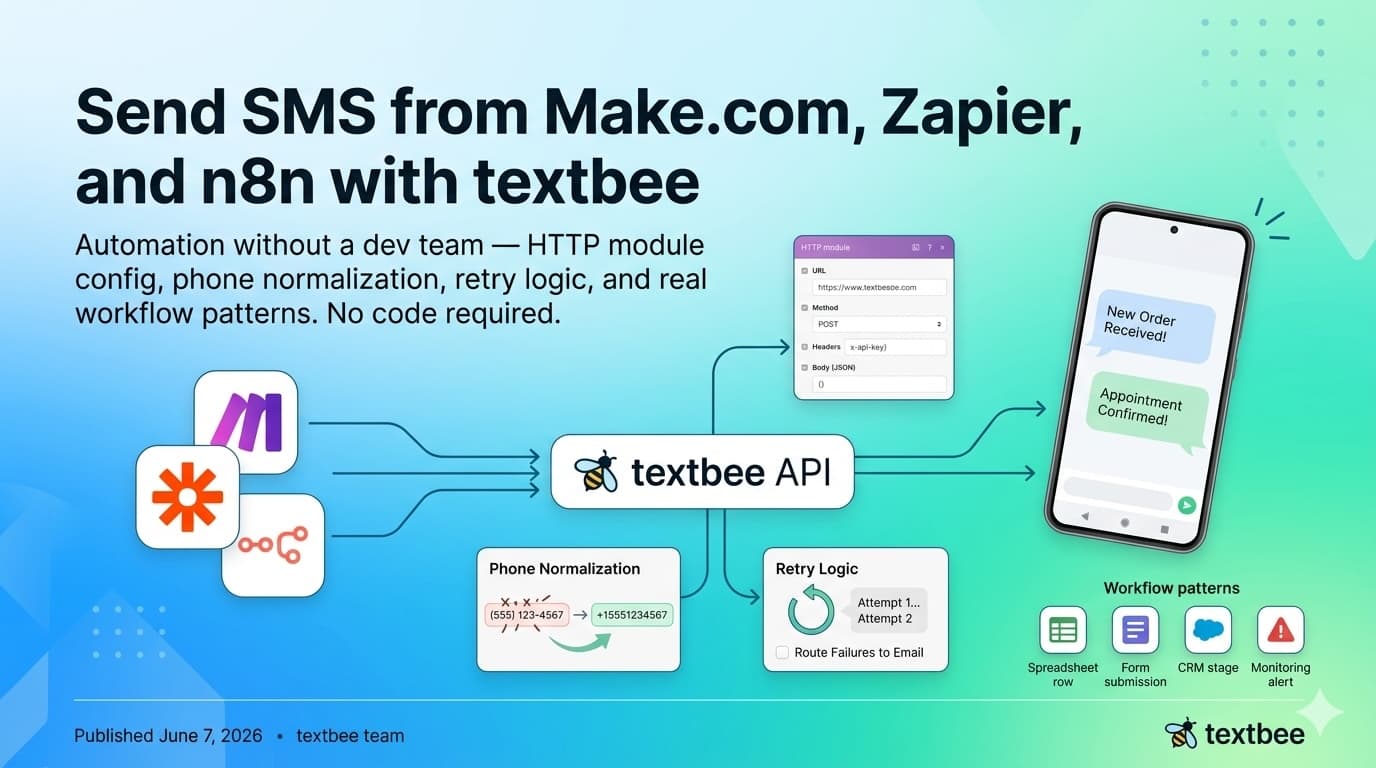
Send SMS from Make.com, Zapier, and n8n with textbee
Automate SMS without a dev team: HTTP module config, phone normalization, retry logic, and workflow patterns for Make.com, Zapier, and n8n. No code needed.

How to Text Multiple People Without a Group Message (iPhone, Android and Computer)
Send one text to many people so each gets a private message and replies come back only to you. Steps for iPhone, Android and a computer with a spreadsheet.