
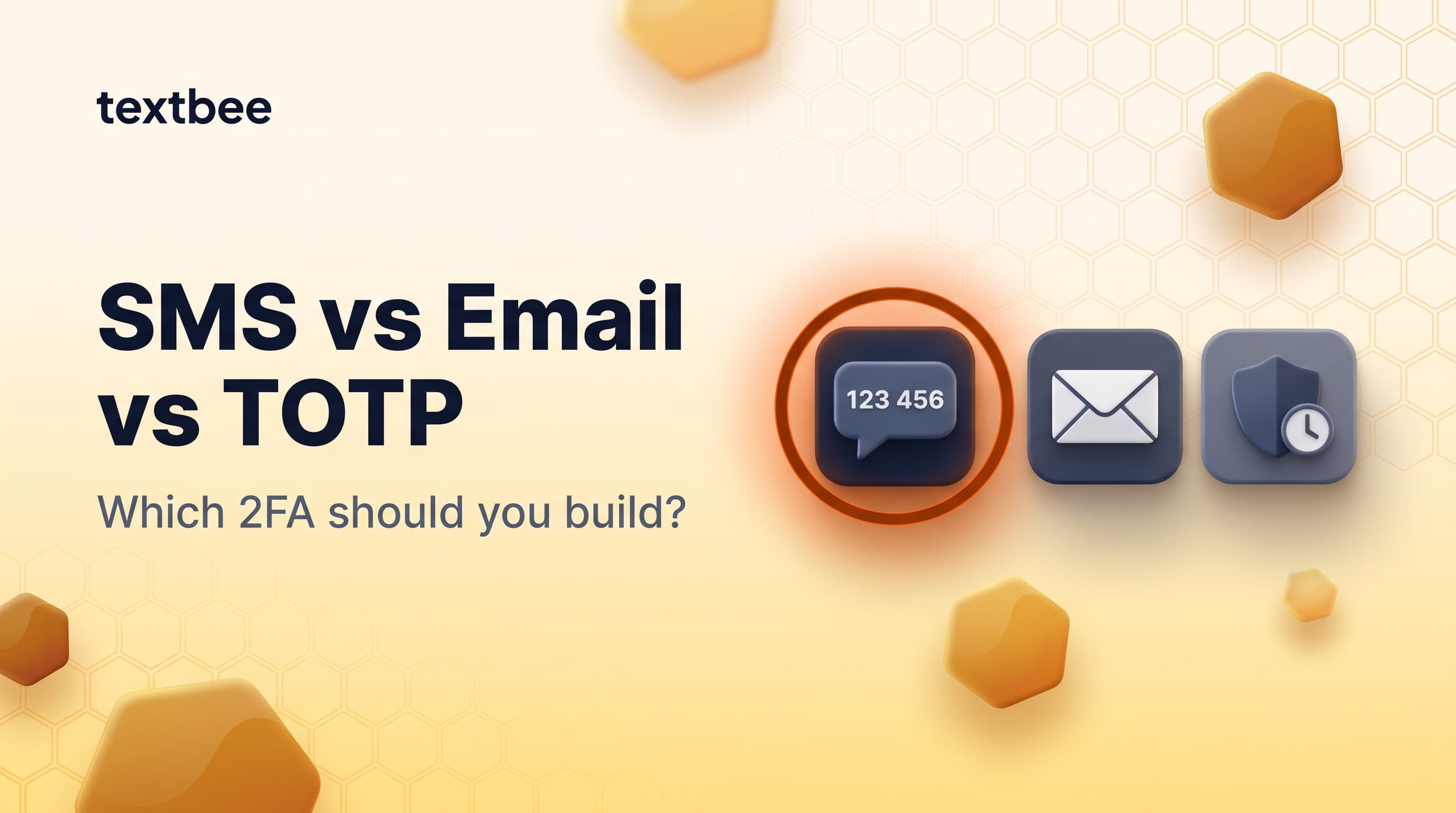
SMS OTP vs Email OTP vs TOTP in 2026: Which 2FA Should You Build?
Compare SMS OTP, email OTP, TOTP (authenticator apps), and hardware keys for 2FA in 2026: security, UX, cost, and implementation. Includes a textbee OTP code example.
TL;DR
- SMS OTP is the highest-conversion option: no app, no email check, the code arrives in seconds. SIM swap is a real but overstated risk for most applications.
- Email OTP is free and works without a phone, but email delivery delays hurt UX and inboxes add phishing risk.
- TOTP (Google Authenticator, Authy) is the most secure and cheapest at scale, but requires user setup and has recovery complexity.
- Hardware keys (YubiKey, Passkeys) are best-in-class security, practical only for high-value B2B or internal tools.
- Practical recommendation: SMS OTP as default, offer TOTP as an upgrade, use email OTP only as fallback.
Every application that handles user accounts eventually faces the same question: what kind of second factor should I build? The answer depends on your users, your threat model, and your operational budget.
This guide breaks down the four main options in 2026 (SMS OTP, email OTP, TOTP, and hardware keys) with a practical code example using textbee for SMS OTP.
The four options side by side
| SMS OTP | Email OTP | TOTP (Authenticator) | Hardware Key (Passkey) | |
|---|---|---|---|---|
| User friction | Low: code arrives in seconds | Medium: email check required | Medium: requires app setup | Low once set up, high initially |
| Requires separate device | Yes (phone) | No | Yes (phone with app) | Yes (key or passkey device) |
| Works offline | No (sending requires network) | No | Yes | Yes (challenge/response) |
| Phishing resistant | No | No | Partial (code can be phished) | Yes (strongest) |
| Cost at scale | Per-message or flat SIM | Free (email infrastructure) | Free | Device cost (~$25-50) |
| Recovery complexity | Low (new number or backup) | Low (email backup) | High (backup codes critical) | High (new key registration) |
| Common attack | SIM swap | Account takeover + email | TOTP window theft | Physical theft |
| Best for | Consumer apps, B2C, low-friction 2FA | Low-stakes verification | Developer tools, B2B, security-conscious users | High-value accounts, internal tools |
SMS OTP
How it works
You generate a short-lived numeric code (typically 6 digits, valid 5-10 minutes), send it via SMS to the user's phone, and verify the submitted code server-side.
Advantages:
- No app or account required: works on every phone, including feature phones
- Highest opt-in rate: users complete SMS verification at higher rates than email
- Instant delivery: codes typically arrive within 3-10 seconds
- Familiar UX: every user has done this; no explanation needed
- Autocomplete support: iOS and Android surface the code from the SMS automatically
Limitations:
- Costs money at scale (CPaaS pricing or flat subscription)
- SIM swap attack is theoretically possible
- Phone number changes require re-verification
- Doesn't work if the user is in airplane mode or has no signal
The SIM swap risk in context
SIM swap gets cited as a fatal flaw of SMS OTP. The reality is more nuanced.
When SIM swap risk is meaningful:
- High-value cryptocurrency accounts
- Banking and financial services
- Accounts where an attacker would have specific, targeted motivation
When it's overblown:
- Consumer SaaS, e-commerce, productivity apps
- Internal tools where all users are employees
- Applications where account takeover risk is low
For most applications, SMS OTP is an acceptable and pragmatic choice. NIST SP 800-63B classifies SMS OTP as a "restricted" authenticator: permitted, with the caveat that agencies should offer alternatives and disclose the risk. It's not prohibited.
SMS OTP implementation with textbee
import os
import secrets
import time
import requests

API_KEY   = os.environ["TEXTBEE_API_KEY"]

# In production, use Redis or a database, not a module-level dict
otp_store: dict[str, dict] = {}

def generate_otp(phone: str) -> str:
    code = f"{secrets.randbelow(1_000_000):06d}"
    otp_store[phone] = {
        "code":    code,
        "expires": time.time() + 300,  # 5-minute window
        "attempts": 0,
    }
    return code

def send_otp(phone: str) -> bool:
    code = generate_otp(phone)
    response = requests.post(
        "https://api.textbee.dev/api/v1/gateway/send-sms",
        headers={"x-api-key": API_KEY, "Content-Type": "application/json"},
        json={
            "recipients": [phone],
            "message": f"Your verification code is {code}. Valid for 5 minutes. Do not share this code."
        },
        timeout=10,
    )
    return response.ok

def verify_otp(phone: str, submitted_code: str) -> bool:
    entry = otp_store.get(phone)
    if not entry:
        return False

    # Expire after 5 minutes
    if time.time() > entry["expires"]:
        del otp_store[phone]
        return False

    # Limit brute-force attempts
    entry["attempts"] += 1
    if entry["attempts"] > 5:
        del otp_store[phone]
        return False

    if secrets.compare_digest(entry["code"], submitted_code):
        del otp_store[phone]
        return True

    return False
Node.js equivalent:
const crypto = require('crypto');

const otpStore = new Map();

function generateOtp(phone) {
  const code = crypto.randomInt(100000, 999999).toString();
  otpStore.set(phone, { code, expires: Date.now() + 300_000, attempts: 0 });
  return code;
}

async function sendOtp(phone) {
  const code = generateOtp(phone);
  const res = await fetch(
    'https://api.textbee.dev/api/v1/gateway/send-sms',
    {
      method: 'POST',
      headers: { 'x-api-key': process.env.TEXTBEE_API_KEY, 'Content-Type': 'application/json' },
      body: JSON.stringify({
        recipients: [phone],
        message: `Your code is ${code}. Valid for 5 minutes.`,
      }),
    }
  );
  return res.ok;
}

function verifyOtp(phone, submitted) {
  const entry = otpStore.get(phone);
  if (!entry || Date.now() > entry.expires) { otpStore.delete(phone); return false; }
  entry.attempts++;
  if (entry.attempts > 5) { otpStore.delete(phone); return false; }
  if (entry.code === submitted) { otpStore.delete(phone); return true; }
  return false;
}
Production hardening checklist:
- Store OTP state in Redis (with TTL), not in-process memory
- Use
crypto.randomInt(Node.js) or thesecretsmodule (Python), neverMath.random()orrandom.randint - Rate limit OTP generation per phone number (e.g. max 3 sends per 15 minutes)
- Log all verification attempts with IP for abuse detection
- Return identical error messages for "expired" vs "wrong code" (don't leak state)
Email OTP
How it works
Same pattern as SMS OTP, but delivered to an email address instead of a phone number.
Advantages:
- No cost beyond your email sending infrastructure (SES, Postmark, SendGrid)
- Works without a phone number, useful for desktop-first apps
- Easy to style, brand, and include additional context in the email body
Limitations:
- Email delivery delays hurt UX: codes sometimes arrive 30-60 seconds late, or get filtered to spam
- Email access itself may be compromised; if an attacker controls the email account, email OTP adds nothing
- Longer friction path: open app, find email, find code
- Autocomplete doesn't work as reliably as SMS
When to choose email OTP: web applications where most users are on desktop, a user base that skews away from mobile, or no SMS budget. Also useful as a fallback for users who don't have or provide a phone number.
TOTP (Time-based One-Time Password)
How it works
The user sets up an authenticator app (Google Authenticator, Authy, 1Password, Bitwarden) by scanning a QR code. The app generates a new 6-digit code every 30 seconds using a shared secret. No network required; the math is local.
Advantages:
- No per-verification cost: entirely local computation
- No delivery dependency: works offline, no SMS delay
- More phishing-resistant than SMS: codes expire in 30 seconds, limiting the replay window
- Works when the user has no cell signal
Limitations:
- Setup friction: users must download an authenticator app and scan a QR code
- Recovery complexity: if the user loses their phone or uninstalls the app, they need backup codes or an account recovery flow
- Backup code UX: most users don't save backup codes, leading to lockouts
- Lower adoption rate: expect a 20-40% drop in completion vs SMS OTP during setup
When to choose TOTP: B2B SaaS, developer tools, security-conscious users, high-value accounts. Great as an opt-in upgrade after initial SMS OTP verification.
Libraries
- Python:
pyotp - Node.js:
otplib - Go:
github.com/pquerna/otp - PHP:
spomky-labs/otphp
import pyotp

# Setup: generate secret, encode in QR code for user to scan
secret = pyotp.random_base32()
totp = pyotp.TOTP(secret)
otp_uri = totp.provisioning_uri(name="user@example.com", issuer_name="YourApp")
# Generate QR code from otp_uri and show to user

# Verification
def verify_totp(secret: str, submitted_code: str) -> bool:
    totp = pyotp.TOTP(secret)
    return totp.verify(submitted_code, valid_window=1)  # allow 1 period drift
Hardware keys and Passkeys
Hardware keys (YubiKey, Google Titan) use the FIDO2/WebAuthn protocol. The key performs a cryptographic challenge-response: nothing to type, fully phishing-resistant.
Passkeys are the modern, device-native evolution: your phone's biometrics or your laptop's Touch ID generates a FIDO2 credential stored in a secure enclave. No physical key required.
Advantages: strongest available protection. Zero user confusion about "what code to enter." Phishing-resistant by design.
Limitations: WebAuthn implementation complexity. Physical key cost ($25-50). Not viable for high-friction onboarding flows. Passkeys require modern devices.
When to choose: internal admin dashboards, developer tooling for security-critical infrastructure, or as a premium option in a security-conscious product.
Cost comparison: OTP at scale
At 10,000 verification events per month:
| Method | Monthly cost | Notes |
|---|---|---|
| TOTP | ~$0 | Only cost is server computation |
| Email OTP | ~$1-5 | Transactional email (SES, Postmark) |
| SMS via textbee | $29.99 flat | Scale plan covers 25,000 msgs/month, no per-message fee |
| SMS via Twilio Verify | ~$500+ | From $0.05 per successful verification |
| SMS via Twilio SMS API | ~$110 | ~$0.011/message all-in (US) |
| SMS via Vonage Verify | ~$400-600 | ~$0.04-$0.06 per verification |
The cost gap between hosted Verify APIs and textbee at 10,000 OTPs/month is significant. textbee doesn't provide a hosted Verify API (SIM swap check, global routing redundancy, carrier-level fallback), so this comparison applies to low-to-mid volume applications where you build the OTP logic yourself (as shown above) and use textbee only for the delivery.
Recommended implementation strategy
For most consumer apps:
- Default to SMS OTP: highest completion, lowest friction
- Offer TOTP as an opt-in upgrade in account settings
- Use email OTP as fallback for users who haven't added a phone number
- Show backup code download during TOTP setup (non-optional step)
For B2B / internal tools:
- Offer TOTP as the primary method during onboarding
- Require it for admin roles
- Add hardware key support for accounts with elevated permissions
- Keep email OTP as a recovery path
For high-security financial or crypto apps:
- TOTP minimum for all accounts
- Hardware key for high-value actions
- SMS OTP only as a temporary recovery mechanism, never primary
Frequently asked questions
Is SMS OTP secure enough in 2026?
For most applications: yes. SIM swap requires a targeted attacker who knows which carrier you use, has social engineering skills, and has specifically decided to attack your account. For the vast majority of consumer apps, the realistic threat is credential stuffing and phishing, and SMS OTP stops both. The risk increases for high-value targets (crypto, banking). For a SaaS tool or e-commerce app, SMS OTP is appropriate.
What is SIM swapping and how common is it?
SIM swapping is when an attacker convinces your mobile carrier to transfer your phone number to a SIM card they control. Once successful, they receive your SMS OTPs. It requires the attacker to know your phone number, carrier, and enough personal details to pass the carrier's identity verification. It's technically possible but not trivial, and most carriers have added friction to the process after high-profile cases. For targeted attacks on high-value accounts, it's a real risk. For random account takeover attacks, it's rarely used because easier methods exist.
Should I use TOTP instead of SMS OTP?
It depends on your audience. TOTP is more secure and cheaper at scale, but it has lower completion rates during setup (requires app download and QR scan) and higher lockout rates (users lose backup codes). If your users are technical or security-conscious, TOTP is better. If they're general consumers or you're optimizing for conversion during onboarding, SMS OTP is the pragmatic choice, with an option to upgrade to TOTP later.
Can I use textbee for production OTP at scale?
textbee works well for applications sending up to a few thousand OTPs per month: the Pro plan ($14.99/month) covers 5,000 messages/month and the Scale plan ($29.99/month) covers 25,000 across up to 15 devices. Since sends go through your own SIM, carrier fair-use policies are a consideration at high daily volumes; spreading sends across devices helps. For global sending or volumes beyond that, pair textbee with a CPaaS for international numbers. See what an Android SMS gateway is (and isn't) good at for the trade-offs.
How long should an OTP be valid?
5-10 minutes is the standard window. Shorter (2-3 minutes) reduces replay risk but frustrates users who have to switch apps, copy the code, and return. Longer (15+ minutes) increases the attack window unnecessarily. 6 digits valid for 5-10 minutes is the industry standard.
Get started with SMS OTP via textbee
- Create a textbee account, free tier, no credit card required
- Download the Android app
- Follow the 5-minute quickstart
- Set up 2FA with textbee for a full flow walkthrough
- Pricing: flat subscription, no per-verification fee
Get more textbee in Google Search
Add textbee.dev as a preferred source. Our posts show up more often in your Google results.
You may also like
Setting Up Two-Factor Authentication (2FA) with textbee SMS Gateway
A practical guide to implementing SMS-based two-factor authentication using textbee.dev. Step-by-step instructions with code examples.
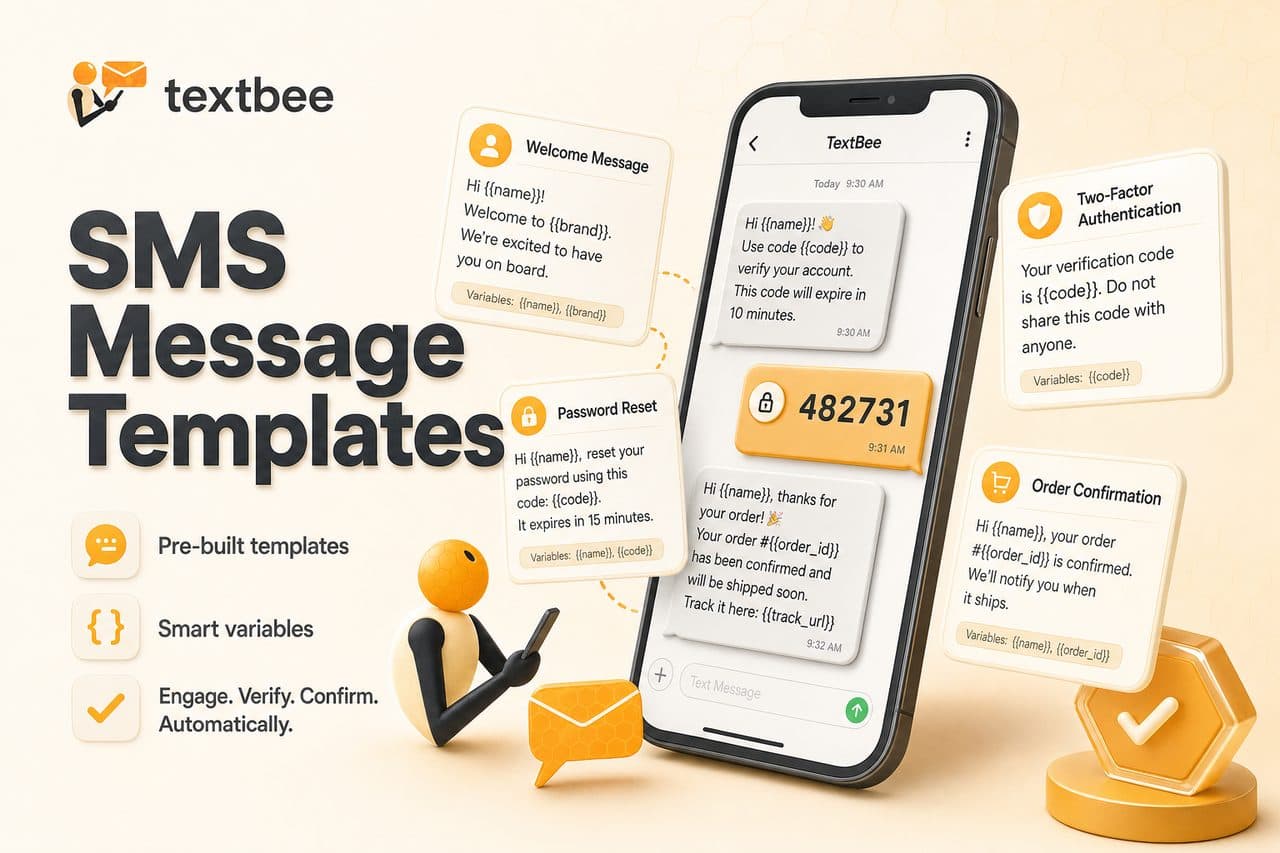
SMS Message Templates: 2FA, Order Updates, and Reminders
Ready-to-use SMS templates for 2FA, order confirmation, shipping, appointment reminders, and alerts. Copy, customize, and use with textbee.dev.
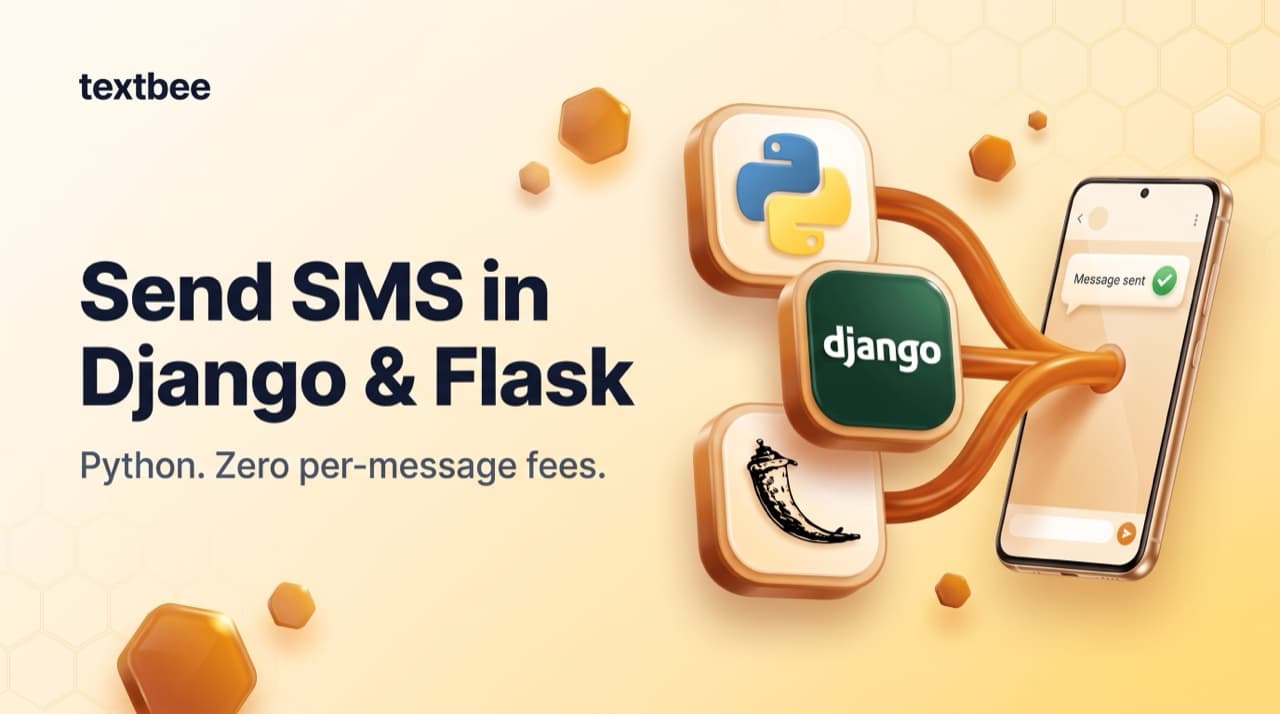
Send SMS in Django and Flask: textbee Integration Guide
Send SMS from Django and Flask applications using textbee and your Android phone as the gateway. Service class, Celery async tasks, Django signals, Flask blueprints: zero per-message fees.