
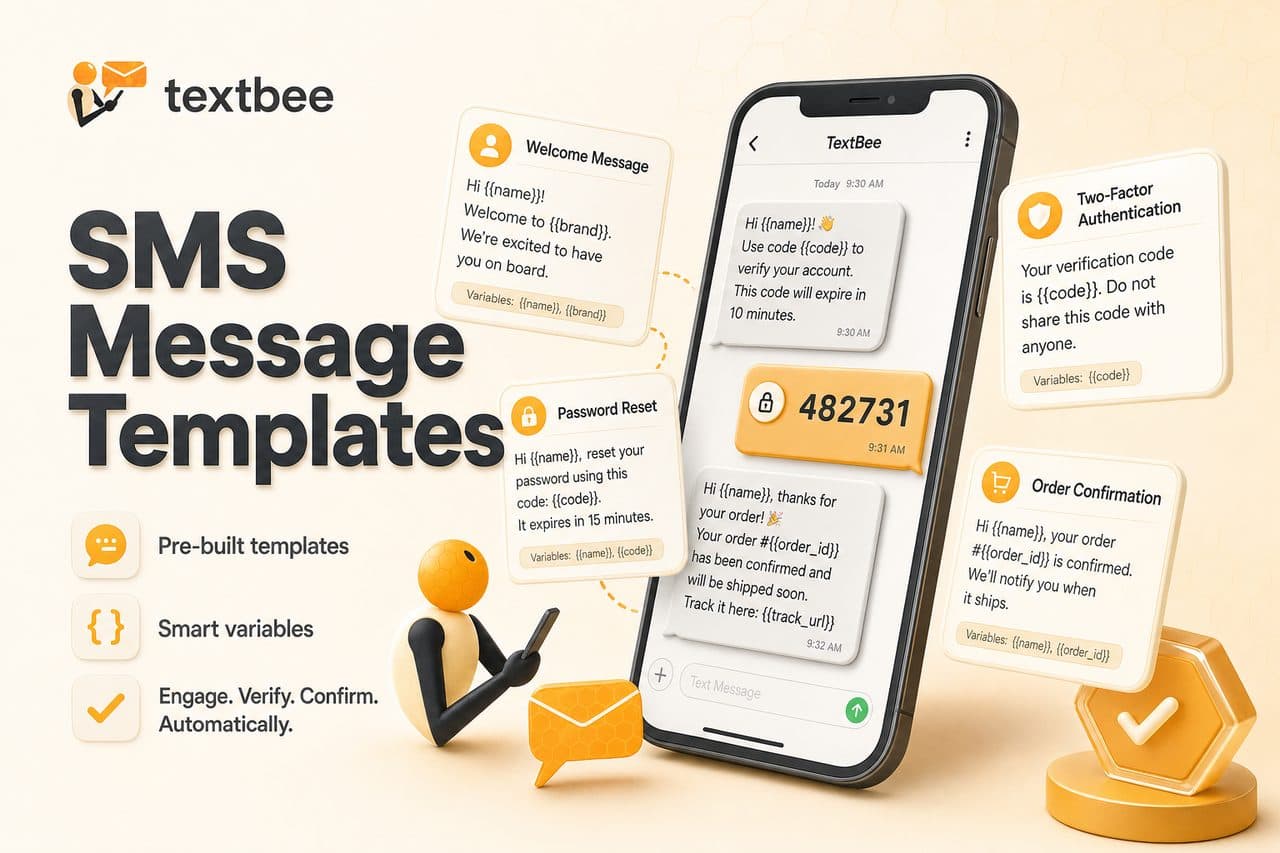
SMS Message Templates: 2FA, Order Updates, and Reminders
Ready-to-use SMS templates for 2FA, order confirmation, shipping, appointment reminders, and alerts. Copy, customize, and use with textbee.dev.
TL;DR
- Copy-paste templates for the most common SMS use cases: 2FA codes, order confirmation, shipping, appointment reminders, password reset, alerts, and promo.
- Keep each message under 160 characters (GSM) to avoid multi-segment billing.
- All templates use
{{ variable }}placeholders, swap with real values in your backend or via textbee's bulk send dashboard. - Always include an opt-out path (
Reply STOP) on promotional messages.
Use these SMS message templates as a starting point for verification codes, order updates, reminders, and alerts. Customize the placeholders for your app, then send with textbee.dev via the dashboard or API.
How to Use These Templates
- Placeholders like
{{ name }}and{{ code }}can be replaced with real values when sending (e.g., in textbee bulk SMS or via your backend). - Length - Keep single-segment messages under 160 characters (GSM) or 70 (Unicode/emoji) when possible to avoid extra segments.
- Sender ID - Identify your business in the message when appropriate (e.g., “[YourApp]: …”).
Want to preview how templates look with sample data? Use the Bulk SMS template preview tool.
1. Two-Factor Authentication (2FA)
Use case: One-time verification code.
Your verification code is: {{ code }}. Do not share. Expires in 10 min.Shorter option:
{{ code }} is your login code. Valid for 10 min.2. Order Confirmation
Use case: Confirm order after purchase.
Hi {{ name }}, order #{{ orderId }} confirmed. Total: {{ total }}. We'll notify you when it ships.Shorter:
Order #{{ orderId }} confirmed. Thanks, {{ name }}!3. Shipping Update
Use case: Notify when order ships.
{{ name }}, your order #{{ orderId }} has shipped. Track it here: {{ trackingUrl }}4. Appointment Reminder
Use case: Reduce no-shows (e.g., clinic, salon, consultant).
Reminder: Your appointment is on {{ date }} at {{ time }} at {{ location }}. Reply CONFIRM or CANCEL.Shorter:
Appointment reminder: {{ date }} at {{ time }}. Reply YES to confirm.5. Password Reset
Use case: One-time reset link or code.
Reset your password: {{ resetUrl }}. Link expires in 1 hour. If you didn't request this, ignore this message.Code-only:
Your password reset code is {{ code }}. Expires in 1 hour.6. Alert / Notification
Use case: Urgent or important notice (e.g., outage, security).
Alert from {{ company }}: {{ message }}. {{ actionUrl }}7. Marketing / Promo (Compliance First)
Use case: Promotional SMS - only send to contacts who have opted in and include opt-out.
{{ name }}, {{ offer }}. Valid until {{ expiry }}. Reply STOP to unsubscribe.Use These with textbee
textbee.dev supports single and bulk SMS with {{ variable }} templates. Upload a CSV in the dashboard or call the API with your template and recipient data.
View textbee plans and pricing to send these templates from your Android phone - no per-message fees.
To see exactly how each message will look for multiple recipients, use the Bulk SMS template preview tool.
Get more textbee in Google Search
Add textbee.dev as a preferred source. Our posts show up more often in your Google results.
You may also like
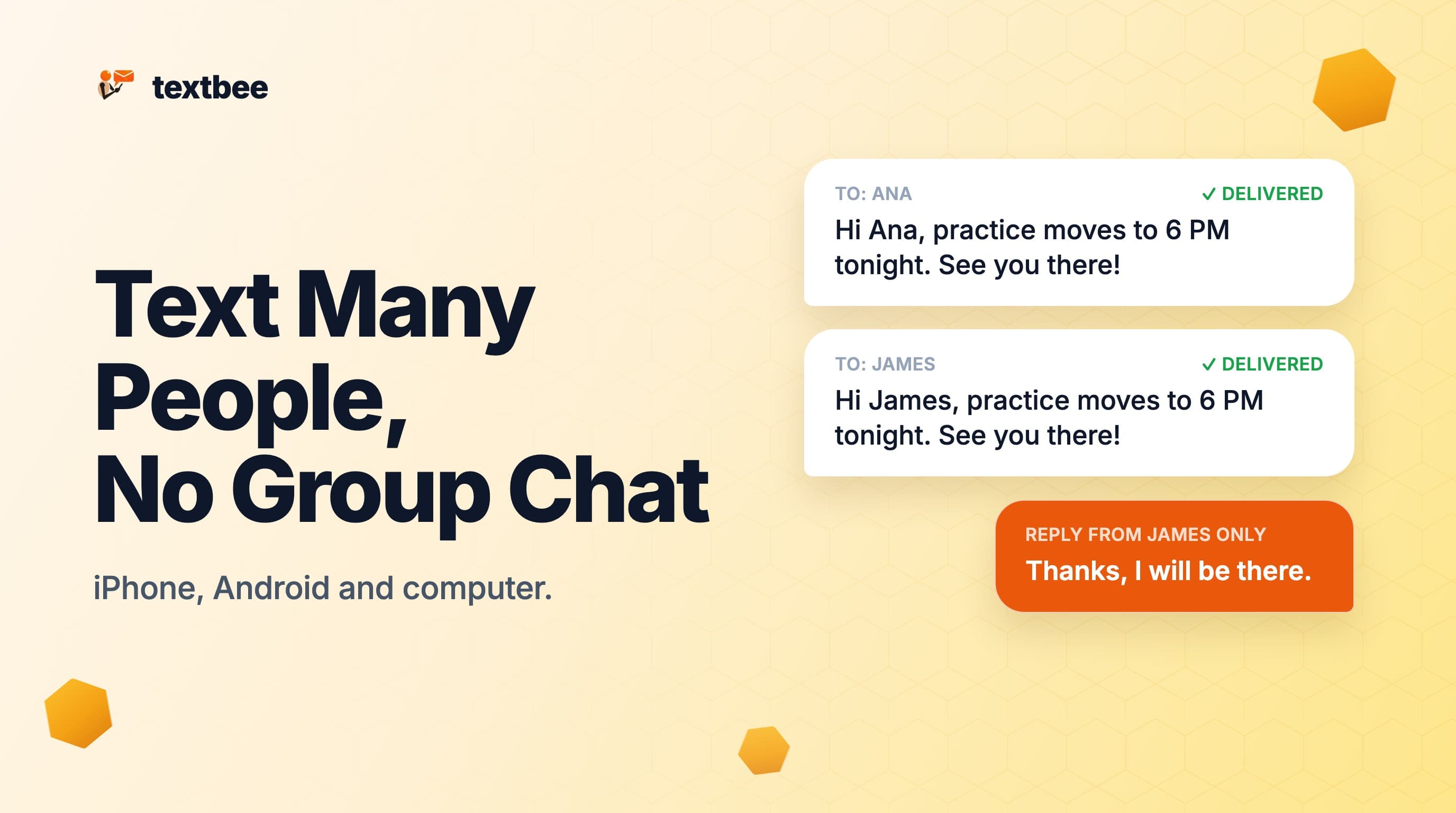
How to Text Multiple People Without a Group Message (iPhone, Android and Computer)
Send one text to many people so each gets a private message and replies come back only to you. Steps for iPhone, Android and a computer with a spreadsheet.
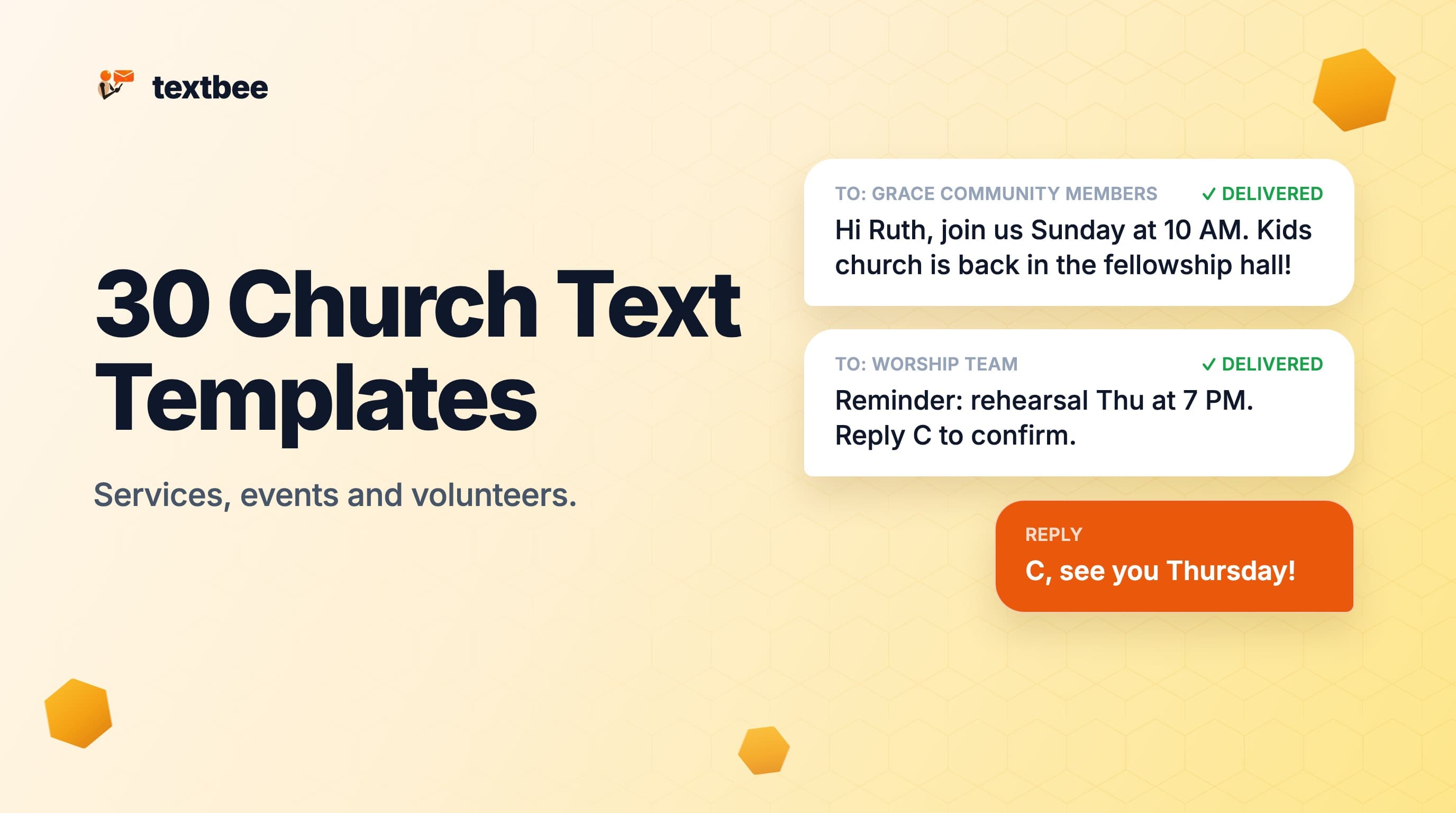
30 Church Text Message Templates for Services, Events and Volunteers
Copy-and-paste church text message templates for Sunday services, visitors, events, volunteers, youth and cancellations. Each one fits a single SMS.
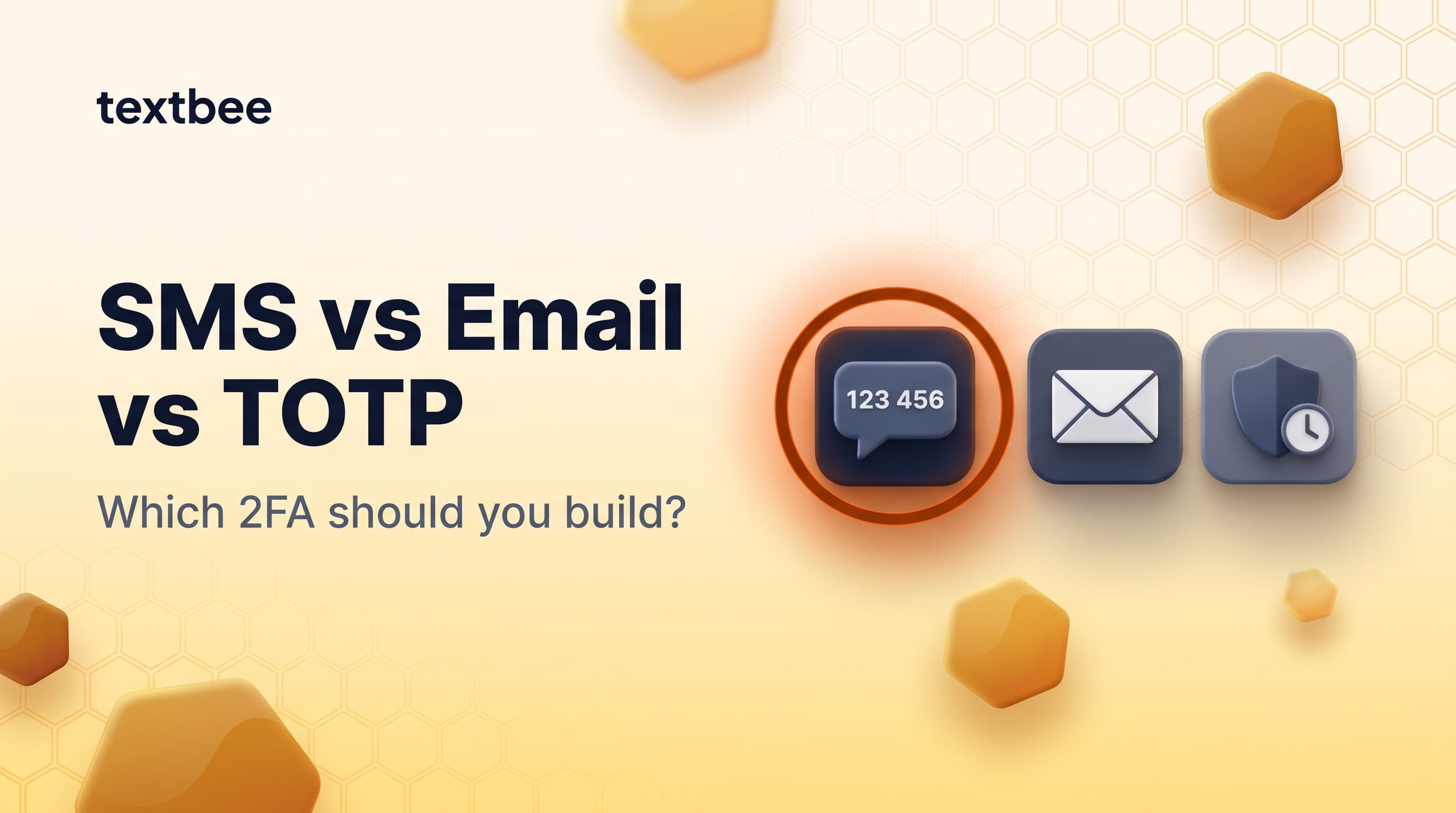
SMS OTP vs Email OTP vs TOTP in 2026: Which 2FA Should You Build?
Compare SMS OTP, email OTP, TOTP (authenticator apps), and hardware keys for 2FA in 2026: security, UX, cost, and implementation. Includes a textbee OTP code example.