
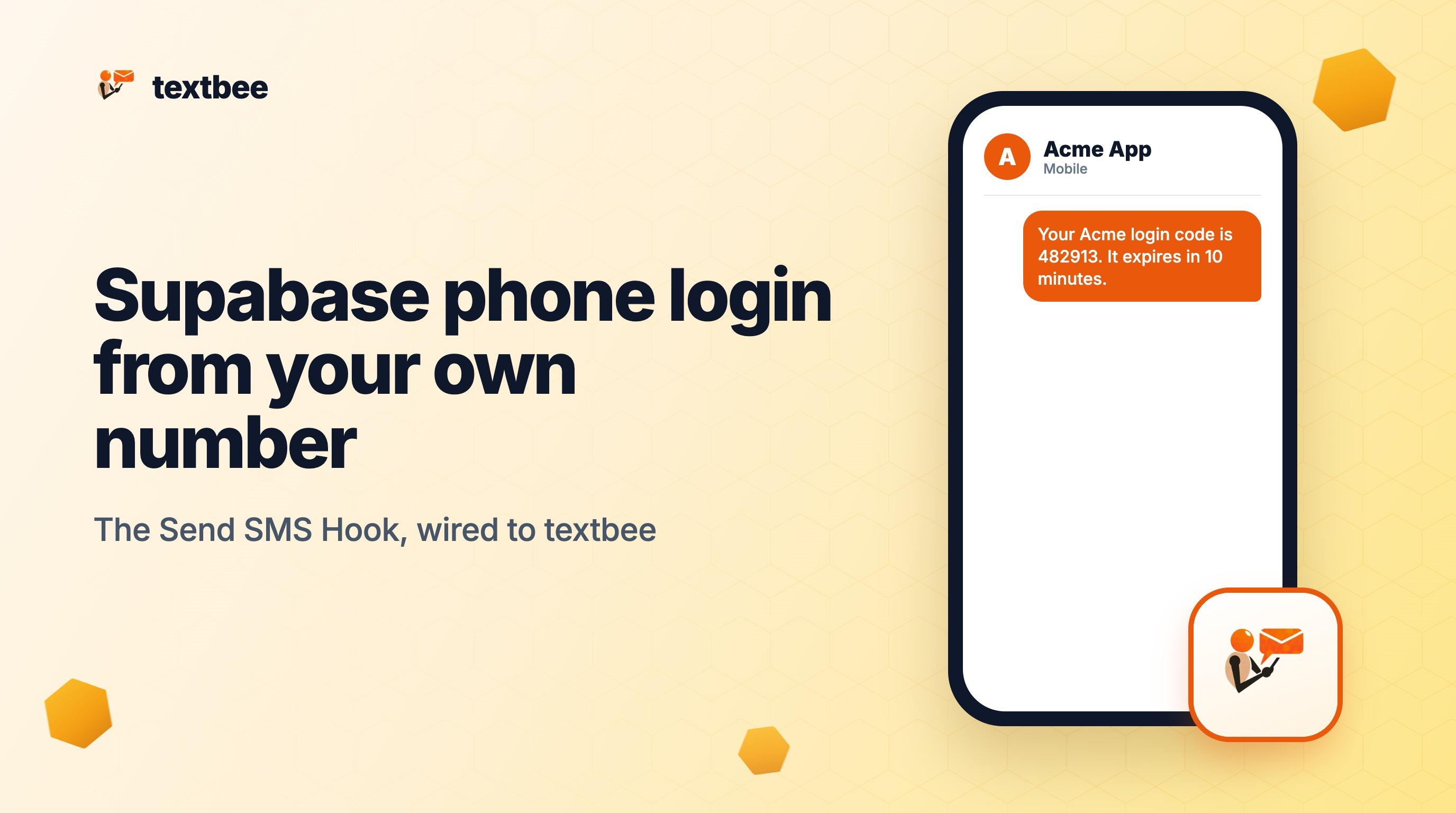
Supabase Phone Login With Your Own Number: The Send SMS Hook
Send Supabase phone login codes from your own Android number. A Send SMS Hook calls an Edge Function that checks the signature and passes the OTP to textbee.
Supabase Auth can sign users in with a code sent by SMS. By default it sends that code through a cloud provider such as Twilio, Vonage and others. The Send SMS Hook replaces that step. Supabase hands each code to your own HTTPS endpoint, and your endpoint decides how to send it. This guide points the hook at a Supabase Edge Function that sends the code from your own Android phone through textbee. It works for any app on your own Supabase project, including apps built with Bolt, v0 or Lovable connected to your own Supabase.
TL;DR
- The mechanism. Supabase posts
{ user, sms: { otp } }to your endpoint, signed with Standard Webhooks. Your Edge Function checks the signature, calls textbee, and returns an empty JSON body with status 200. - The budget. Supabase gives the whole hook call 5 seconds. textbee accepts the send request fast, and the phone delivers the text after that.
- The setup. Enable the Phone provider, deploy one function with JWT verification off, register the hook, set two secrets.
- The cost. Twilio Verify charges $0.05 per successful verification plus $0.0083 per US SMS. textbee Free is $0 for 300 messages a month (50 a day). Pro is $14.99 a month for 5,000 messages, flat.
- The limit. One phone sends about 10 to 15 texts a minute. That fits login codes for most small and mid-size apps.
How does the Send SMS Hook work?
The hook moves only the delivery step. Supabase still creates the code, stores it, checks expiry and verifies it.
| Step | Who acts | What happens |
|---|---|---|
| 1 | Your app | Calls supabase.auth.signInWithOtp({ phone }) |
| 2 | Supabase Auth | Creates a 6-digit code and posts the user and sms.otp to your hook URL |
| 3 | Edge Function | Checks the webhook-id, webhook-timestamp and webhook-signature headers |
| 4 | Edge Function | Calls POST https://api.textbee.dev/api/v1/gateway/send-sms with the code |
| 5 | Edge Function | Returns status 200 with Content-Type: application/json |
| 6 | Your phone | Receives the job from textbee and sends the SMS from its SIM |
| 7 | Your app | Calls supabase.auth.verifyOtp() with the code the user types |
Supabase reads status 200, 202 or 204 as success. It treats 400 and 403 as 500. Every response must use Content-Type: application/json. Sources: Send SMS Hook and Auth Hooks, checked October 2026. The hook is available on the Supabase Free and Pro plans.
What do you need?
- A Supabase project and the Supabase CLI.
- A textbee account with the Android app paired on a phone with a SIM. The free plan is enough to test.
- A textbee API key from the dashboard. Create one key just for this function (API keys docs).
Step 1: Enable the phone provider
The hook fires only when Auth sends an OTP, so phone sign-in must be on. In the Supabase dashboard, open Authentication, then Providers, then Phone, and enable it. Keep automatic phone confirmation off, or Auth never sends a code. With the hook on, the hook replaces the built-in SMS provider.
Step 2: Write the Edge Function
Create the function:
supabase functions new send-smsReplace supabase/functions/send-sms/index.ts with this:
import { Webhook } from 'https://esm.sh/[email protected]'

const headers = { 'Content-Type': 'application/json' }

function fail(code: number, message: string) {
  return new Response(JSON.stringify({ error: { http_code: code, message } }), {
    status: code,
    headers,
  })
}

Deno.serve(async (req) => {
  const payload = await req.text()
  const secret = Deno.env.get('SEND_SMS_HOOK_SECRETS')!.replace('v1,whsec_', '')
  const wh = new Webhook(secret)

  let user: { phone: string }
  let sms: { otp: string }
  try {
    ;({ user, sms } = wh.verify(payload, Object.fromEntries(req.headers)) as {
      user: { phone: string }
      sms: { otp: string }
    })
  } catch {
    return fail(401, 'Invalid signature')
  }

  // Supabase can send the number without the leading +.
  const phone = user.phone.startsWith('+') ? user.phone : `+${user.phone}`

  try {
    const res = await fetch('https://api.textbee.dev/api/v1/gateway/send-sms', {
      method: 'POST',
      headers: {
        'Content-Type': 'application/json',
        'x-api-key': Deno.env.get('TEXTBEE_API_KEY')!,
      },
      body: JSON.stringify({
        recipients: [phone],
        message: `Your code is ${sms.otp}`,
      }),
      signal: AbortSignal.timeout(4000),
    })
    if (!res.ok) return fail(500, `textbee returned ${res.status}`)
  } catch {
    return fail(500, 'textbee request failed')
  }

  return new Response('{}', { status: 200, headers })
})
Three details matter:
- Read the raw body. The signature covers the exact bytes, so call
req.text()before any parsing. - Add the
+. The official Supabase example prefixes the number with+, which suggestsuser.phonecan arrive without it. international format, such as+12015550123, works for every recipient. - Stop at 4 seconds.
AbortSignal.timeout(4000)keeps the function inside the 5-second budget. On failure, Supabase shows the user an error, and they can ask for a new code.
Step 3: Deploy with JWT verification off
Edge Functions require a Supabase JWT by default. The hook runs before the user has a token, so turn verification off for this one function:
supabase functions deploy send-sms --no-verify-jwtOr set it in supabase/config.toml so every deploy keeps it:
[functions.send-sms]
verify_jwt = false
The Standard Webhooks signature does the job the JWT would do. The function URL is https://<project-ref>.supabase.co/functions/v1/send-sms.
Step 4: Register the hook and set the secrets
In the dashboard, open Authentication, then Hooks, and add a Send SMS hook of type HTTPS. Paste the function URL, generate a secret, and save. The secret has the form v1,whsec_<base64>.
Now give the function both secrets:
supabase secrets set TEXTBEE_API_KEY=your-textbee-key SEND_SMS_HOOK_SECRETS='v1,whsec_your-secret'The function reads them with Deno.env.get() on each request, so no redeploy is needed.
Step 5: Test it locally
For local development, add the hook to supabase/config.toml:
[auth.hook.send_sms]
enabled = true
uri = "http://host.docker.internal:54321/functions/v1/send-sms"
secrets = "env(SEND_SMS_HOOK_SECRETS)"
Put SEND_SMS_HOOK_SECRETS and TEXTBEE_API_KEY in supabase/functions/.env, then serve the function:
supabase functions serve send-sms --no-verify-jwtStep 6: Sign in from your app
The client code does not change. It is the standard phone OTP flow:
const phone = '+12015550123'

// Sends the code through your hook and textbee.
await supabase.auth.signInWithOtp({ phone })

// Checks the code the user typed.
const { data, error } = await supabase.auth.verifyOtp({
  phone,
  token: '123456',
  type: 'sms',
})
If no text arrives, open the function logs in Supabase first, then the sent messages in the textbee dashboard. To track each code to the handset, subscribe to MESSAGE_SENT, MESSAGE_DELIVERED and MESSAGE_FAILED webhooks.
How fast does the code arrive?
The 5-second budget covers only the hook call: Supabase to your function and back. textbee accepts the request quickly and pushes the job to the phone. The phone then sends the SMS over its SIM, usually within seconds. The user waits for the same carrier hop as with any provider. Only the sender is different: your own number.
What does it cost compared with Twilio Verify?
| Monthly logins (US) | Twilio Verify | textbee |
|---|---|---|
| 300 | $17.49 | $0 (Free: 300 a month, 50 a day) |
| 1,000 | $58.30 | $14.99 (Pro) |
| 5,000 | $291.50 | $14.99 (Pro) |
Twilio Verify charges "$0.05 per successful verification plus standard channel fees", and SMS adds $0.0083 per US message (Twilio Verify pricing, checked October 2026). The table counts one SMS per successful login, so resends add more. textbee has no per-message fee: each code uses your plan allowance, and the text goes out on your SIM plan (pricing, checked October 2026). For the full OTP picture, see OTP and 2FA.
Does this work with other auth libraries?
Yes. The pattern is the same everywhere: the library makes the code, and you supply the delivery.
Better Auth. The phoneNumber plugin takes a sendOTP callback (Better Auth phone number plugin, checked October 2026):
import { betterAuth } from 'better-auth'
import { phoneNumber } from 'better-auth/plugins'

export const auth = betterAuth({
  plugins: [
    phoneNumber({
      sendOTP: async ({ phoneNumber, code }, ctx) => {
        await fetch('https://api.textbee.dev/api/v1/gateway/send-sms', {
          method: 'POST',
          headers: {
            'Content-Type': 'application/json',
            'x-api-key': process.env.TEXTBEE_API_KEY!,
          },
          body: JSON.stringify({ recipients: [phoneNumber], message: `Your code is ${code}` }),
        })
      },
    }),
  ],
})
Clerk. Turn off "Delivered by Clerk" on each SMS template you want to send yourself. Clerk then fires an sms.created webhook with the recipient and the message, and your handler sends it through textbee (Clerk email and SMS templates, checked October 2026).
What about Bolt, Lovable and v0 apps?
Any app on a Supabase project you control can use this hook. Bolt Database runs on Supabase, so the same Edge Function applies. The Bolt integration guide covers its server functions and secrets.
Lovable Cloud is different. Its built-in phone sign-in lists cloud SMS providers only and has no custom hook. To use textbee for Lovable logins, connect your own Supabase project and follow this guide there. The build with AI page lists every builder guide.
What are the limits?
- Throughput. One phone sends about 10 to 15 texts a minute at the default send delay. Add phones to your account for more.
- Text only. The code goes out as a plain SMS.
- The phone must stay online. A sleeping or offline phone delays codes. Follow keep the phone online and plug the phone in.
- Abuse. Anyone can type a phone number into a login form. Keep the Supabase Auth rate limits for OTP sends on, and add a CAPTCHA if bots find the form.
Frequently asked questions
Do I still need Twilio credentials in Supabase?
Twilio sends nothing. The hook replaces Supabase's built-in SMS sending, so textbee sends every code. Supabase does not say whether the provider fields can stay blank. If the dashboard asks for them, the hook still handles delivery.
Which number does the user see?
The number of the SIM in your paired phone. Users can save it and reply to it, and textbee receives the replies.
What happens if the phone is offline?
textbee still accepts the request, so the hook returns 200 and Supabase shows success. The code waits in the queue and goes out when the phone reconnects. By then it may have expired. Monitor the phone, and keep a spare phone on the account.
Why return 401 for a bad signature?
Any non-success code makes Supabase stop the login. The 401 makes the logs clear: the request did not come from your Supabase project, or the secret is wrong.
Can I change the message text?
Yes. Edit the message string in the function. Put your app name first, for example Acme: your code is 561166. The hook payload has no template, so the function owns the wording.
Does it work with a self-hosted textbee server?
Yes. Replace https://api.textbee.dev in the function with your server URL. Everything else stays the same.
Get more textbee in Google Search
Add textbee.dev as a preferred source. Our posts show up more often in your Google results.
You may also like

Setting Up Two-Factor Authentication (2FA) with textbee SMS Gateway
A practical guide to implementing SMS-based two-factor authentication using textbee.dev. Step-by-step instructions with code examples.
Indie Hackers: Ship OTP and Notifications Without a Twilio Bill Eating Your MRR
Per-message SMS pricing punishes early-stage products. How an Android SMS gateway keeps OTP and alerts flat-cost while you look for product-market fit.
SMS OTP vs Email OTP vs TOTP in 2026: Which 2FA Should You Build?
Compare SMS OTP, email OTP, TOTP (authenticator apps), and hardware keys for 2FA in 2026: security, UX, cost, and implementation. Includes a textbee OTP code example.