
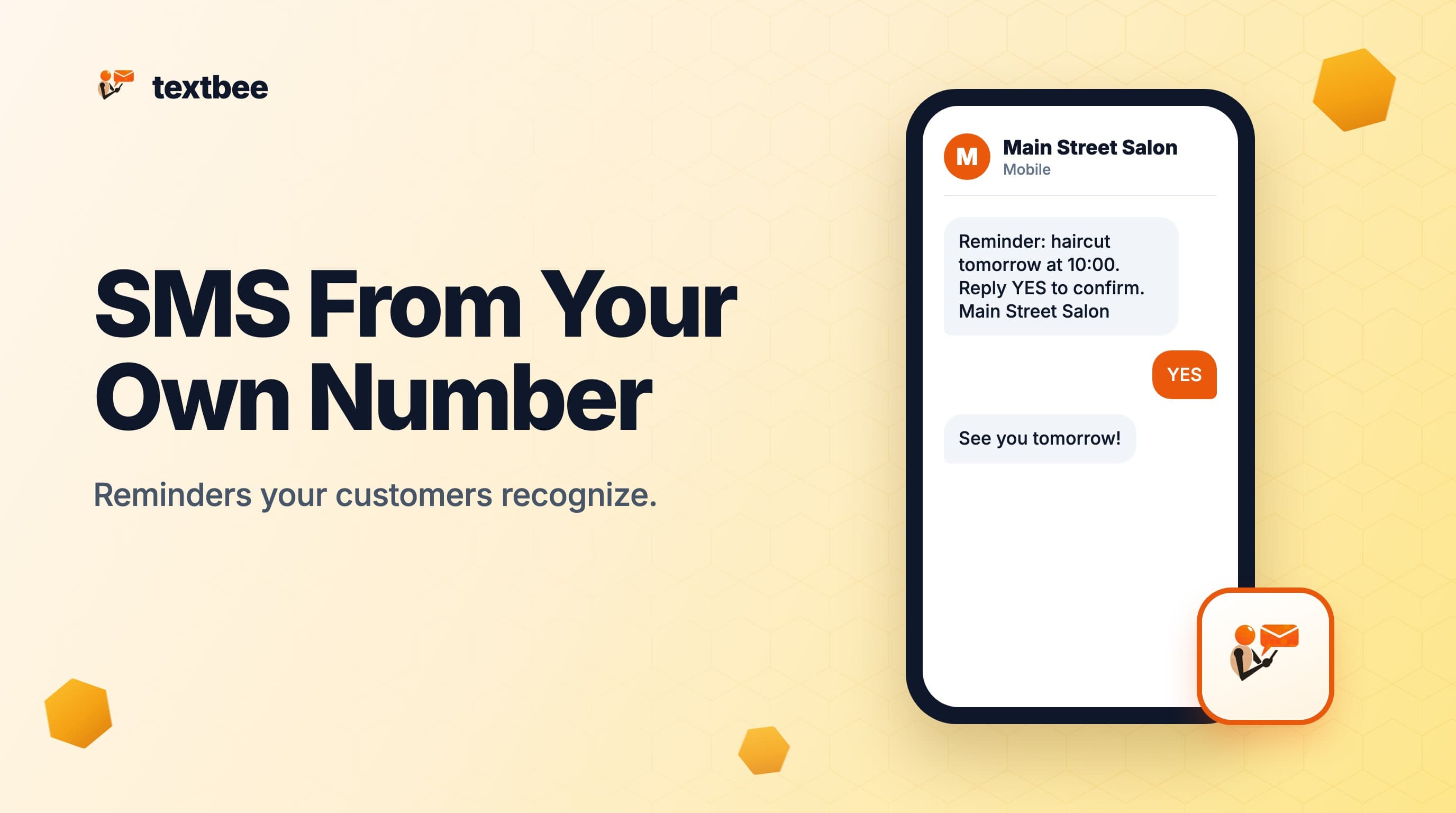
Small Business SMS from Your Own Phone Number: Why Caller ID Is Your Best Marketing Tool
Send appointment reminders and customer texts from the phone number your customers already have saved. How to use your existing Android as an SMS gateway without renting a number, with booking-tool integrations, templates and a 2026 cost comparison.
TL;DR
- A text from a number your customer has saved shows your name on their screen. A text from a rented long code or toll-free number shows an unknown number, and unknown numbers get ignored, filtered or blocked.
- textbee sends automated SMS through your existing Android phone, so reminders and confirmations come from the same number that is on your business card, your Google profile and your voicemail greeting.
- No number to rent, no 10DLC registration, no Twilio account. Setup takes about five minutes.
- It works with any booking tool that has a webhook or a Zapier or Make connector: Calendly, Acuity, Square Appointments, Google Calendar and a spreadsheet.
- At 500 reminders a month, textbee's Pro plan is $14.99 flat, against about $17.55 on Twilio plus registration and about $26 on Quo (formerly OpenPhone) for one user (prices checked September 23, 2026).
Customers do not read your stack. They read caller ID.
For salons, clinics, trades, tutors and local shops, the best sender for a text is the number customers already saved: the owner's or the front desk's mobile. A reminder from that number reads as a message from a person they know. The same reminder from a rented +1 (833) 555-0123 reads as a blast, and it is the one that gets ignored.
This post covers how to automate SMS from your own phone number instead of a rented one: what it looks like, how to wire it to a booking tool, which templates to use and what it costs next to the usual options.
Why your real number outperforms a rented one
When you rent a long code or toll-free number from a cloud provider, three things happen:
- Customers do not recognize it. The message arrives from a number that is not in their contacts, so it lands with the delivery notifications and the spam.
- Replies go to a portal, not your phone. When a customer texts back "can we move to 3pm instead?", someone has to be logged into a dashboard to see it.
- You pay per message, per number and for registration. In the US a rented number also needs 10DLC brand and campaign registration before carriers deliver business traffic from it. The 10DLC guide itemizes those fees.
With textbee, reminders come from the number that is already in your customers' contacts, replies arrive in the phone's normal Messages app, and the platform cost is a flat monthly plan rather than a meter that runs every time someone confirms a haircut.
What "your phone as the gateway" means in practice
textbee is an Android app plus a REST API. The app registers the phone with your textbee account and waits for send commands. When your booking tool fires a reminder, textbee's server relays it to the app, and the app sends the SMS through the phone's SIM, the same way the message would go out if you typed it.
To your customer:
- The message shows your real phone number as the sender.
- They can reply, and the reply lands on your phone.
- There is no "Sent from" prefix or app watermark.
To you:
- Nobody touches the phone to send. Reminders go out from your calendar or booking tool.
- Replies show up in the standard Messages app on that phone, and your code can read them too through a webhook.
The appointment reminders guide covers the timing and wording of reminders in depth. This post is about the number they come from.
Integrations with common booking tools
Calendly to textbee through a webhook
Calendly fires a webhook on every new booking, reschedule and cancellation. Route it through a Make or Zapier scenario:
- Trigger: Calendly webhook, new event created.
- Action: HTTP POST to textbee with the invitee's phone number and a confirmation message.
Hi {{ name }}, you're confirmed for {{ event_name }} on {{ start_time }}.
Reply to this number with any questions. {{ organizer_name }}
For the day-before reminder, add a second scenario with a delay step: trigger on booking, wait until 24 hours before the event, send the reminder.
Acuity Scheduling to textbee
Acuity has webhooks under Integrations, Webhooks. Subscribe to appointment.scheduled and POST the phone number and appointment details to textbee through Make or Zapier. Same pattern as Calendly.
Google Sheets plus Zapier to textbee
If you manage appointments in a spreadsheet, which is common for small trades businesses:
- Trigger: new or updated row where the Status column is "Confirmed".
- Filter: continue only if the "SMS sent" column is blank.
- Action: POST to textbee with the phone number and a message template.
- Update: write the current time into "SMS sent" so the row never sends twice.
Square Appointments
Square fires webhooks on booking events. Wire them through Make to textbee with the HTTP module, as the no-code automation guide shows step by step.
Whatever the tool, the send is one request:
curl -X POST https://api.textbee.dev/api/v1/gateway/send-sms \
  -H "x-api-key: $TEXTBEE_API_KEY" \
  -H "Content-Type: application/json" \
  -d '{"recipients": ["+15550100123"], "message": "Reminder: haircut tomorrow at 10:00. Reply YES to confirm or CHANGE to reschedule. Main Street Salon"}'
Five message templates that work
Keep each message under 160 characters so it goes as one segment and reads cleanly. Sign with the business name, because a saved contact shows your name but a customer who has not saved you needs it in the text.
Confirmation, sent immediately:
Hi {{ name }}, confirmed: {{ service }} on {{ date }} at {{ time }}.
Reply to reschedule. {{ business }}
Day-before reminder:
Reminder: {{ service }} tomorrow at {{ time }}.
Reply YES to confirm or CHANGE to reschedule. {{ business }}
Morning-of reminder:
Today at {{ time }}: {{ service }} with {{ staff }}.
{{ address }}. Reply if you need to reach us. {{ business }}
Running late, sent by hand:
Hi {{ name }}, your {{ time }} appointment is still on. We're running
about {{ delay }} min behind. Thanks for your patience. {{ business }}
Open slot after a cancellation:
{{ name }}, we had a cancellation: {{ date }} at {{ time }} is open.
Reply YES to take it. {{ business }}
More templates for order updates and verification codes are in the SMS templates post.
Two-way SMS: handling customer replies
When a customer replies to an automated reminder, the reply arrives in the Messages app on the Android phone running textbee. For most small businesses that is all the reply handling they need.
To automate replies, for example "if the customer replies CANCEL, mark the booking cancelled", set up textbee's inbound webhook:
- In the textbee dashboard, create a webhook subscribed to the received-message event and point it at your Make, n8n or Zapier webhook URL.
- The payload includes the sender's number and the message body.
- Match the number to the booking record and act on it: cancel, reschedule or log.
The receive SMS guide walks through the webhook setup and payload.
What it costs next to the usual options
Most small businesses that look at automated texting also look at a business phone app or a developer SMS API. Here is what each publishes, checked September 23, 2026, for a salon or clinic sending about 500 messages a month.
| Option | Pricing model | Cost at 500 messages a month | 10DLC or carrier registration | Setup |
|---|---|---|---|---|
| Twilio, long code, do it yourself | $0.0083 a segment plus a $0.0035 to $0.005 carrier fee, plus $1.15 a month for the number (Twilio US pricing) | about $17.55 with a $10 campaign, plus $19 to $59 once to register | Yes: $4 to $44 brand, $15 campaign vetting, $1.50 to $10 a month per campaign | Developer setup |
| Quo, formerly OpenPhone, Starter plan | $19 a user a month, or $15 on annual billing; automated texts through the API or Zapier are $0.01 a segment (Quo pricing) | about $26 for one user: $19 plus $5 in automated sends, plus $1.50 to $3 a month carrier maintenance and $19.50 once | Yes: $19.50 one-time review plus $1.50 to $3 a month | Self-serve, VoIP number |
| Podium | No public price list. The pricing page offers a demo and a sales call (Podium pricing) | Quote | Yes, handled by the platform | Sales call and onboarding |
| textbee | Flat plan: Free for 300 messages a month, Pro $14.99 for up to 5,000, Scale $29.99 for up to 25,000 (pricing); messages come out of the SIM's plan | $14.99 on Pro ($8.33 billed yearly), or $0 on Free up to 300 | No. The SIM is a carrier-issued line, outside 10DLC | About five minutes, plus one integration |
For 500 reminders a month, textbee's Pro plan costs about 15% less than Twilio's bill before registration and about 42% less than a single Quo seat, and there is nothing to register. On yearly billing ($8.33 a month) it is under half of either. The trade-off is that you or your web person wire the integration once, instead of buying a done-for-you platform.
Quo is the closest option for "use your own number" positioning, but the number is a VoIP line it provisions, not the SIM in your phone, and it goes through carrier registration like any other business line. On a consumer or small-business mobile plan with unlimited domestic texting, textbee's marginal cost per reminder is nothing on top of the plan you already pay for.
Do you need a developer?
Someone technical wires the first integration: an HTTP request from the booking tool, or a Zapier or Make scenario. After that most small business teams leave it alone. The first setup takes 30 to 60 minutes for someone who has done it before; allow two to three hours for a first attempt.
If you are not technical, the easiest path is showing this post to whoever maintains your website or booking tool. They will recognize the webhook plus HTTP pattern, because it is how most integrations work. The no-code automation guide walks through Make and Zapier flows that need no code at all.
Frequently asked questions
Will my real phone number be exposed to customers?
Your number is already visible when you call or text customers by hand. textbee automates sends from that same number. If you would rather keep a separate business number, put a second SIM in the phone or run textbee on a spare Android with a business SIM. The number the customer sees is always the SIM in the phone running textbee.
What if the phone dies or loses signal?
Messages wait on textbee's server and go out when the device is back online. For a reminder sent 24 hours ahead, a short outage does not matter. For time-critical sends, such as "running ten minutes late" five minutes before the appointment, keep the phone charged and on a stable connection. A wall charger and a shelf near the router do the job.
Can my staff reply from the same number?
Yes. Replies arrive in the Messages app on the Android phone, so anyone with the phone can answer. For a team, point the inbound webhook at a shared inbox tool so replies show up where everyone works.
Does this work if I use an iPhone?
The sending phone has to be Android, because iOS does not let an app send SMS on your behalf. Your customers can be on any phone. A cheap spare Android or a refurbished one is enough.
What is the catch with "no per-message fee"?
The messages draw on your carrier plan's SMS allowance. Most US and Canadian small business mobile plans include unlimited domestic texting, so an automated reminder costs nothing on top of the plan. International sends follow your carrier's international rates. One phone sends about 10 to 15 messages a minute, and carriers filter consumer lines that send like a bulk blaster, so pace sends and keep the wording varied. For marketing at volume, a registered cloud route is the right tool.
Get started
- Sign up at textbee.dev. The Free plan needs no card.
- Download the app on the Android phone you want to send from.
- Follow the five-minute quickstart to send a test message.
- Wire your booking tool to textbee with the patterns above.
Your customers already trust your number. Put your automation on it.
Get more textbee in Google Search
Add textbee.dev as a preferred source. Our posts show up more often in your Google results.
You may also like
SMS Appointment Reminders for Small Businesses: Send from Your Own Number (2026 Guide)
Send appointment reminders, booking confirmations and reschedule notices by SMS from your own business number, with no 10DLC registration and a flat $14.99 plan. Timing, templates, US costs and TCPA basics for clinics, salons, HVAC and dental.
How to Receive SMS and Process Webhooks with textbee
Set up inbound SMS webhooks with textbee. Payload structure, signature verification, Node.js and Python handler examples, STOP keyword handling, OTP reply capture, and local testing with ngrok.
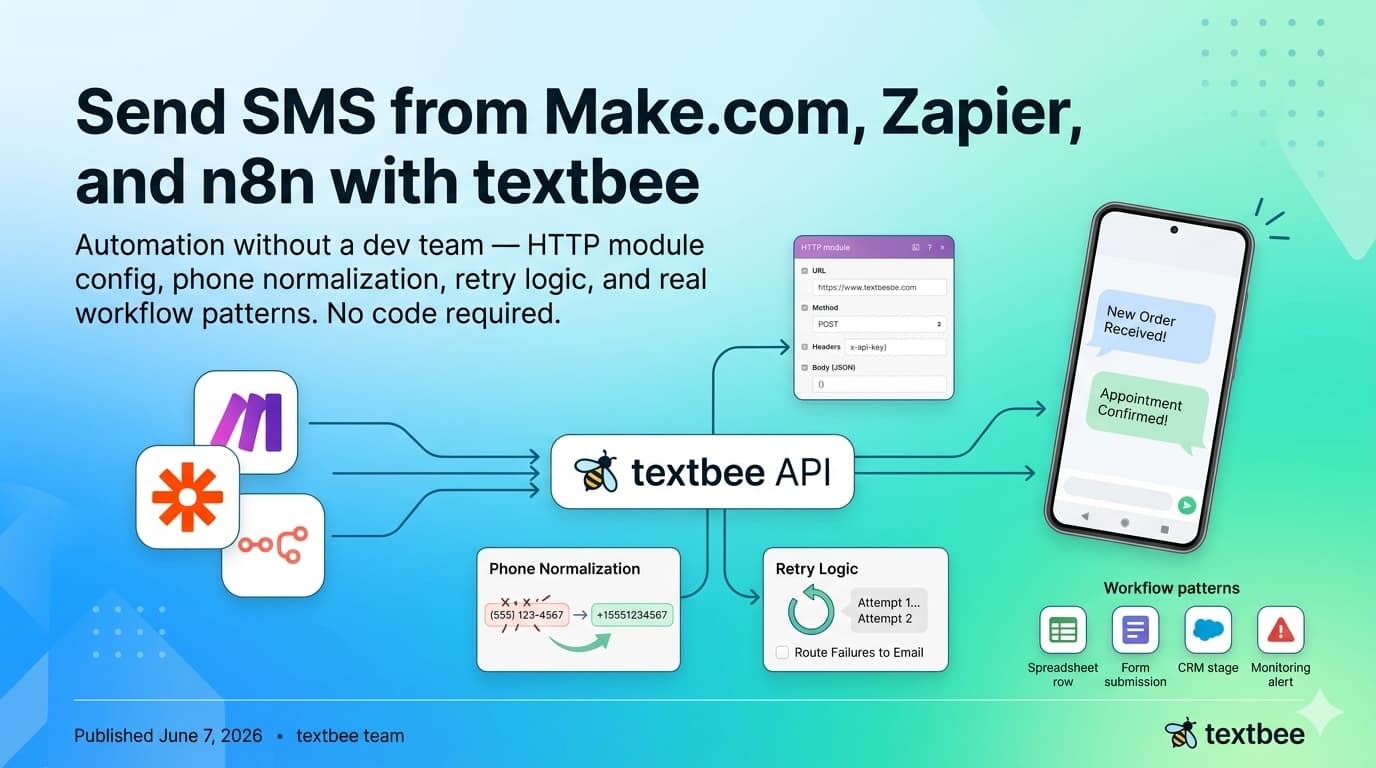
Send SMS from Make.com, Zapier, and n8n with textbee
Automate SMS without a dev team: HTTP module config, phone normalization, retry logic, and workflow patterns for Make.com, Zapier, and n8n. No code needed.