
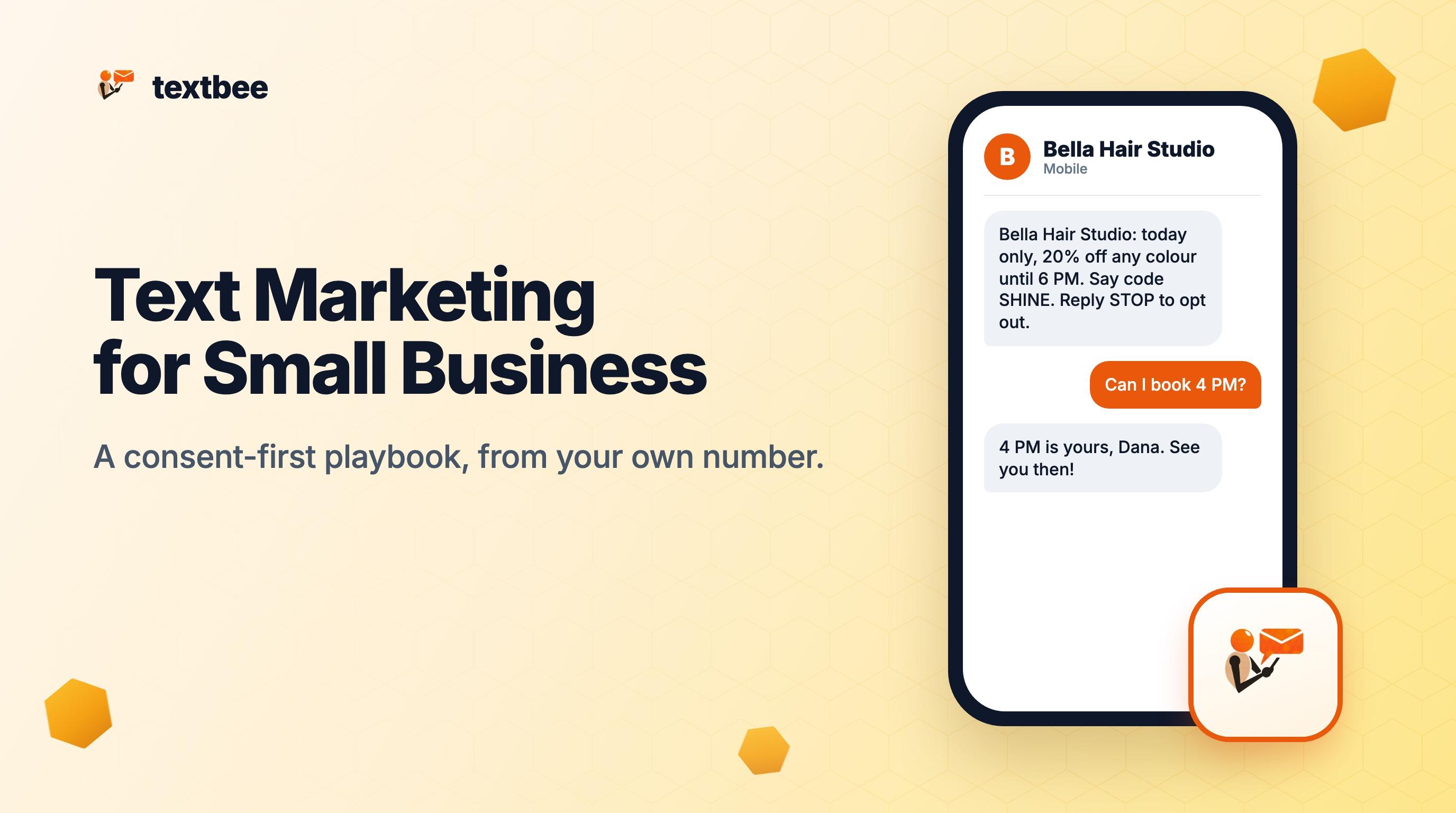
Text Message Marketing for Small Business Without Blasting Strangers: A Consent-First Playbook
Text message marketing for small business, done the consent-first way: four opt-in methods with exact wording, six measured promo templates, a send cadence, a STOP handler in Node.js, and what 500 or 2,000 texts a month cost.
Text message marketing works for a small business when every person on the list asked to be there. The playbook is three habits: collect clear consent, send a few useful messages a month, and make stopping instant. Send from the number your customers already have saved, and every promotion arrives under a name they know.
TL;DR
- Consent first. Collect opt-ins four ways: a keyword (text JOIN), a checkbox at checkout or booking, a web form, or a written sign-up in person. Send one confirmation text that names the business, the frequency, and how to stop.
- Send 2 to 4 texts a month. Each one must be worth reading on its own. The six templates below each fit one 160-character segment with sample values filled in.
- Watch the opt-out rate. Klaviyo's SMS campaign benchmarks call 0.6% to 1.4% unsubscribes per send "good" and flag 2.0% and above as critical (Klaviyo, checked October 2026).
- Cost at 2,000 texts a month: about $90 on EZ Texting's Launch plan plus carrier fees, about $26.75 on a pay-as-you-go API, or $14.99 flat on textbee Pro with the texts riding your SIM plan (all checked October 2026).
- Handle STOP in code. A 50-line Node.js webhook reads each inbound text, marks STOP, UNSUBSCRIBE or CANCEL as opted out, and confirms once.
How do you collect opt-in for text marketing?
An opt-in is a record that a specific person asked for your texts. Industry guidance from CTIA asks for express written consent before promotional texts, and lists "sign a form, check a box online" as the ways to give it (CTIA Messaging Principles and Best Practices, May 2023, page 11, checked October 2026). A spoken "sure" at the counter is not enough for promotions. Use one of these four methods, and store every opt-in with the phone number, a timestamp, and the source.
1. A keyword to your number. Put a sign at the register, on the menu, or on the receipt. The customer texts the word, and your system replies with the confirmation.
Text JOIN to {{ phone }} for 1 or 2 deals a month from {{ business }}. Msg & data rates may apply. Reply STOP to opt out.2. A checkbox at checkout or booking. Leave it unchecked by default. The customer ticks it.
[ ] Text me offers and news from {{ business }}, up to 4 a month. Msg & data rates may apply. Reply STOP to cancel. Not required to buy.3. A field on your web form. Same wording as the checkbox, next to the phone field. Save the page URL as the source.
4. In person, in writing. A sign-up sheet with the checkbox wording at the top and columns for name, phone, date and signature. Or let them text JOIN before they leave.
The confirmation text. Send this once, right after any opt-in, before any promotion. CTIA lists what it should contain: the program name, a way to get help, how to opt out, how often you text, and any charges (page 12).
{{ business }}: you're in! Up to {{ count }} texts a month with offers and news. Msg & data rates may apply. Reply HELP for help, STOP to opt out.139 characters with sample values, 1 segment.
How the keyword flow works with textbee
textbee sends and receives through an Android phone with your business SIM.
- In the textbee app, open Settings and turn on Receive SMS. The receiving guide covers the permission and a test.
- In the dashboard, add a webhook for the
MESSAGE_RECEIVEDevent. Each incoming text arrives at your URL within seconds. - No server? Poll
GET https://api.textbee.dev/api/v1/gateway/messages?direction=receivedon a schedule instead, and followmeta.nextCursorso you never read a message twice. - When the text says JOIN, store the sender's number with the time and the source ("keyword, counter sign"), then send the confirmation.
The STOP section below has the code for steps 2 to 4.
What should a small business send by text?
Six campaign types cover most small businesses. Each template is under 160 characters with sample values, names the business first, and ends with "Reply STOP to opt out" because it is a promotion. Use {{ placeholders }} with the textbee dashboard's CSV bulk send, which fills them from your spreadsheet columns.
1. New-customer welcome. Send it right after the confirmation, or with it on the first visit.
Welcome to {{ business }} texts, {{ name }}! Show this text for {{ offer }} on your next visit. Up to {{ count }} texts a month. Reply STOP to opt out.135 characters with sample values, 1 segment.
2. Flash offer. A short window and one clear deal. Use a code you can count at the register.
{{ business }}: today only, {{ offer }} any service until {{ time }}. Show this text or say code {{ code }}. Reply STOP to opt out.121 characters with sample values, 1 segment.
3. Slow-day filler. Send it the morning of a quiet day.
{{ business }}: {{ slots }} chairs are open {{ day }} afternoon. Reply with a time to book and get {{ offer }}. Reply STOP to opt out.121 characters with sample values, 1 segment.
4. Back in stock or new service. Give subscribers first access, not just news.
{{ business }}: {{ item }} is back. We are holding {{ qty }} for text subscribers until {{ day }}. Reply HOLD to reserve one. Reply STOP to opt out.150 characters with sample values, 1 segment.
5. Loyalty or birthday. Collect the birth month on the sign-up form and send on the first of that month.
Happy birthday from {{ business }}, {{ name }}! Enjoy {{ offer }} any visit this month with code {{ code }}. Reply STOP to opt out.122 characters with sample values, 1 segment.
6. Event invite. An open house, a tasting, a class.
{{ business }}: you're invited to {{ event }}, {{ date }} at {{ time }}. {{ perk }}. Reply YES to save a spot. Reply STOP to opt out.148 characters with sample values, 1 segment.
Sample values used for the counts: business "Bella Hair Studio", name "Maria", offer "15% off", code "FLASH24", time "7 PM", day "Tuesday", item "The argan hair oil", date "Fri Dec 12". Use straight quotes and no emoji. One curly apostrophe or emoji drops the segment limit to 70 characters and splits most of these texts into three parts.
How often should you text customers?
Two to four texts a month is enough for almost every small business. Klaviyo warns that higher-than-average unsubscribe rates "may result in message limitations or blocking by the wireless carriers" (Klaviyo, checked October 2026), and frequency is the lever you control.
| Business type | Texts a month | What fills the slots |
|---|---|---|
| Salons, barbers, spas | 2 to 3 | Slow-day filler, birthday, one seasonal offer |
| Restaurants and cafes | 3 to 4 | A weekly special or a slow-night offer, events |
| Trades and home services | 2 | Seasonal check-up, one offer before the busy season |
| Retail shops | 3 to 4 | New stock, a weekend sale, events |
| Gyms and fitness studios | 3 to 4 | New classes, challenges, a member referral offer |
| Real estate | 2 | Open houses, a market update with one listing |
Send windows that work in practice:
- Weekdays 10 AM to 1 PM for anything that needs a booking reply, so you can answer while the shop is open.
- Mid-afternoon for restaurants, before people decide on dinner.
- The morning of a slow day for filler offers, early enough to fill the slots.
- Never before 9 AM or after 8 PM in the customer's time zone.
On textbee Pro and up, add scheduledAt (ISO 8601) to a send to queue it for the right hour:
curl -X POST https://api.textbee.dev/api/v1/gateway/send-sms \
  -H "x-api-key: $TEXTBEE_API_KEY" \
  -H "Content-Type: application/json" \
  -d '{"recipients": ["+15550142", "+15550143"], "message": "Bella Hair Studio: 3 chairs are open Tuesday afternoon. Reply with a time to book and get 15% off. Reply STOP to opt out.", "scheduledAt": "2026-12-09T10:00:00Z"}'
Keep the smsBatchId from the response with the campaign name to match failures to the send later.
The rule behind the table: every message must be useful on its own. If a customer reads only one text from you this month, it should hold a real offer, date, or piece of news.
How do you handle STOP and replies?
STOP handling protects your number. CTIA asks senders to accept "stop, end, unsubscribe, cancel, quit" in any capitalization, and to send "one final opt-out confirmation message" and nothing after it (page 13, checked October 2026).
The handler has four steps:
- The webhook receives each inbound text from the phone.
- The code normalizes the text and matches STOP, UNSUBSCRIBE, CANCEL, END or QUIT.
- It marks the contact as opted out with the time.
- It confirms once. A second STOP gets no reply.
textbee sends MESSAGE_RECEIVED as a flat JSON body with smsId, message, deviceId, webhookSubscriptionId, webhookEvent, idempotencyKey, sender and receivedAt, with a timestamped signature in the X-Textbee-Signature header (webhook events, verify the signature). This Express handler verifies the signature, skips retried deliveries, and handles JOIN, STOP and HELP:
import express from 'express'
import crypto from 'node:crypto'

const app = express()
const SECRET = process.env.TEXTBEE_WEBHOOK_SECRET
const API_KEY = process.env.TEXTBEE_API_KEY
const BUSINESS = 'Bella Hair Studio'
const STOP_WORDS = new Set(['STOP', 'STOPALL', 'UNSUBSCRIBE', 'CANCEL', 'END', 'QUIT'])

// Replace with your database.
const contacts = new Map()
const processed = new Set()

// X-Textbee-Signature: t=<unix seconds>,v1=<hex HMAC-SHA256 of "<t>.<raw body>">
function verifySignature(rawBody, header = '') {
  const parts = Object.fromEntries(header.split(',').map((p) => p.trim().split('=')))
  const t = Number(parts.t)
  if (!Number.isInteger(t) || Math.abs(Date.now() / 1000 - t) > 300) return false
  const expected = Buffer.from(crypto.createHmac('sha256', SECRET).update(`${t}.`).update(rawBody).digest('hex'))
  const given = Buffer.from(parts.v1 || '')
  return given.length === expected.length && crypto.timingSafeEqual(given, expected)
}

async function sendSms(to, message) {
  await fetch('https://api.textbee.dev/api/v1/gateway/send-sms', {
    method: 'POST',
    headers: { 'x-api-key': API_KEY, 'Content-Type': 'application/json' },
    body: JSON.stringify({ recipients: [to], message }),
  })
}

app.post('/textbee/webhook', express.raw({ type: 'application/json' }), async (req, res) => {
  if (!verifySignature(req.body, req.get('X-Textbee-Signature'))) {
    return res.sendStatus(401)
  }

  const event = JSON.parse(req.body.toString('utf8'))
  if (event.webhookEvent !== 'MESSAGE_RECEIVED' || processed.has(event.idempotencyKey)) {
    return res.sendStatus(200)
  }
  processed.add(event.idempotencyKey)
  res.sendStatus(200)

  const word = event.message.trim().toUpperCase().replace(/[^A-Z]/g, '')
  const contact = contacts.get(event.sender)

  if (STOP_WORDS.has(word)) {
    if (contact?.status === 'opted_out') return
    contacts.set(event.sender, { ...contact, status: 'opted_out', optedOutAt: event.receivedAt })
    await sendSms(event.sender, `${BUSINESS}: you're unsubscribed and will get no more texts. Text JOIN to rejoin.`)
  } else if (word === 'JOIN' || word === 'START') {
    if (contact?.status === 'subscribed') return
    contacts.set(event.sender, { status: 'subscribed', source: 'keyword', optedInAt: event.receivedAt })
    await sendSms(event.sender, `${BUSINESS}: you're in! Up to 4 texts a month with offers and news. Msg & data rates may apply. Reply HELP for help, STOP to opt out.`)
  } else if (word === 'HELP') {
    await sendSms(event.sender, `${BUSINESS}: questions? Call 555-0142. Reply STOP to opt out.`)
  }
})

app.listen(3000)
Before every campaign, filter the send list to contacts whose status is subscribed. The handler returns 200 before it sends the reply, because the webhooks guide asks endpoints to answer fast and do slow work afterwards. In production, store processed and contacts in your database so a restart does not lose them.
The code will not catch "please take me off this list", so read your replies and mark those contacts by hand the same day.
Human replies. Everything that is not a keyword is a customer talking to you: "Do you have anything Thursday?", "Is the offer good for my husband too?" Answer them. That is the advantage of texting from your own number: replies land on the business phone and in your textbee message history, not in a no-reply void. The follow-up guide has wording for the customers who go quiet.
What does text marketing cost?
Three ways to pay, priced at 500 and 2,000 promotional texts a month. Replies and confirmations add to the count on every option.
| Option | Pricing model | 500 texts a month | 2,000 texts a month |
|---|---|---|---|
| EZ Texting Launch | $25 a month for 500 credits, $0.04 per extra credit, $5 monthly telecom fee, carrier fees billed separately | $30 plus carrier fees | $90 plus carrier fees |
| Pay-as-you-go API (Twilio) | $0.0083 per segment, carrier fees of $0.0035 to $0.005 per message, $1.15 a month per number | about $7.55 | about $26.75 |
| textbee | Flat plan: Free covers 300 a month (50 a day); Pro $14.99 a month covers 5,000 | $14.99 (Pro) | $14.99 (Pro) |
Sources, all checked October 2026: EZ Texting pricing, Twilio SMS pricing (the API row uses $0.0045 as the carrier fee), and textbee pricing.
What the numbers leave out:
- EZ Texting is a full marketing app with contact lists and campaign screens. You pay for that interface.
- The pay-as-you-go API gives you a rented number and nothing else. You build sign-up, STOP handling and sending yourself, inbound replies are billed per message, and many routes add registration fees before the number can send.
- textbee charges no per-message fee and no number rental. The texts go out on the phone's SIM plan, which on an unlimited-text plan adds nothing. Sent and received messages both count toward the plan allowance. The allowance resets each month on your signup or subscription anniversary, and Pro is $99.99 a year if you pay annually ($8.33 a month).
How do you measure whether it worked?
Standard SMS has no read receipts you can count, so measure what customers do.
- Replies. Count replies per campaign.
- Redemptions. Give each campaign its own code (FLASH24, BDAY12) and tally it at the register or in your booking tool. One code per campaign tells you which text earned the money.
- Opt-out rate. Opt-outs divided by recipients, per send. Klaviyo's benchmark puts a good range at 0.6% to 1.4%, top performers under 0.5%, and 2.0% or more as critical (Klaviyo, checked October 2026). Klaviyo's numbers come from its own customers' campaigns, so treat them as a rough guide.
- Revenue against cost. Compare the month's redemptions with the plan price.
If the opt-out rate jumps after one send, check that message for frequency, vagueness, or a bad hour.
Consent and opt-out rules in short
The rules differ by country, but three habits cover the common ground (all from CTIA Messaging Principles and Best Practices, May 2023, checked October 2026):
- Get consent before the first promotion, in writing for marketing texts, and keep the record. Never use a bought, rented or shared list (section 5.1.4).
- Identify yourself. Name the business in the confirmation and in every campaign, and include a way to get help (section 5.1.2.1).
- Honor opt-outs promptly. Accept STOP and its plain-language variants, confirm once, and send nothing after that (section 5.1.3).
For one jurisdiction's full checklist, see the SMS compliance checklist. This is not legal advice.
Frequently asked questions
Is it legal to text customers promotions?
In most places, yes, when the customer gave prior consent to receive promotional texts, the message identifies your business, and you honor opt-outs. The details and penalties vary by country, so check the rules where your customers live.
How do I get customers to opt in?
Ask at the moment they already trust you: at checkout, at booking, or at the counter. A keyword sign ("Text JOIN to 555-0142 for 1 or 2 deals a month") and an unchecked checkbox on the booking form are the two easiest. Promise a real offer on the first text, such as 15% off the next visit.
How do I know if customers read my marketing texts?
Standard SMS does not report opens, so count actions instead: replies, redeemed codes, and bookings that mention the text. Track one unique code per campaign. Watch the opt-out rate per send as the warning signal.
Can I use my existing business number?
Yes, if the number is a SIM in an Android phone. textbee sends and receives from that SIM, so customers see the number they already saved. A landline or a number that lives only inside a cloud phone app cannot be used this way.
How many texts can I send from one phone?
The plan sets the monthly allowance: 300 on Free (50 a day), 5,000 on Pro, 25,000 on Scale. Android also limits how many SMS one app can send in a short time, so set a Send Delay in the app for larger lists, and spread big sends over several phones (Pro supports 5). Your carrier's fair-use terms still apply, which is another reason to keep promotions to a consenting list and a few texts a month.
Next steps
- Text your customers from your own number: how textbee works for a small business
- Receiving SMS: turn on inbound texts for the keyword and STOP flow
- Follow-up text after no response: what to send when a customer goes quiet
- 38 appointment reminder text templates: the transactional texts that sit next to your promotions
Get more textbee in Google Search
Add textbee.dev as a preferred source. Our posts show up more often in your Google results.
You may also like
Follow-Up Text After No Response: 25 Templates for Small Businesses
25 follow-up text templates for leads who went quiet, after an estimate, a site visit or a viewing, each one SMS segment, plus a schedule for when to send.
38 Appointment Reminder Text Templates by Industry (Copy and Paste, 2026)
Copy-and-paste appointment reminder text templates for dental offices, clinics, salons, HVAC and plumbing, tutoring and restaurants, each measured to fit one SMS segment, plus when to send them and how to send them from your own business number.
How to Text Multiple People Without a Group Message (iPhone, Android and Computer)
Send one text to many people so each gets a private message and replies come back only to you. Steps for iPhone, Android and a computer with a spreadsheet.