
Google Voice Mass Text: Why It Stops at Small Lists, and What to Use Instead
Google Voice caps a group text at 7 recipients, and its policy forbids bulk and automated texts. Its real limits, why it flags business texting, and three alternatives compared on price, list size and sender number.
Google Voice can text a small group, but it cannot mass text a list. A group message holds at most 7 recipients plus you, and Google says Voice messaging is "intended only for interactive conversations" and "not intended for bulk messaging." Send the same text to many people and Google may restrict the account, so a business list needs a different tool: a cloud texting service, an SMS API, or your own phone with a gateway app.
TL;DR
- Group limit: 7 names or numbers per group message, 8 participants including you. Everyone shares one thread. Source: Google Voice Help, Send & get text messages, checked October 2026.
- No bulk, no scripts: the Voice Acceptable Use Policy bans "sending messages in bulk" and "sending messages via an automated process, such as a script." Google publishes no texting API for Voice (checked October 2026).
- Paid plans do not lift the limit: Google Voice Starter costs $10 per user a month with unlimited texting, Standard $20, Premier $30 (Google Voice for business, checked October 2026). "Unlimited" means conversations, not lists.
- Alternatives: EZ Texting starts at $25 a month for 500 credits and up to 500 contacts, plus a $5 monthly telecom fee (EZ Texting pricing, checked October 2026). Twilio charges $0.0083 a segment plus a $0.0045 carrier fee and a rented number (Twilio SMS pricing, checked October 2026). textbee sends from your own phone number: Free for 300 messages a month, Pro $14.99 a month for 5,000.
- Pacing still matters: one phone sends about 10 to 15 texts a minute. That covers hundreds to low thousands of texts a day per phone. It is a way to reach your own customers, not a blast tool.
What are Google Voice's limits for mass texting?
Google Voice is a phone number in an app, good at calls and one-to-one texts. It is not built to send one message to a list. Each limit below comes from Google's help pages, checked October 2026.
| Limit | What Google says | Source |
|---|---|---|
| Group size | "To create a group text message, add up to 7 names or phone numbers. Group messages can have up to 8 participants, including the person who sends the message." | Send & get text messages |
| Purpose | "Google Voice messaging is intended only for interactive conversations. It's not intended for bulk messaging, which can result in messages being reported as spam and blocked." | Same page |
| Bulk and commercial texts | The policy bans "sending commercial or promotional messages to a large number of users, or sending messages in bulk." | Voice Acceptable Use Policy |
| Automation | The policy bans "sending messages via an automated process, such as a script." | Same page |
| Message length | "If you send a text longer than 160 characters to a non-Google Voice number, it's sent as multiple messages." | Send & get text messages |
| Daily cap | Google does not publish a number. It says Voice "may temporarily restrict you from sending more messages" if you send many texts in a short period. | Send & get text messages (Android) |
| API | Google does not publish a texting API for Voice, and the policy above bans scripted sending. | Help center and developer docs, checked October 2026 |
Three things follow from that table.
A group text is not a mass text. A Google Voice group message is one shared thread. Every member sees the other numbers, and every reply goes to the whole group. That is wrong for 80 customers who never agreed to share their number with each other. The guide to texting multiple people without a group message explains the difference in detail.
Sending one-by-one does not get around the policy. You can copy the same text into 80 separate conversations. That is exactly the pattern Google lists as a reason to block: the same message to many recipients, sent in a short period. More on that in the next section.
Paying does not change the rules. Google Voice for business comes in three plans: Starter at $10 per user a month, Standard at $20 and Premier at $30 (Google Voice for business, checked October 2026). Starter advertises unlimited texting. The texting help page does not carve out paid plans, and the admin FAQ says SMS works only in the markets Google lists (Voice FAQ for administrators, checked October 2026). So a paid plan gives you a business number with unlimited conversations. It still does not give you a list sender.
Why does Google Voice flag business texting as spam?
Google Voice runs on carrier networks, and carriers treat bulk traffic from ordinary numbers as likely spam. Google says so directly: "Due to carrier limitations and to protect against spam, Google Voice messaging is intended only for 1:1, personal conversations" (Send & get text messages, checked October 2026).
The same page lists the behaviors that may get your texts blocked:
- "Sending the same text message to multiple recipients, especially when those messages do not receive replies"
- "Sending URL links"
- "Sending large numbers of text messages in a short period of time"
Now look at a typical business text. A salon sends "Book your holiday appointment: [link]" to 150 clients. It is the same message, to many people, with a link, in a few minutes, and most clients do not reply. That one send matches all three items.
Google also adds a fourth trigger: "If you send many text messages in a short period, or recipients mark your messages as spam, Voice may temporarily restrict you from sending more messages." People tap "Report spam" when they do not recognize the number.
The enforcement is in the Acceptable Use Policy: "When we identify a potential policy violation, we may review and take action, including limiting or terminating a user's access to Google Voice" (checked October 2026). A blocked text is an annoyance. A terminated account means a new number on your truck, your sign and your listings.
What should a small business use instead?
Three kinds of tool send one text to each person on a list. They differ in who owns the number and how you pay.
1. A cloud texting tool (EZ Texting, SimpleTexting). You get a web app with a contact list, merge fields and scheduling. The tool gives you a number and handles carrier registration. You pay a monthly plan that includes a set number of credits. EZ Texting's Launch plan is $25 a month on monthly billing ($20 a month billed yearly), includes 500 credits a month, allows up to 500 contacts, includes a local textable number, and adds a $5 monthly telecom fee. Extra credits cost $0.04 each. One SMS of 160 characters or less is 1 credit, and an MMS is up to 3 (EZ Texting pricing, checked October 2026). SimpleTexting's Standard plan is $39 a month for 500 credits, with extra credits at 5.5 cents and a $4 one-time carrier registration (SimpleTexting pricing, checked October 2026). EZ Texting supports merge fields such as first name and has a REST API.
2. An SMS API (Twilio). You rent a number, register it with the carriers, and send from your own code or a no-code tool. Twilio's long code rate is $0.0083 a segment, plus a carrier fee of about $0.0045 a segment (Twilio SMS pricing, checked October 2026). The number rents for about $1.15 a month, and the carrier registration adds one-time and monthly fees on top. The guide to sending without carrier registration itemizes those fees. You need a developer or an automation tool to use it.
3. Your own phone, through textbee. textbee is an Android app plus a web dashboard and an API. The app turns an Android phone you own into the sender, so each person on your list gets a private text from your real business number. You pay a flat plan, and the texts ride on the phone's SIM plan. Free covers 300 messages a month (50 a day) on 1 phone. Pro is $14.99 a month or $99.99 a year for 5,000 messages a month on up to 5 phones. Scale is $29.99 a month for 25,000 on up to 15 phones (textbee pricing, checked October 2026). There is no per-message fee and no number to rent.
| Tool | Pricing model | Sender number | List size | Personalization | API | Own number |
|---|---|---|---|---|---|---|
| Google Voice | Free for personal use; business plans $10 to $30 per user a month | A Voice number Google assigns | 7 recipients per group message; bulk sending banned | None | No public texting API; scripts banned | Yes, portable for a $3 unlock fee |
| EZ Texting | $25 a month (Launch) for 500 credits, plus $5 telecom fee, $0.04 per extra credit | Local number from EZ Texting | Up to 500 contacts on Launch; higher tiers allow more | Merge fields | Yes, REST API | No, a number the service provides |
| Twilio | $0.0083 a segment plus about $0.0045 carrier fee, plus number rental and registration fees | Rented number | No set cap; throughput depends on registration | In your own code | Yes, REST API and SDKs | No, a rented virtual number |
| textbee | Flat plan: Free $0 (300 a month), Pro $14.99 (5,000 a month), Scale $29.99 (25,000 a month) | The SIM in your Android phone | Up to your plan's monthly allowance; about 10 to 15 texts a minute per phone | {{ name }} and any CSV column | Yes, REST API and JavaScript and Python SDKs | Yes, your existing mobile number |
Prices checked October 2026, except Twilio (September 2026). Sources are linked in the paragraphs above.
How to choose:
- You run marketing campaigns to thousands of opted-in contacts, with keywords and short codes. Use a cloud texting tool. That is what it is built for.
- You have a developer and send transactional texts from an app. Twilio or textbee. The bulk SMS guide for developers covers the code side.
- Your customers already know your mobile number, and you text a few hundred of them a week. Use your own phone with textbee. Replies come back to the number they already saved, and the cost does not grow with each message.
How to send a text to a list from your own number with textbee
The full walkthrough is on the send SMS from your computer page. In short:
- Install the app. Download the textbee Android app from textbee.dev/download and install it on an Android phone with an active SIM. Keep the phone charged and online.
- Pair the phone. Create a free account at textbee.dev, open the dashboard, and scan the QR code with the app. The phone now shows as a device in your account.
- Make a CSV. Put your list in a spreadsheet with a
phonecolumn (full number with country code) and anamecolumn, then save it as CSV. - Send from the dashboard. Go to Messaging > Bulk Send, upload the CSV, write one message with
{{ name }}, preview each text, and send. The dashboard skips empty, invalid and duplicate numbers. Each plan also caps the number of recipients in one bulk send, and the billing page shows yours. The bulk SMS docs cover every option.
To send from your own system instead, create an API key in the dashboard and call POST /gateway/send-sms with a recipients array. Every recipient gets a separate one-to-one text:
curl -X POST https://api.textbee.dev/api/v1/gateway/send-sms \
  -H "x-api-key: $TEXTBEE_API_KEY" \
  -H "Content-Type: application/json" \
  -d '{
    "recipients": ["+15550142", "+15550143", "+15550147"],
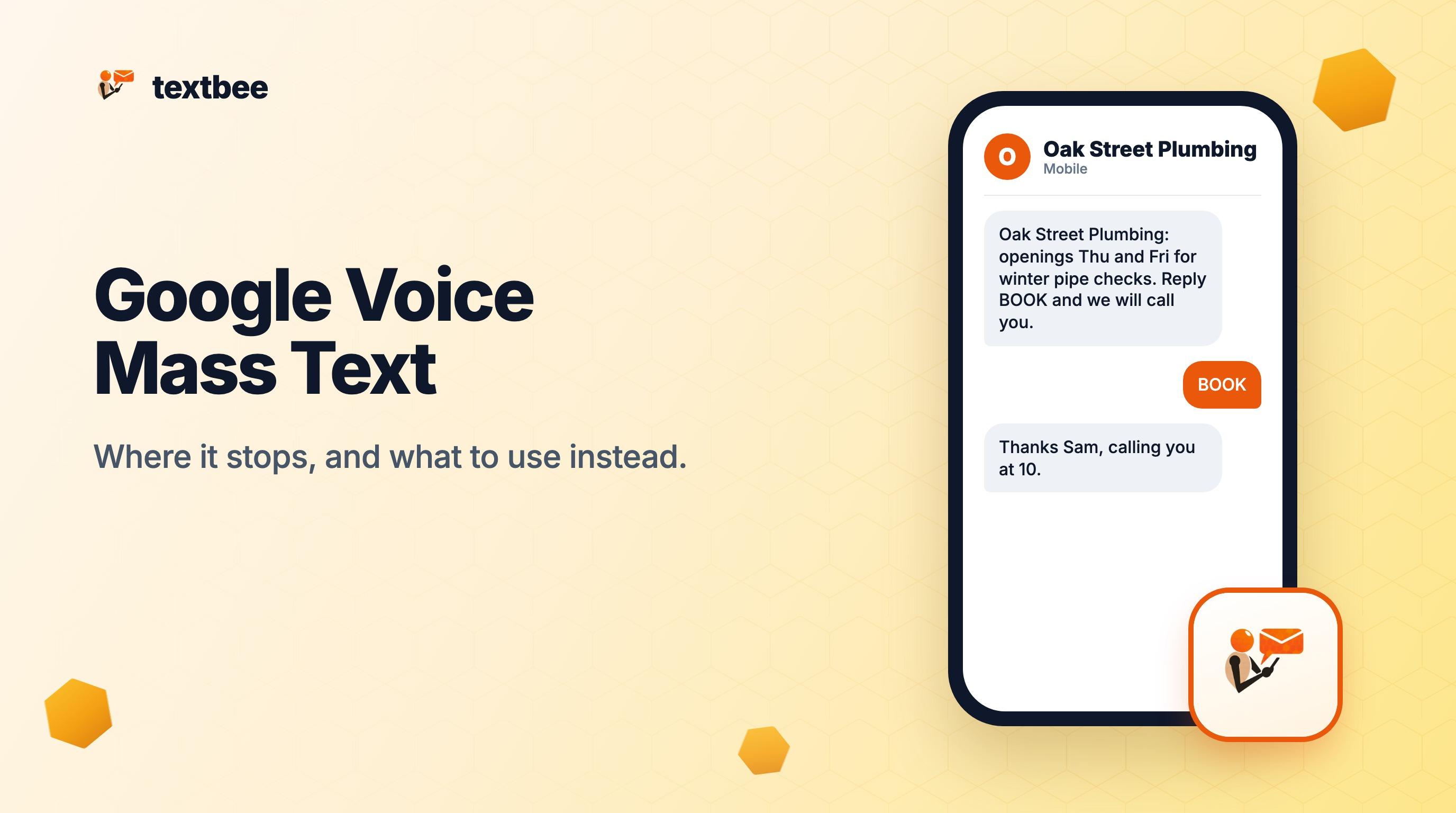
    "message": "Oak Street Plumbing: we have openings this Thursday and Friday for winter pipe checks. Reply BOOK and we will call you. Reply STOP to opt out."
  }'
The response includes an smsBatchId. Pass it to GET /gateway/messages?smsBatchId=... to see the status of each text, and read replies from the same endpoint with direction=received.
A note on pacing. The phone sends one text at a time, with a 5 second gap by default (Settings > Send Delay in the app). That works out to about 10 to 15 texts a minute, so 200 contacts take 15 to 20 minutes. Your phone and your carrier set the real ceiling: plan on hundreds to low thousands of texts a day per phone, not tens of thousands in an hour. textbee is for texting people who know you. It is not a blast tool, and a longer gap is safer for a large list.
How to keep your number from being flagged
These habits apply to any sender. They are Google's spam signals, turned around.
- Pace your sends. Spread a large list over hours, not minutes. Keep the default send delay, or raise it for a large list.
- Personalize every text. Use the person's name and one real detail: the date of their last visit, their service, their appointment time. Identical text to many numbers is the first item on Google's list for a reason.
- Text only people who opted in. Customers who gave you their number and expect your texts reply and do not report. Strangers report. Name your business at the start of the message so people know who is texting.
- Honor STOP right away. Say "Reply STOP to opt out" in the first message, and remove anyone who replies STOP before your next send. A recipient who cannot opt out reports the number instead.
- Keep links rare. Put a link only where it does a job, such as a booking page. A text that asks for a reply ("Reply BOOK") often works better than a link and gets more replies.
- Ask for replies. A number that gets answers looks like a business talking to customers. The follow-up text templates give you short messages that invite a response.
Frequently asked questions
Can Google Voice send bulk texts?
No. A group message holds up to 7 recipients plus you, and Google says Voice messaging is "not intended for bulk messaging." The Acceptable Use Policy bans sending messages in bulk or by script (Google Voice Help, checked October 2026). Sending the same text to many people one by one is also a pattern Google lists as a reason to block.
Is there a Google Voice API?
Google does not publish a texting API for Google Voice (checked October 2026). The Acceptable Use Policy also bans "sending messages via an automated process, such as a script," so third-party tools that automate the Voice web app put your account at risk. For texting from code, use an SMS API such as Twilio or textbee's POST /gateway/send-sms.
Does Google Voice for Workspace allow marketing texts?
The paid plans (Starter $10, Standard $20, Premier $30 per user a month, checked October 2026) include unlimited texting for conversations. Google's texting help page does not carve out paid plans: messaging is "intended only for interactive conversations," and many texts in a short period can restrict the account. For marketing to a list, use a cloud texting tool or a gateway.
What is the best Google Voice alternative for business texting?
It depends on your list and who owns the number. For campaigns to thousands of opted-in contacts, a cloud texting tool such as EZ Texting (from $25 a month for 500 credits, checked October 2026) fits. To text a few hundred customers from the mobile number they already know, textbee sends from your own Android phone on a flat plan, free for 300 messages a month.
Can I keep my Google Voice number?
Yes, you can port it to a mobile carrier. In Google Voice, open Settings > Account and click Unlock under the number. Unlocking costs $3, or nothing if the number was originally ported in from another carrier (Port your Google Voice number, checked October 2026). Then ask your new carrier to port the number. Once it is on a SIM in an Android phone, textbee can send from it.
Next steps
- Text your customers: how small businesses send one text to a whole list from their own number
- Send SMS from your computer: pair a phone and send from any browser
- Text multiple people without a group message: private texts on iPhone, Android and a computer
- Follow-up text after no response: 25 templates that get replies
Get more textbee in Google Search
Add textbee.dev as a preferred source. Our posts show up more often in your Google results.
You may also like
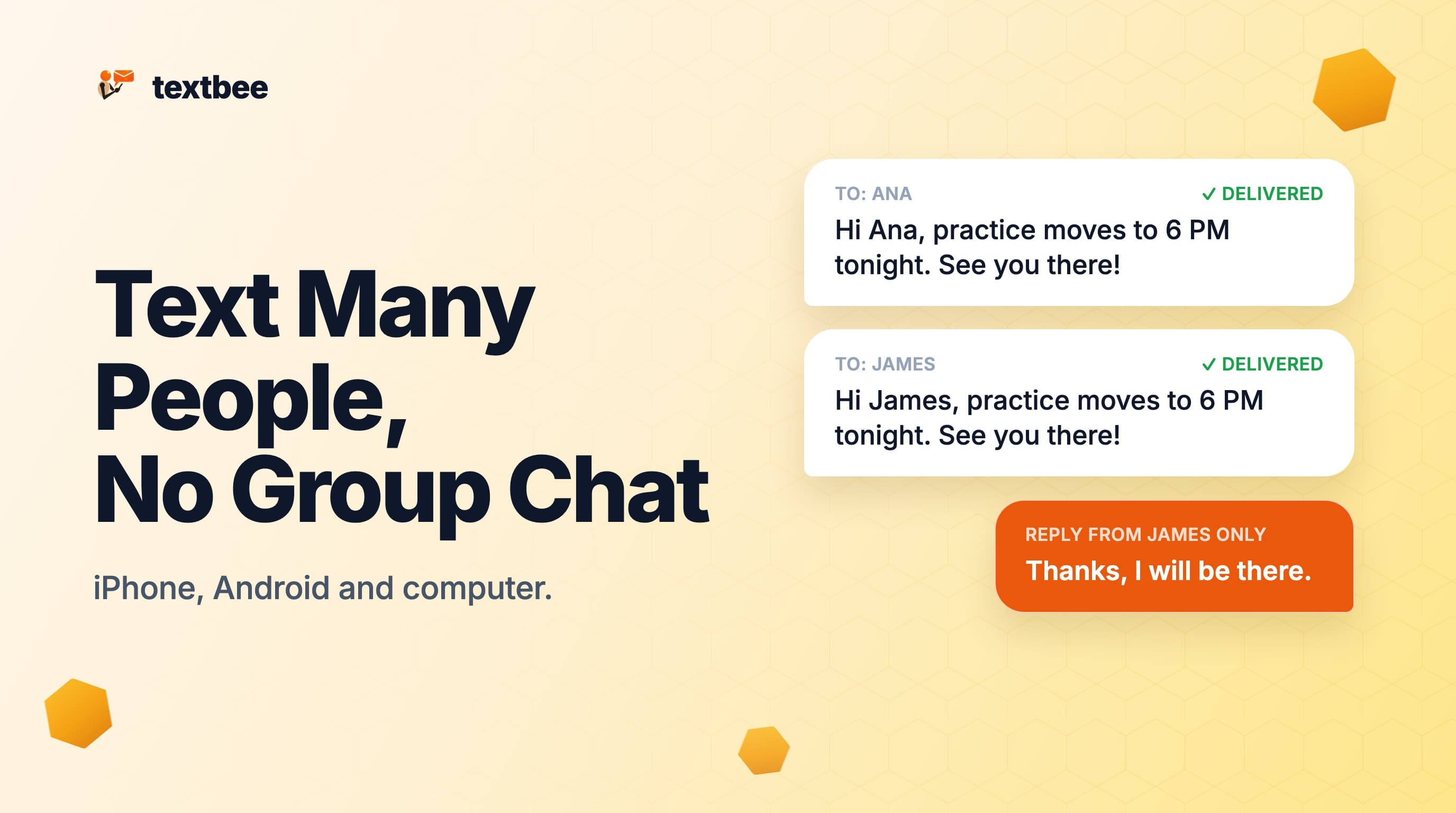
How to Text Multiple People Without a Group Message (iPhone, Android and Computer)
Send one text to many people so each gets a private message and replies come back only to you. Steps for iPhone, Android and a computer with a spreadsheet.
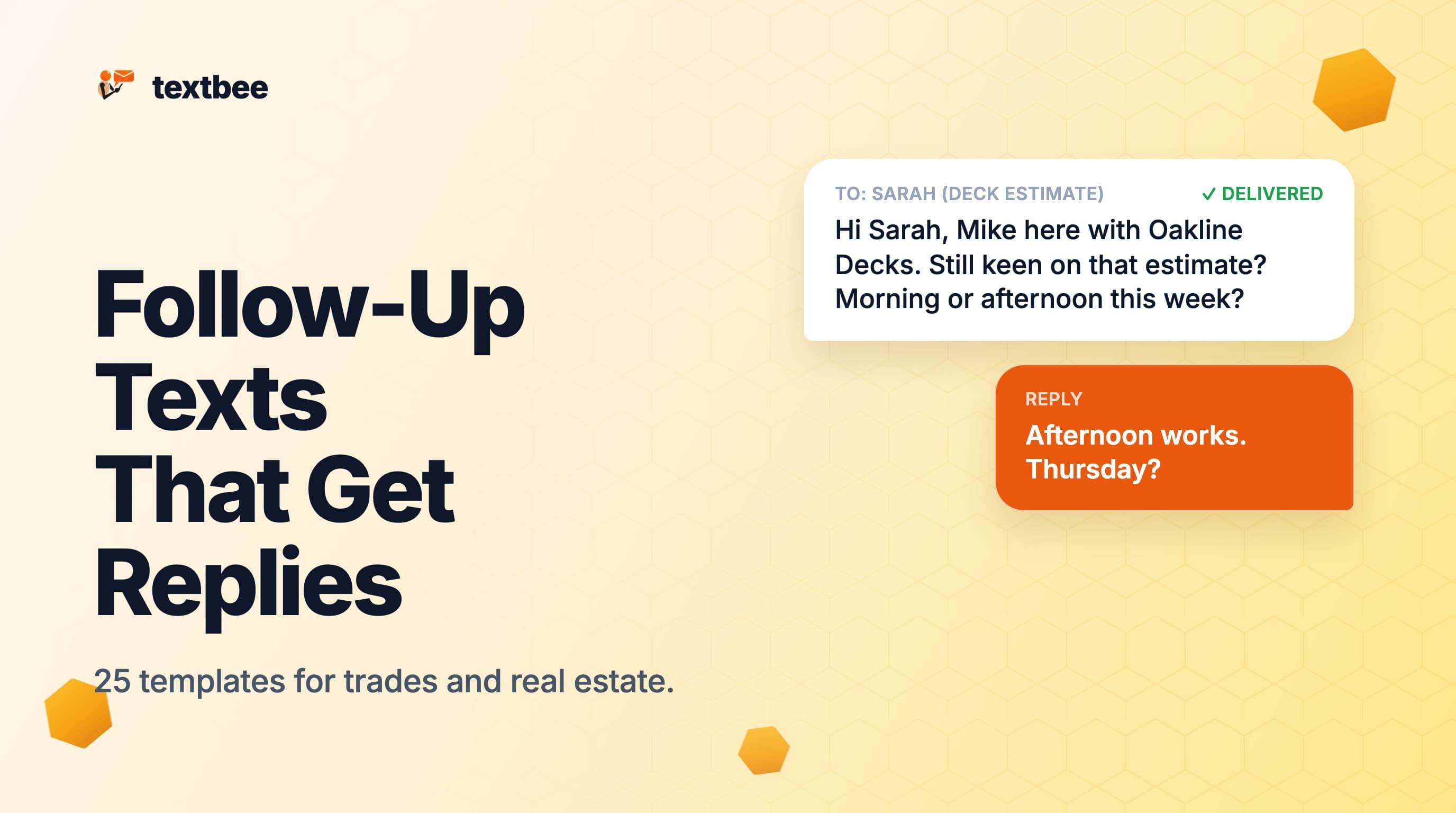
Follow-Up Text After No Response: 25 Templates for Small Businesses
25 follow-up text templates for leads who went quiet, after an estimate, a site visit or a viewing, each one SMS segment, plus a schedule for when to send.

Bulk SMS for Developers: Send Personalized Mass SMS Free with textbee
Send bulk SMS with textbee: the recipients array, CSV lists, personalized templates, per-recipient delivery status, and honest throughput limits.